


.svg)


.svg)
- Tech companies need tools built for hybrid, distributed teams, not traditional office management
- Integration depth (Slack, Teams, SSO, APIs) matters more than feature count
- Utilization analytics separate strategic platforms from glorified booking calendars
- The best tools reduce friction for engineers and ops teams alike
- Picking the wrong platform costs you adoption, not just money
Tech companies don't have a shortage of office management tools to choose from. They have a shortage of tools built for how they actually work: distributed teams, async-first cultures, engineers who'll abandon anything that adds friction, and real estate footprints that shift every quarter. This guide compares the platforms worth evaluating in 2026, with honest notes on where each one fits and where it doesn't.
Why tech companies need a different kind of office management tool
Most office management software was designed for a world where everyone showed up Monday through Friday. That world is gone. Over 70% of companies now invest in digital tools to improve productivity and collaboration, but the tools themselves vary wildly in how well they handle the realities of hybrid and distributed work.
Tech companies face a specific set of problems. Your workforce is spread across cities, sometimes countries. Your engineers don't want to open another app. Your workplace team needs data to justify every square foot of leased space. And your CFO wants to know why you're paying for desks that sit empty three days a week.
A generic booking tool won't solve those problems. What you need is a platform that handles desk and room reservations, yes, but also gives you utilization analytics, visitor management, calendar integration, and enough API surface area to plug into your existing stack. The gap between "desk booking app" and "office management platform" is the gap between a tactical band-aid and a strategic system.
If you're still evaluating whether your company even needs hybrid work technology, you're probably already behind. The question now is which platform fits your team's size, structure, and culture.
Features that actually matter for tech teams
Feature lists on vendor websites all start to blur together. Here's what separates the tools that get adopted from the ones that get abandoned after a quarter.
Slack and Teams integration (native, not bolted on). Nearly 70% of organizations want booking systems that interoperate with their communication and calendar tools. For tech teams, "interoperate" means native. If your engineers have to leave Slack to book a desk, they won't book a desk. Look for tools where the booking flow lives inside the tools people already use, not in a separate web app they'll forget exists.
Real-time occupancy data and analytics. Companies that use workplace analytics report a 32% reduction in underutilized space. That's not a rounding error; it's potentially millions in real estate savings. But the analytics need to be actionable, not just dashboards you screenshot for a quarterly review. The best platforms let you export data via API, build custom reports, and feed occupancy signals into your BI tools.
SSO and HRIS integration. Tech companies run on Okta, Azure AD, Google Workspace. If your office management tool can't plug into your identity provider, you're creating a security gap and an adoption barrier simultaneously. Same goes for HRIS sync: you don't want to manually update employee rosters every time someone joins or leaves.
Mobile-first design. This sounds obvious, but plenty of tools still treat mobile as an afterthought. Your team needs to book a desk from their phone on the train, not from a desktop browser at 9 AM.
API access. This is the one that separates tools built for tech companies from tools marketed to them. If you can't pull booking data into your data warehouse, trigger automations, or build custom workflows, you're locked into whatever the vendor decided you need. For a deeper look at what workplace technology trends are worth paying attention to, we've covered that separately.
Visitor management. Your visitor sign-in process says something about your company. A paper logbook says "we haven't thought about this." A clunky iPad app says "we tried, sort of." The best platforms handle visitor pre-registration, badge printing, host notifications, and compliance logging without requiring a separate system.
Top office management tools for tech companies in 2026
Let's get into the actual tools. I'm covering eight platforms that tech companies are actively using or evaluating right now. For each, I'll note what it does well, where it falls short, and what kind of team it's best suited for.
Gable Offices
Best for: Mid-to-large tech companies with distributed or multi-office teams.
Gable Offices handles desk booking, meeting room scheduling, visitor management, and utilization analytics in a single platform. The differentiator for tech teams is the combination of owned-office management with access to 20,000+ on-demand flex spaces globally, which means your distributed employees aren't left out of the system. Native Slack and Teams integrations, SSO support, and an analytics layer that includes AI-powered insights. Pricing starts at $3/seat/month, which is transparent compared to most competitors that hide pricing behind a "contact sales" wall.
Where it's strong: Unified platform (no stitching together point solutions), global flex space access, advanced analytics with API export, and a Gathering Report that shows whether people are actually collaborating when they come in.
Where to probe: If you're a 20-person startup with a single office, the distributed-team features may be more than you need right now.
Robin
Best for: Mid-size companies focused primarily on desk and room booking.
Robin has been in the space for years and does desk booking and room scheduling well. The interface is clean, and it integrates with major calendar platforms. It's a solid choice if your primary need is reservation management and you don't need deep analytics or flex space access.
Where it's strong: Intuitive UX, good room display integrations, established product.
Where to probe: Analytics depth, visitor management capabilities, and whether it scales well for multi-city deployments. For a detailed comparison, see our Robin alternatives breakdown.
Envoy
Best for: Companies where visitor management is the primary use case.
Envoy built its reputation on visitor management and has expanded into desk booking and room scheduling. If your biggest pain point is managing guests, contractors, and compliance at the front desk, Envoy is worth evaluating. The desk booking features are newer and less mature than dedicated booking platforms.
Where it's strong: Visitor experience, compliance logging, delivery management.
Where to probe: Desk booking depth, analytics capabilities, and pricing at scale. We've written a more detailed Envoy alternatives analysis if you want the full picture.
OfficeSpace
Best for: Large enterprises with complex floor plans and space planning needs.
OfficeSpace leans heavily into visual floor plans and space planning. If you're managing a large HQ with hundreds of desks and need to visualize and reorganize layouts frequently, it's a strong contender. The platform also includes desk booking and some analytics.
Where it's strong: Floor plan visualization, move management, space planning.
Where to probe: Integration depth with modern tech stacks (Slack native experience, API flexibility), and whether the UX feels modern enough for engineering teams. Our OfficeSpace alternatives guide covers this in more detail.
Kadence
Best for: Teams focused on hybrid coordination and "who's in the office" visibility.
Kadence positions itself around hybrid scheduling and team coordination. The core idea is helping people see when their teammates plan to be in the office so they can coordinate in-person days. It's a focused tool that does coordination well.
Where it's strong: Team visibility, hybrid scheduling, clean interface.
Where to probe: Analytics depth, visitor management, and scalability for multi-office setups. See our Kadence alternatives review for a deeper comparison.
Skedda
Best for: Small to mid-size teams that need straightforward room and desk booking.
Skedda is a booking-focused tool with a clean interface and reasonable pricing. It handles room and desk reservations without a lot of complexity. If you're a smaller team that doesn't need enterprise analytics or visitor management, it's a pragmatic choice.
Where it's strong: Simple setup, affordable, good for single-location teams.
Where to probe: Enterprise features, analytics, integrations beyond calendar sync.
YAROOMS
Best for: Companies in regulated industries that need compliance-focused workspace management.
YAROOMS offers desk booking, room scheduling, and workplace analytics with a focus on compliance and reporting. It's particularly popular in Europe and with companies that have strict data residency requirements.
Where it's strong: Compliance features, data residency options, reporting.
Where to probe: Slack/Teams native experience, UX polish, and whether the integration ecosystem matches your tech stack.
Joan
Best for: Teams that want excellent meeting room display hardware alongside software.
Joan started as a meeting room display company and has expanded into booking software. If you want a unified hardware-software experience for your conference rooms, Joan is worth a look. The displays are sleek and the booking flow is tight.
Where it's strong: Room display hardware, meeting room booking UX.
Where to probe: Desk booking maturity, analytics depth, and whether you need a full platform or just a room booking solution.

Want a deeper feature-by-feature comparison across more platforms? Our full guide covers pricing, integrations, and use cases for every major tool.
Read the guide
How to compare these tools without losing your mind
Feature matrices are useful, but they don't tell you whether a tool will actually get adopted. Here's a framework that works better for tech companies.
Start with your integration requirements, not your feature wishlist. List every system your office management tool needs to talk to: Slack, Teams, Google Calendar, Outlook, Okta, your HRIS, your BI platform. Then check which tools offer native integrations versus "we have a Zapier connector." Native matters. Zapier breaks.
Test the booking flow with your most skeptical engineer. Seriously. If they find it annoying, your adoption rate will plateau at 30%. The booking experience should take fewer than three taps on mobile. Anything more and people will just show up and grab whatever desk is open, which defeats the purpose of having a system.
Ask about analytics export, not just analytics dashboards. Dashboards are nice. API access to raw booking and occupancy data is better. Your workplace team needs to build custom reports, your finance team needs to model real estate scenarios, and your data team needs to feed signals into broader company analytics. If the tool only offers pre-built reports, you'll outgrow it fast.
Evaluate visitor management as part of the platform, not as a separate purchase. Meeting room bookings surged 22% according to Cushman & Wakefield, and more meetings mean more external visitors. If your office management tool doesn't handle visitors, you'll end up buying a second tool and managing two systems. That's how tool sprawl starts.
Check multi-office support early. If you have offices in two cities today, you'll probably have three next year. Tools designed for a single HQ often struggle with multi-location permissions, time zones, and location-specific policies. If you're managing multiple office locations, this isn't a nice-to-have.
Getting ROI from office management tools (not just buying them)
Buying the tool is the easy part. Getting value from it requires intentional rollout and ongoing measurement.
Measure utilization before and after. Typical meeting room utilization benchmarks sit around 60-75% of booked hours versus available hours, with rates below 50% suggesting rooms could be right-sized. If you don't know your baseline, you can't measure improvement. Run two weeks of manual observation or badge data analysis before you deploy anything.
Set adoption targets, not just deployment dates. "We launched the tool" is not a success metric. "80% of employees booked through the platform in month two" is. Track weekly active users, booking completion rates, and no-show percentages. If adoption stalls, the problem is usually friction in the booking flow or lack of integration with daily tools.
Use the data to make real estate decisions. This is where the ROI actually lives. If your analytics show that Floor 3 never exceeds 40% occupancy on any day, that's a floor you can consolidate, sublease, or renegotiate. If Tuesday through Thursday consistently peak (and 98% of employers see exactly), you can right-size for peak days and offer flex space access for the rest. For a framework on tracking these numbers, our workplace ROI metrics guide breaks down the five metrics that matter most.
Don't skip change management. Tech teams respect transparency and data, not mandates. Show people why the tool exists (we're wasting $X on empty space), how it benefits them (you can see when your team is in before you commute), and what happens with their data (we track utilization, not surveillance). If you skip this step, you'll get passive resistance disguised as "I forgot to book."
Desk booking, room scheduling, visitor management, and utilization analytics in one platform, with access to 20,000+ flex spaces for distributed teams.
Learn more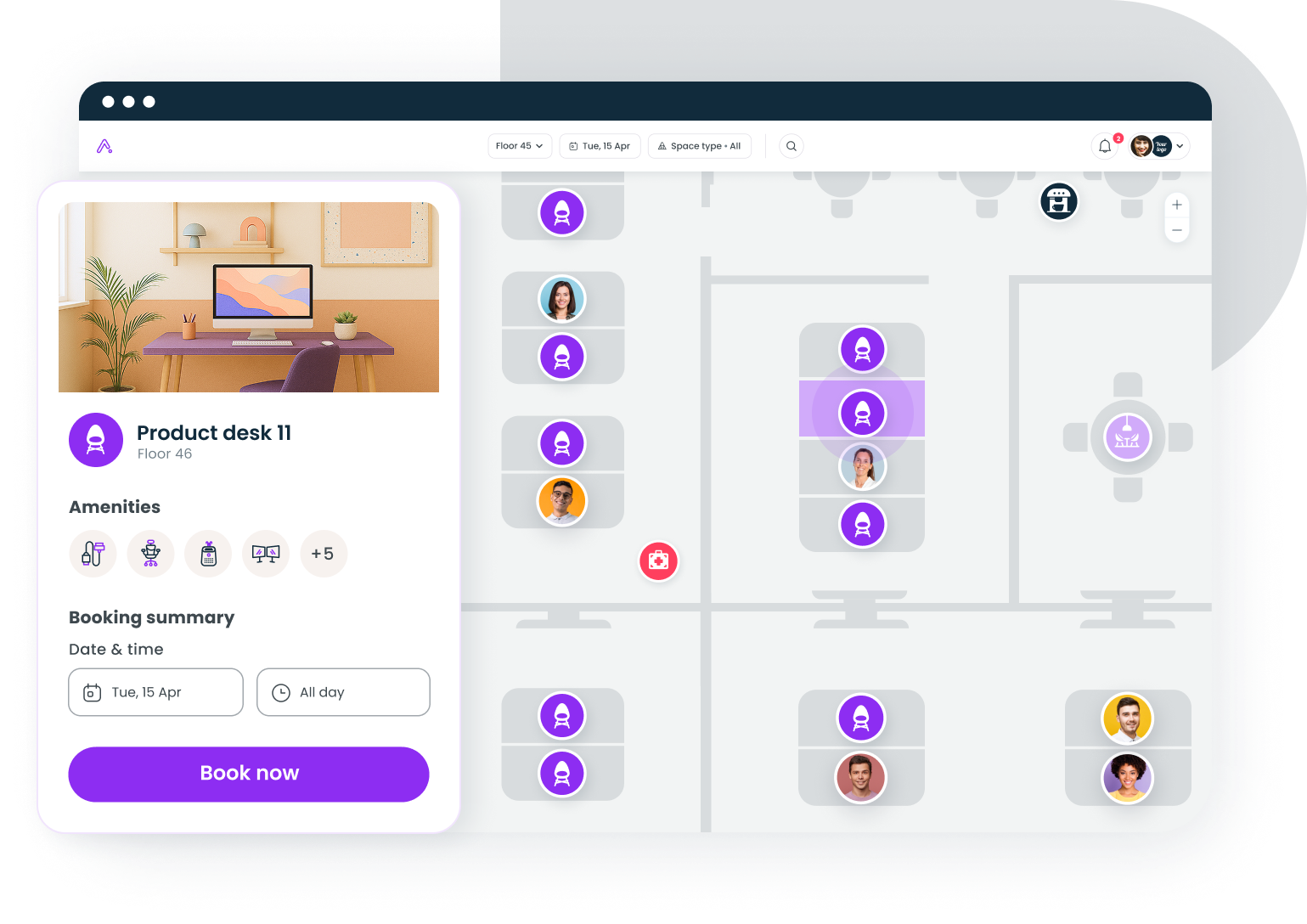
Integration depth: The make-or-break factor for tech teams
I want to spend more time on integrations because this is where I see tech companies make the most expensive mistakes.
Calendar sync is table stakes. Every tool on this list syncs with Google Calendar and Outlook. The question is how well. Does a room booking automatically create a calendar event with the room location? Does canceling the calendar event release the room? Does the system detect ghost meetings (events with no attendees) and free up the space? These details determine whether the tool reduces friction or adds it.
Slack and Teams integration has levels. Level one: the tool sends notifications to Slack. Level two: you can book a desk from a Slack command. Level three: the tool surfaces "who's in the office today" in a Slack channel your team already checks. Most tools are at level one or two. Few are at level three. Ask for a demo of the actual Slack experience, not a screenshot.
HRIS sync prevents data rot. If your office management tool doesn't sync with your HRIS (BambooHR, Workday, Rippling, whatever you use), someone on your ops team is manually adding and removing employees. That person will fall behind within a month. Former employees will have active accounts. New hires won't be in the system. This sounds minor until it becomes a security issue. We've covered HRIS integration approaches in more detail if you want the tactical playbook.
API access is non-negotiable for data teams. Your workplace data is valuable beyond the office management tool itself. Booking patterns correlate with team productivity. Occupancy trends inform real estate strategy. Visitor data feeds into security and compliance reporting. If you can't get this data out via API, it's trapped in a silo. Ask every vendor: "Can I pull raw booking data into Snowflake/BigQuery/Databricks?" If the answer is "we have a CSV export," that's not the same thing.
Common mistakes tech companies make when choosing office management tools
I've watched enough tech companies go through this process to spot the patterns.
Mistake 1: Picking the tool your facilities team likes without checking if engineers will use it. Facilities teams evaluate features. Engineers evaluate friction. These are different lenses, and the engineer's lens predicts adoption. Include at least two or three ICs in your evaluation process.
Mistake 2: Buying a point solution when you need a platform. You start with desk booking. Then you need room scheduling. Then visitor management. Then analytics. If you bought four separate tools, you now have four logins, four data silos, and zero unified view of your workplace. The build vs. buy decision applies here too: buying a platform upfront is almost always cheaper than stitching together point solutions later.
Mistake 3: Ignoring the distributed team problem. If 30% of your workforce is remote or in satellite offices, your office management tool needs to serve them too. That might mean on-demand coworking access, or it might mean team coordination features that help distributed employees plan their in-office days. Tools designed only for HQ leave a third of your company out.
Mistake 4: Skipping the policy conversation. No tool can compensate for an unclear workplace policy. Before you deploy anything, decide: Are specific days mandatory? Who can book what? What happens to no-shows? The tool enforces the policy; it doesn't create it.
Mistake 5: Treating analytics as a phase-two feature. "We'll worry about data later" is how you end up with 18 months of booking history in a tool that can't export it. Analytics should be a day-one requirement, not a roadmap item.
The bottom line on office management tools for tech companies
The right tool depends on your specific situation. A 50-person startup with one office has different needs than a 5,000-person company with teams in twelve cities. But across the board, the tools that succeed in tech companies share a few traits: they integrate deeply with the existing stack, they reduce friction instead of adding it, they produce data that drives real estate decisions, and they serve distributed teams, not just headquarters.
Don't over-index on feature count. Index on adoption likelihood, integration depth, and analytics quality. Those three factors predict whether your office management tool becomes infrastructure or shelfware.
Book a 30-minute demo to see how tech companies use Gable to manage hybrid offices, book flex spaces, and make data-driven real estate decisions.
Get a demo


