


Let's Talk
The future of work is here. Learn how Gable can help your team work better together, from any location.
Room Scheduling Software
Meeting Room Booking & Scheduling Software
Book meeting rooms effortlessly, improve space utilization, and help teams collaborate better—all with powerful scheduling tools that keep the process simple and stress-free.

Boost collaboration by 30%
Cut unused space by 25%
Get actionable workspace data

.png)
Gable is Trusted by


.svg.png)


.png)


Find and book the perfect room
Search, filter, and reserve in seconds. Invite guests, choose amenities, and book on the go—on desktop or mobile.
Get a demo

.png)

Understand how rooms are used
Track bookings, check-ins, and utilization across locations. Get the data you need to right-size meeting spaces and cut waste.
Get a demo
Book from your favorite apps
Integrate room scheduling directly into Microsoft Teams, Outlook, Google Workspace, and Slack to keep workflows frictionless.
Get a demo
.png)
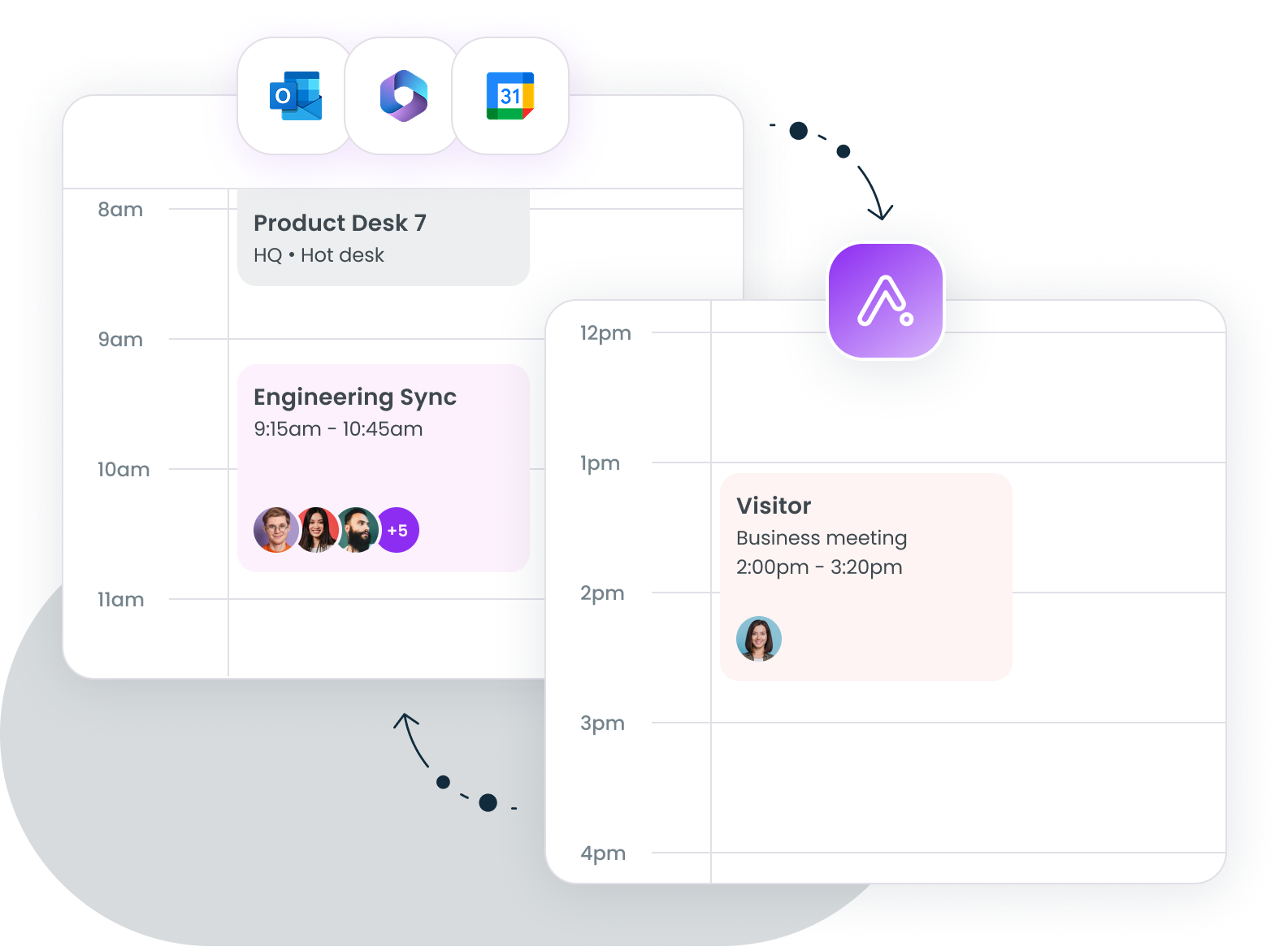
Stay in sync across calendars
Two-way calendar sync prevents double bookings and keeps meeting schedules aligned across Microsoft 365, Outlook, and Google Workspace.
Get a demo
Key features

Quick book
Reserve any available conference room instantly for the times you need

Auto-release
Free up cancelled or no-show bookings automatically

Check-in Reminder
Get notifications to confirm your reservation and reduce ghost bookings

Advanced Booking
Allow employees to schedule rooms days or weeks in advance for better planning

Conference Room Amenities
Add and display amenities (e.g., whiteboards, video conferencing) so teams can book the right space

Analytics
Gain insights into utilization, occupancy, and meeting patterns with easy-to-use dashboards

Mobile app
Book, modify, or check into meetings right from your phone

Seamless integrations
Connect with HRIS, SSO, access control systems (Brivo, Verkada), Slack, Outlook, Google Calendar, and Microsoft Teams
Integrate with your current tech
Gable integrates with Microsoft Teams, Slack, Microsoft Outlook, and Google Calendar, so your team members can reserve desks and rooms smoothly and efficiently. We work where you work.


What customers have to say

“We're able to see the actual utilization of our office. How many people intend to come in and actually come in. This makes it easier for us to make future decisions about our real estate and hybrid policies."

.png)
"Gable has driven significant cost savings for us, providing customized controls that
dictate how and where teams book, enabling greater accountability and real-time cost tracking."
dictate how and where teams book, enabling greater accountability and real-time cost tracking."


“We're able to use Gable to help track headcount in our offices, which is great as we continue to know how we can rightsize our real estate footprint in a way that serves our community in the best way.”

FAQs
Can admins book rooms on behalf of employees?
Yes. Workplace admins can reserve meeting rooms (and desks) on behalf of employees, which is useful for coordinating team meetings, visiting employees, or executive assistants managing a leader's schedule.
Can I set up recurring room bookings?
Yes. Gable's Advanced Booking lets employees schedule rooms days or weeks ahead, including recurring meetings, so standing syncs don't need to be re-booked every week.
Can I search rooms by capacity or headcount?
Yes. Gable's room booking lets you search and filter by capacity, along with amenities (monitors, phone booths, AV, etc.) and location, so you can quickly find a room that fits your group size. Availability shows live on the interactive floor plan.
Can I cancel or reschedule a room booking easily?
Yes. Bookings can be modified or cancelled in a few clicks from desktop or the Gable mobile app, and Auto-release frees up the room automatically if it's cancelled or goes unused.
How long does room scheduling software take to set up?
Most teams are up and running within days, not weeks. Gable syncs directly with Microsoft Outlook, and Google Workspace, so your existing rooms and calendars sync in without manual setup.


.svg)
