.svg)


.svg)
- AI room scheduling auto-releases rooms when meetings don't start, killing ghost bookings
- Most offices use only 45-65% of meeting room capacity during peak hours
- Setup takes two to four weeks; full adoption takes six to eight
- Start with calendar sync and no-show automation before adding advanced features
- Utilization data from AI scheduling directly informs real estate decisions
Meeting rooms are the most fought-over, least efficiently used resource in most offices. AI room scheduling fixes this by using machine learning and calendar integration to predict demand, auto-release no-shows, and match teams to the right space. If you're still relying on manual booking or basic calendar holds, this guide walks you through how to implement it, step by step.
What AI room scheduling actually is (and isn't)
A traditional booking system shows you which rooms are free. That's it. AI room scheduling does three things traditional systems don't: it predicts which rooms will actually be needed based on historical patterns, it automatically releases rooms when meetings don't happen, and it recommends the best-fit space based on meeting size, equipment needs, and location.
The distinction matters because meetings cost $375 billion, and a significant chunk of that waste comes from rooms sitting empty after someone booked them "just in case." If you're managing a hybrid workplace strategy, the problem compounds. People book rooms on days they might come in, then work from home instead.
Why this matters more in 2026 than it did in 2023
Three years ago, most companies were still figuring out their hybrid policies. Now the policies exist, but the infrastructure hasn't caught up. Tech firms book 45-65% during peak hours, which means even at the busiest times, a third or more of your booked rooms are sitting empty or underused.
That gap between booked and used is expensive. If you're paying $800 per square foot annually in a major metro and 35% of your meeting rooms are ghost-booked on any given day, you're burning real money on space nobody's using. Understanding your office space utilization is the first step. AI room scheduling is what actually closes the gap.
The market agrees this is where things are heading. Scheduling software hits $1.5B by 2032, growing at nearly 16% annually. That's companies voting with their budgets.
Five problems AI room scheduling solves
Before jumping into implementation, it helps to know exactly what you're solving for. Not every office has the same pain points, but most have at least three of these five.
Ghost bookings. Someone reserves a room at 2 PM on Monday. They get pulled into another meeting, work from home, or forget. The room sits empty, but nobody else can book it. AI scheduling detects when a meeting doesn't start (via calendar check-ins, sensor data, or app confirmation) and releases the room automatically, typically within 10-15 minutes.
Booking conflicts. Two teams show up for the same room at the same time. This happens more than it should, especially when people book through different tools. AI reduces conflicts 80% by centralizing availability and resolving overlaps before they happen.
Wrong-sized rooms. A two-person check-in happens in a 12-person boardroom because it was the first available slot. AI matches meeting size to room capacity, freeing up large rooms for groups that actually need them. If you're thinking about collaboration space design, this data tells you what sizes your teams actually use.
Admin time drain. Workers spend four hours just coordinating meetings. For someone earning $100 an hour, that's $400 in lost productivity every week. AI handles the logistics: finding available rooms, sending invites, adjusting when conflicts arise.
Blind real estate decisions. Without utilization data, you're guessing how much space you need. AI scheduling generates continuous data on which rooms get used, when, and by whom. That feeds directly into workplace analytics that justify keeping, cutting, or reconfiguring space.

Comparing platforms? Here's a breakdown of the top room booking tools, including AI capabilities, integrations, and pricing.
Read the guide
Step-by-step: setting up AI room scheduling in your office
Most teams can get a basic system running in two to four weeks, with full adoption in six to eight. Here's how.
Step 1: Audit your current booking method
Before you change anything, document what you have. Are people booking through Outlook? Google Calendar? A shared spreadsheet? Slack messages to the office manager? You need to know every channel rooms get reserved through, because any channel you miss becomes a source of double-bookings later.
Write down: how many rooms you have, their capacity, what equipment is in each one, and who currently manages the booking process. If you don't have a clear office floor plan with room details mapped, now's the time to create one.
Step 2: Choose a platform with the right integrations
You need a system that connects to your existing calendar (Outlook, Google Workspace, or both), your communication tools (Teams, Slack), and ideally your desk booking and visitor management systems. Siloed tools create siloed data, and siloed data means your AI has an incomplete picture.
Look for: auto-release for no-shows, real-time availability dashboards, capacity-based recommendations, and utilization reporting. Gable Offices handles desk, room, and visitor management in one platform, which eliminates the integration headaches that trip up most implementations.
Step 3: Map your rooms and set booking rules
Enter every bookable space into the system with accurate details: capacity, AV equipment, whiteboard availability, accessibility features, floor location. The AI can only recommend the right room if it knows what's in each one.
Then set your policies. Do rooms require approval for bookings over two hours? Is there a maximum advance booking window? Can anyone book the executive boardroom, or is it restricted? Keep rules simple at first. You can always add complexity later.
Step 4: Connect your calendar systems
This is where most of the technical work happens, and it's usually simpler than people expect. Modern platforms offer native integrations with Microsoft 365 and Google Workspace. The key is ensuring two-way sync: bookings made in the scheduling platform show up on personal calendars, and calendar events with room assignments flow back into the platform.
Test this thoroughly before rolling out. A sync delay of even five minutes can cause conflicts during back-to-back meeting blocks.
Step 5: Configure AI-specific features
Now you're past basic booking and into the smart layer. Set up:
- Auto-release timing. How long after a meeting's start time should the system wait before releasing an unclaimed room? Ten to fifteen minutes is standard.
- Buffer times. Add five-minute gaps between bookings so people aren't walking into rooms where the previous meeting is still wrapping up.
- Smart recommendations. Enable the AI to suggest rooms based on attendee count, preferred floor, and equipment needs.
- Recurring meeting optimization. Let the AI flag recurring bookings with consistently low attendance and suggest smaller rooms.
Step 6: Roll out to your team and monitor adoption
Don't launch to the entire company on day one. Start with one floor or one department. Gather feedback for two weeks. The most common complaints will be about sync issues, confusing room names, or auto-release being too aggressive. Fix those before expanding.
Send a short guide (not a 40-page manual) explaining: how to book a room, what happens if you don't check in, and where to report problems. If you're navigating broader workplace change management, fold this into your existing communication cadence rather than treating it as a separate initiative.
Common pitfalls and how to avoid them
Skipping no-show automation. Some teams turn off auto-release because a few people complained about losing their room. This defeats the purpose. Instead, adjust the timing (give people 15 minutes instead of 10) and make check-in easy (a one-tap confirmation on their phone).
Ignoring the data. AI scheduling generates a stream of utilization data. If nobody looks at it, you've built an expensive booking system, not an intelligent one. Assign someone to review room utilization monthly and flag rooms that are consistently under 30% used or over 90%.
Over-engineering policies. Approval workflows for every booking, mandatory descriptions, required attendee minimums. Each rule adds friction. Friction kills adoption. Start with the minimum viable policy set and add rules only when you have data showing a specific problem.
Forgetting multi-location complexity. If you have offices in multiple cities, your AI needs to handle time zones, location-specific room inventories, and cross-office booking for visiting employees. This is especially important if you're managing multiple office locations and want a consistent experience across all of them.
Desk booking, meeting rooms, visitor management, and utilization data in one platform. Built for hybrid teams managing real office space.
Learn more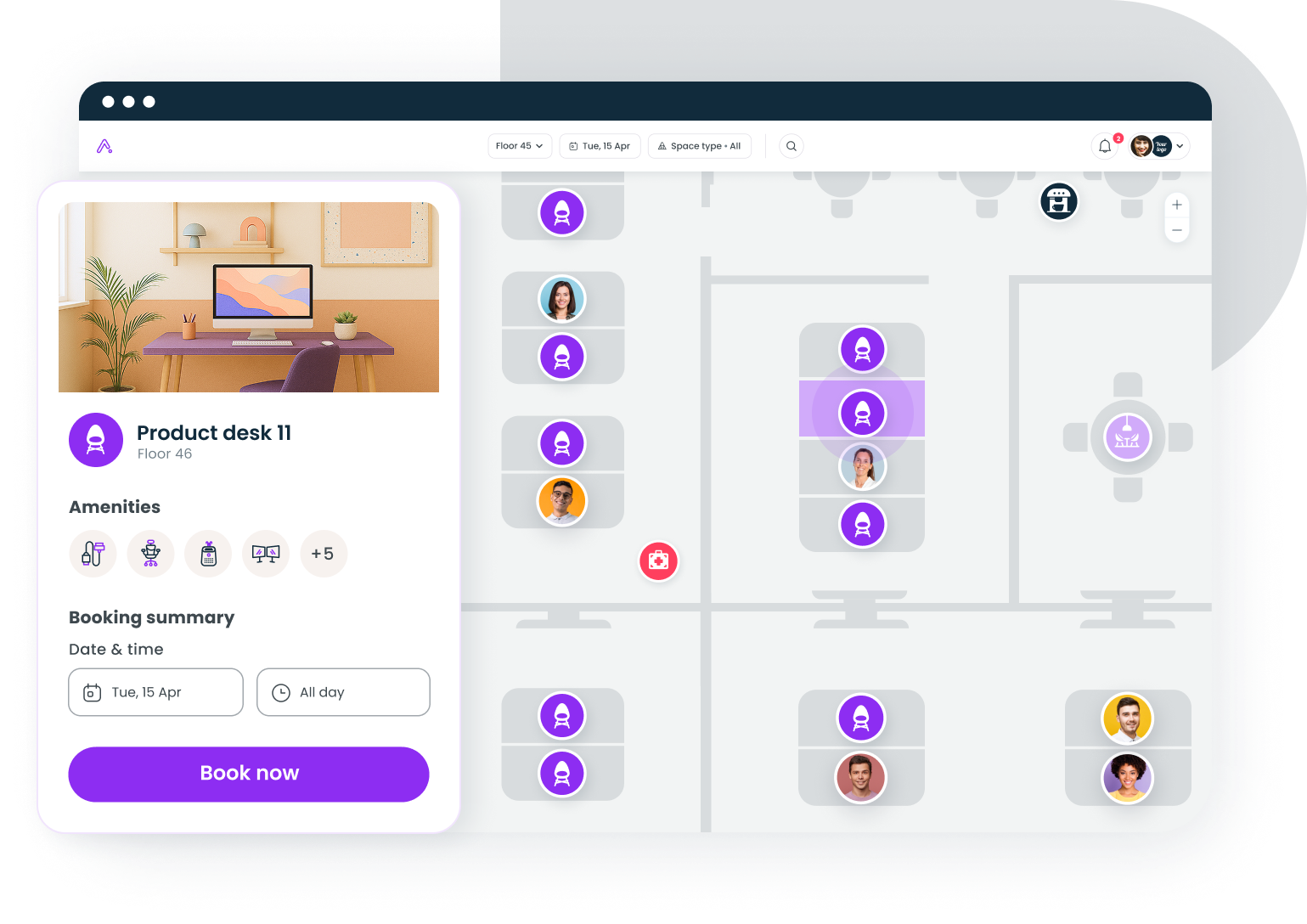
Real-world use cases for AI room scheduling
Theory is useful. Seeing how it plays out in practice is better.
Coordination days. Your design team comes in on Tuesdays and Thursdays. The AI learns this pattern and pre-suggests available rooms near their desks on those days, while making those rooms available to other teams on Monday, Wednesday, and Friday. No manual coordination needed.
Cross-office meetings. A product manager in New York needs to meet with engineers in Austin. The AI checks both office inventories, accounts for the time zone difference, and books rooms with compatible video conferencing setups in both locations.
Right-sizing your portfolio. After three months of AI scheduling data, you discover that your 10-person conference rooms are booked at 85% capacity but your 20-person rooms sit at 22%. That's a clear signal to convert one large room into two smaller ones, or to factor room mix into your next conference room setup project.
Visitor coordination. An external client is visiting for a half-day workshop. The AI books a room with the right AV setup, notifies the front desk, and reserves visitor parking, all triggered by a single booking event.
What's coming next for AI room scheduling
The current generation of AI scheduling is reactive: it responds to bookings, releases no-shows, and reports on what happened. The next generation will be predictive.
Expect to see systems that forecast room demand a week out based on calendar trends, team schedules, and even weather patterns (yes, rainy days drive higher office attendance). Voice-activated booking is already in pilot at several large enterprises, letting people say "book me a four-person room near the east wing at 3 PM" and have it done.
The bigger shift is integration. Room scheduling won't be a standalone function; it'll be one input into a broader workplace AI layer that connects space, people, and cost data. The companies building that connective tissue now will have a significant advantage when the next wave of tools arrives.
Making AI room scheduling work long-term
The technology is the easy part. The hard part is building the habit. People need to trust that the system works, that their room won't disappear unfairly, and that the AI's recommendations are actually better than their own judgment. That trust builds over time, one correctly auto-released ghost booking at a time.
Start small. Measure everything. Let the data make the case for expanding. And don't treat this as a facilities project; it's a workplace experience project that happens to involve rooms.
Gable helps hybrid teams book rooms, manage visitors, and understand how space is actually used. See how it works for your office.
Get a demo