


.svg)


.svg)
- A repeatable workplace playbook for new locations prevents months of productivity loss
- Start IT and connectivity setup 90 days before move-in, not 30
- Standardize about 80% of policies; localize the rest
- Deploy unified workplace tech across sites to avoid vendor sprawl
- Run a structured 30-60-90 optimization rhythm after every opening
Opening a second, third, or tenth office without a workplace playbook for new locations is how companies end up with inconsistent employee experiences, duplicated vendor contracts, and months of operational drag. The companies that scale well don't reinvent the process each time. They build a repeatable framework that covers everything from lease signing to the 90-day review, then refine it with each new site.
This guide walks through the seven steps that make multi-site expansion predictable instead of chaotic.
Why you need a playbook before you need a lease
Most expansion pain isn't caused by the new space itself. It's caused by the gap between what headquarters assumes will happen and what actually happens on the ground. Productivity impacts from poorly managed relocations can persist for 12 or more months. That's not a rough first week. That's a full year of underperformance.
The instinct is to focus on the physical space: furniture, layout, signage. But the real complexity lives in systems, policies, and culture. A playbook forces you to sequence those decisions correctly so your team isn't troubleshooting badge access on Day One while employees stand in the lobby.
If you're managing a hub-and-spoke office model, the playbook becomes even more critical. Every satellite location needs to feel connected to the network, not bolted on as an afterthought.
Step 1: Pre-opening readiness, the 60-day checklist
Start the clock 60 to 90 days before your target move-in date. Not because the physical build-out takes that long (though it might), but because connectivity and compliance have longer lead times than most people expect. Some ISPs take up to 90 days to connect service to a new location. If you wait until the lease is signed to call your provider, you're already behind.
Here's what the first phase covers:
Real estate and facilities
- Finalize lease terms, build-out scope, and landlord responsibilities
- Confirm furniture procurement timelines (lead times have improved since 2023, but custom orders still take 6 to 8 weeks)
- Schedule inspections for fire safety, ADA compliance, and local building codes
Connectivity and infrastructure
- Order internet service, redundant lines, and phone systems
- Coordinate with your IT team on network architecture, VPN access, and security protocols
- Plan for badge readers, access control hardware, and occupancy sensors
Compliance and insurance
- Register the business entity in the new jurisdiction if required
- Secure general liability, workers' comp, and property insurance for the new address
- Identify state or country-specific labor law requirements (posting obligations, break rules, leave policies)
Budget alignment
- Build a detailed cost model that includes one-time setup and recurring operating expenses
- Get sign-off from finance before committing to vendor contracts
- If you're weighing a traditional lease against flexible space, comparing total cost of ownership early saves painful surprises later
The goal of this phase isn't perfection. It's making sure nothing with a long lead time gets missed.
Step 2: Deploy your tech stack across locations
This is where most multi-site expansions go sideways. Each location ends up with a slightly different set of tools: one office uses a shared Google Sheet for desk booking, another has a standalone visitor kiosk, a third relies on Slack messages to the office manager. Within six months, you can't compare data across sites because nothing is standardized.
What to deploy consistently:
- Desk and room booking (same platform, same rules, same interface)
- Visitor management and pre-registration
- Badge access and security integration
- WiFi provisioning and network monitoring
- Calendar and messaging integrations (Outlook, Google Calendar, Slack, Teams)
The key principle is: deploy one system, configure it per location. You want a single platform where you can see utilization across all sites, not five dashboards that don't talk to each other. Gable's workplace management platform is built for exactly this scenario; it consolidates booking, visitor management, and analytics into one layer that replicates across locations without rebuilding from scratch.
If you're evaluating tools for the first time, building a workplace technology RFP before you talk to vendors keeps the process honest and comparable.
Deployment sequence matters. Get booking and access control live first. Visitor management and analytics can follow in week two. Don't try to launch everything simultaneously; you'll overwhelm your local site lead and create more support tickets than you can handle.

This operations playbook covers the day-to-day reality of running a distributed portfolio, from coordination to cost control.
Read the guide
Step 3: Replicate policies without copy-pasting blindly
Policy standardization is one of those things that sounds simple until you try it. Your headquarters has an attendance policy, a hybrid schedule, a visitor protocol, security procedures, and a dozen HR policies that evolved over years. You can't just email a PDF to the new site and call it done.
The 80/20 framework works well here. Standardize roughly 80% of policies across all locations. Localize the remaining 20%.
Standardize these:
- Core HR policies (anti-harassment, data protection, code of conduct)
- Security and access control protocols
- Hybrid work schedules and booking rules
- IT acceptable use and device management
- Expense and procurement approval workflows
Localize these:
- Benefits and compensation (varies by market)
- Local labor law compliance (break requirements, overtime rules, posting obligations)
- Office-specific amenities and services
- Community engagement and local team rituals
If you're operating across countries, the localization layer gets significantly more complex. Standardizing global workplace policies requires a framework that distinguishes between non-negotiable corporate standards and region-specific adaptations.
Document every policy decision in a shared, version-controlled repository. When you open your fourth location, you shouldn't be asking "what did we decide about visitor NDAs?" You should be pulling it from the playbook.
Step 4: Cultural integration without forced uniformity
Culture doesn't transfer through a handbook. It transfers through people, rituals, and shared experiences. The biggest mistake companies make when opening a new location is assuming the culture will replicate itself if they hire the right people and hang the right posters.
What to standardize:
- Company values and how they show up in daily work
- Communication norms (response time expectations, meeting etiquette, async-first principles)
- Onboarding experience for new hires at any location
- Recognition and feedback cadences
What to let the local team own:
- Social events and team rituals
- Office layout preferences within brand guidelines
- Community partnerships and local engagement
- Food, beverage, and amenity choices
Send at least one experienced team member from headquarters to the new location for the first two to four weeks. Not to supervise, but to model the culture and build relationships. Video calls don't replace the trust that forms when people share a lunch table.
Getting employee buy-in for office changes is harder when people feel like decisions were made without them. Involve the local team in choices that affect their daily experience. Let them pick the coffee machine. It matters more than you think.
Step 5: Day-one readiness, the operational handoff
Day One sets the tone. If employees arrive to find that their badges don't work, the WiFi password is wrong, and nobody knows where the supplies are, you've already lost credibility. The goal isn't a perfect office. It's a functional one where people can do their jobs without friction.
72 hours before opening:
- Test every badge, every door, every network connection
- Confirm that booking systems show the correct rooms, desks, and amenities
- Pre-provision laptops, monitors, and peripherals at each workstation
- Stock kitchen, supply closets, and common areas
- Brief the local site lead on escalation paths for IT, facilities, and HR issues
Day-One checklist:
- Welcome message from leadership (video or in-person, not a mass email)
- Guided walkthrough of the space, including safety exits and emergency procedures
- Live demo of booking tools, visitor registration, and access systems
- Team introductions, both local and cross-site via video
- Printed quick-reference card with WiFi credentials, IT support contacts, and key policies
What must be perfect on Day One:
- Internet connectivity
- Badge access to all authorized areas
- Desk and room booking
- Basic supplies and kitchen essentials
What can follow in week two:
- Signage and wayfinding refinements
- Advanced analytics dashboards
- Visitor management fine-tuning
- AV equipment calibration in conference rooms
The distinction matters. Trying to make everything perfect delays the opening. Prioritize what employees need to work; polish the rest iteratively.
From desk booking to visitor management to cross-site analytics, Gable gives you one platform that scales with every new location.
Learn more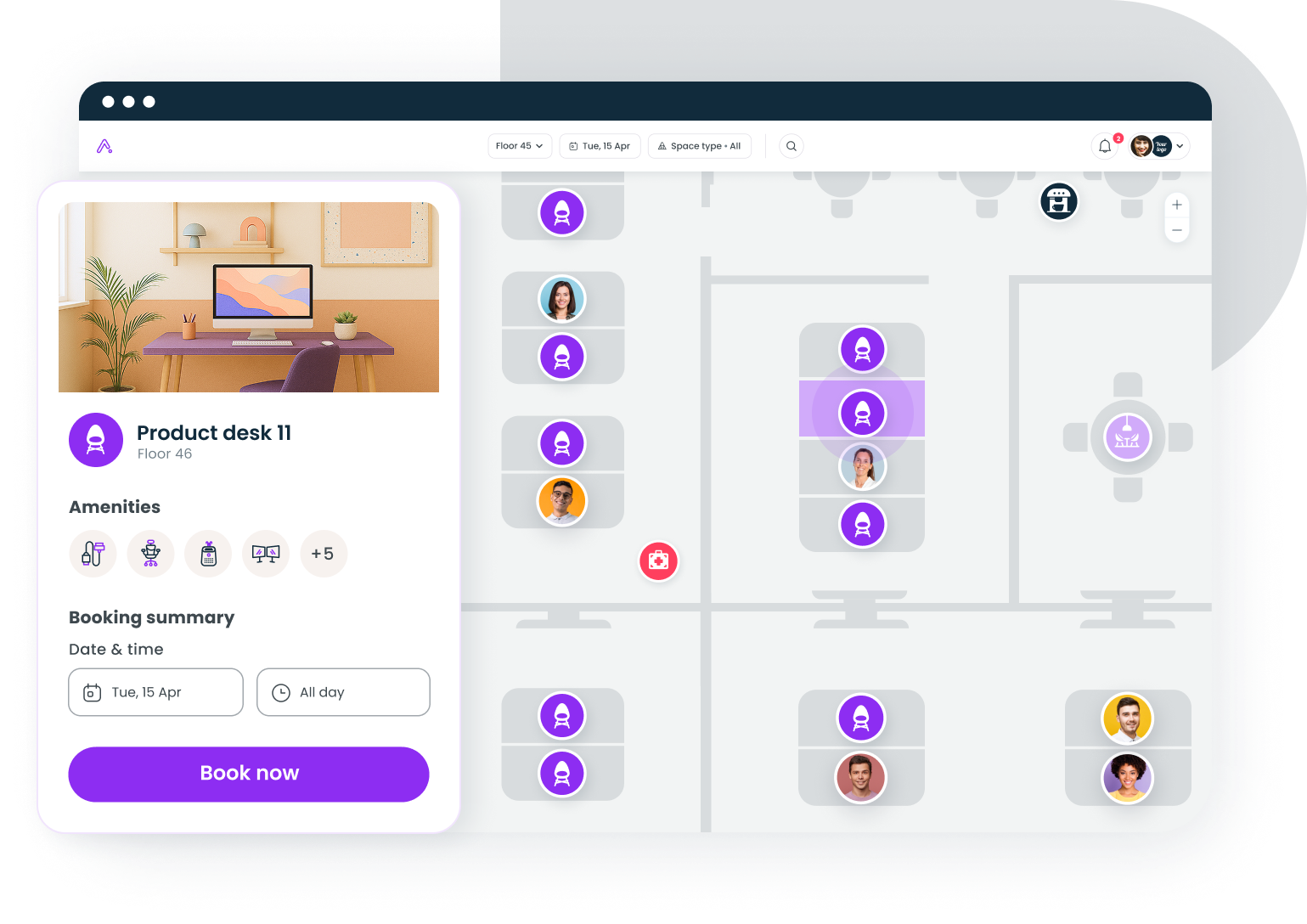
Step 6: The 30-60-90 optimization rhythm
Opening the office is the beginning, not the end. The first 90 days are when you discover what actually works versus what looked good on paper. Build a structured review cadence so issues get caught early and wins get reinforced.
Days 1 to 30: Listen and stabilize
- Collect employee feedback weekly (short pulse surveys, not 50-question marathons)
- Track support tickets by category to identify systemic issues
- Monitor desk and room utilization daily
- Fix anything that's broken. Fast response in the first month builds trust.
Running a workplace satisfaction survey in week three or four gives you a baseline before habits calcify. Don't wait until the quarterly review.
Days 30 to 60: Optimize and adjust
- Analyze utilization data to identify underused spaces and bottlenecks
- Adjust booking rules if certain rooms are perpetually overbooked or empty
- Refine hybrid schedules based on actual attendance patterns
- Address any policy gaps that surfaced during the first month
Days 60 to 90: Strategic review
- Compare the new location's metrics against your other sites
- Calculate actual cost per desk versus your pre-opening estimate
- Assess collaboration patterns: are cross-site teams actually meeting?
- Present findings to leadership with recommendations for the next quarter
72% of CRE leaders have identified cost efficiency as their top priority heading into 2026. The 90-day review is where you prove (or disprove) that the new location is delivering value. Without data, you're guessing.
This rhythm isn't just for the new site. Feed what you learn back into the playbook so the next opening is smoother. Every location should make the playbook better.
Step 7: Build replication templates for future expansions
The whole point of a playbook is that it compounds. Your second location is harder than your first because you're building the framework. Your fifth should be routine.
What to document:
- Pre-opening checklist with owner assignments and timelines
- Tech deployment runbook (step-by-step, with screenshots and configuration notes)
- Policy matrix showing what's standardized versus localized, and why
- Day-One readiness checklist with sign-off fields
- 30-60-90 review template with pre-built metrics dashboards
- Vendor contact list and contract terms for each location
- Lessons learned log, updated after every opening
Store everything in a shared workspace that's accessible to facilities, IT, HR, and leadership. A playbook that lives in one person's Google Drive isn't a playbook. It's a liability.
Over 50% of organizations globally now require three to four days in-office, which means the pressure to open well-functioning locations is only increasing. Companies that treat each opening as a one-off project will keep making the same mistakes. Companies that treat it as a repeatable process will scale faster and spend less.
If your workplace strategy calls for continued expansion, the playbook is the single most valuable document your operations team can own.
The playbook is the product
Multi-site expansion isn't a real estate problem. It's an operations problem. The lease is the easy part. The hard part is making sure that an employee in your Austin office has the same quality of experience as someone in your New York headquarters, without requiring twice the operational overhead.
A workplace playbook for new locations turns tribal knowledge into institutional knowledge. It reduces the time from lease signing to productive work. And it gives every stakeholder, from IT to HR to facilities, a shared understanding of what "ready" actually means.
Build the playbook once. Refine it every time. That's how you scale without breaking.
See how Gable helps growing companies deploy consistent workplace experiences at every site, from booking to analytics.
Get a demo

