.svg)


.svg)
- Define the problem before you write a single requirement
- Separate must-haves from nice-to-haves across functional, technical, and security categories
- Use a weighted scoring rubric so vendor selection isn't a popularity contest
- Structure demos around real scenarios, not vendor slide decks
- Plan for post-award oversight before you sign the contract
A workplace technology RFP isn't just a procurement document. It's the thing that determines whether you end up with software your teams actually use or a six-figure line item nobody touches. This guide walks through every step, from defining the problem to post-award oversight, so you can run a process that holds up under scrutiny and delivers a platform that fits.
Why most workplace technology RFPs fail before they start
The typical failure mode isn't a bad vendor. It's a bad process. Someone in facilities gets frustrated with meeting room chaos, fires off a quick RFP based on a competitor's feature list, and three months later the company owns software that doesn't integrate with anything.
Enterprises using structured evaluation report a 45% lower vendor failure rate within 18 months. That's not a marginal improvement. It's the difference between a successful rollout and a rip-and-replace cycle that burns budget and credibility.
The process below is sequential. Skipping steps, especially stakeholder alignment and technical requirements, is how you end up evaluating vendors against the wrong criteria.
Step 1: Define the problem and align your stakeholders
Start with the friction, not the features. What's actually broken? Maybe desk utilization is at 35% but you're paying for 100% of seats. Maybe visitors are signing in on paper while your security team pretends that's fine. Maybe your office space planning process runs on spreadsheets that nobody trusts.
Write down the top three to five problems in plain language. Not "we need an IWMS" but "we can't tell which floors are empty on Fridays" or "IT spends 10 hours a week manually provisioning meeting room access."
Then identify your stakeholders. At minimum, you need:
- Facilities/Workplace ops: Day-to-day users, understand the pain firsthand
- IT: Owns integrations, SSO, security review, and data architecture
- Finance/Procurement: Owns budget approval, contract terms, and vendor risk
- HR/People ops: Cares about employee experience, adoption, and change management
- End users (2-3 representatives): The people who'll actually book desks and rooms
Get each group to sign off on the problem statement before you write a single requirement. This sounds bureaucratic. It isn't. It's the step that prevents the "we didn't ask for this" conversation six weeks into implementation. If you need a framework for navigating that internal alignment, our change management playbook covers the stakeholder mapping process in detail.
Step 2: Map your functional requirements
Functional requirements describe what the software needs to do. This is where most teams spend the bulk of their RFP effort, and where the most common mistake happens: listing every feature you've ever seen in a demo instead of tying requirements back to the problems you defined in Step 1.
Split your requirements into three tiers:
Must-haves (mandatory): Features without which the platform can't solve your core problems. Examples:
- Desk and room booking with real-time availability
- Visitor pre-registration and check-in
- Occupancy reporting by floor, building, and day of week
- Calendar sync (Outlook, Google Calendar)
Should-haves (important): Features that significantly improve the solution but aren't dealbreakers. Examples:
- Neighborhood or zone-based booking
- Automated room release for no-shows
- Wayfinding or interactive floor maps
- Package and mailroom management
Nice-to-haves (differentiators): Features that add value but won't drive your decision. Examples:
- AI-powered space recommendations
- Sustainability or ESG reporting dashboards
- Custom branding on visitor kiosks
If you're unfamiliar with how these features fit into the broader IWMS landscape, it's worth understanding the category before you finalize your list. The goal is to avoid over-specifying (which narrows your vendor pool unnecessarily) or under-specifying (which makes scoring impossible).
For each requirement, include a brief description, the priority tier, and a column for the vendor's response: "fully supported," "partially supported," "on roadmap," or "not supported."

Before you can issue an RFP, you need budget approval. This guide walks through the financial justification framework that gets CFO sign-off.
Read the guide
Step 3: Build your technical and integration requirements checklist
This is the section that separates a serious RFP from a wish list. Your IT team should own this section, but workplace ops needs to validate that the integrations actually map to real workflows.
Identity and access management:
- SSO support (SAML 2.0, OAuth 2.0)
- SCIM provisioning for automated user lifecycle management
- MFA compatibility
- Directory sync (Azure AD, Okta, Google Workspace)
Calendar and collaboration integrations:
- Outlook and Google Calendar two-way sync
- Microsoft Teams and Slack (booking via chat, status sync)
- Zoom or Teams room system integration for meeting spaces
Physical access and security:
- Badge system integration (specify your vendor: Brivo, Verkada, HID, etc.)
- WiFi-based occupancy detection
- Visitor access provisioning tied to pre-registration
Data and analytics:
- REST API availability for custom reporting
- Data export formats (CSV, JSON, API endpoints)
- BI tool compatibility (Power BI, Tableau, Looker)
- Webhook support for event-driven workflows
Deployment:
- Cloud-hosted (specify region preferences for data residency)
- Uptime SLA (target 99.9% or higher)
- Disaster recovery and backup cadence
Workplace analytics platforms must connect to calendars, collaboration tools, HR systems, and booking tools. Without integration, your data stays fragmented and your reporting is unreliable. If you're evaluating how workplace analytics drives ROI, the integration layer is what makes or breaks the value.
For each integration, ask vendors to specify: native integration, partner integration, API-based custom build, or not available. The difference matters for implementation timeline and ongoing maintenance.
Step 4: Establish compliance and security evaluation criteria
Security isn't a section you can skim. It's a gate. Vendors that don't meet your minimum security requirements shouldn't advance to scoring, period.
Baseline certifications (mandatory for most enterprises):
- SOC 2 Type II (request the most recent report)
- GDPR compliance (if you operate in the EU or process EU employee data)
- CCPA compliance (if you have California-based employees)
Data handling:
- Data residency: Where is data stored? Can you specify region?
- Data retention and deletion policies
- Encryption at rest (AES-256) and in transit (TLS 1.2+)
- Audit trail for all admin actions and data access
Operational security:
- Penetration testing cadence (annual minimum; request summary reports)
- Incident response plan and notification timeline
- Subprocessor list and change notification process
- Business continuity and disaster recovery testing
Industry-specific (if applicable):
- HIPAA (healthcare)
- FedRAMP (government)
- ISO 27001
Build this as a pass/fail checklist. If a vendor can't produce a current SOC 2 Type II report, they're out. If they can't specify data residency, they're out. This saves everyone time. For a deeper dive on compliance standards relevant to workplace technology, we've covered the full landscape separately.
Step 5: Create your vendor longlist and apply knockout criteria
Now you need vendors to send this to. Start broad, then narrow.
Building the longlist (8-15 vendors):
- Industry analyst reports (Gartner, Forrester, IDC)
- Peer recommendations from your professional network
- Review platforms (G2, Capterra) filtered by company size and use case
- Curated comparison guides, like this workplace software comparison
Knockout criteria (applied before sending the RFP):
- Does the vendor serve companies of your size? (A 50-person startup tool won't scale to 5,000 employees)
- Does the vendor operate in your geography?
- Has the vendor been in business for at least 3 years? (Or has credible funding and customer base if newer)
- Does the vendor's product category match your needs? (Don't send a room booking RFP to a pure CAFM vendor)
After applying knockouts, you should have 5-7 vendors receiving your RFP. Fewer than 4 limits competition. More than 8 creates evaluation fatigue.
Give vendors 3 weeks to respond. That's enough time for a thoughtful proposal without dragging out your timeline. Allow 6-8 weeks for the full process: 2 weeks for RFP preparation, 3 weeks for vendor response, and 2-3 weeks for evaluation and selection.
Step 6: Develop your weighted vendor scoring rubric
This is where subjectivity goes to die, which is exactly the point. A weighted scoring rubric forces your evaluation team to agree on what matters before they see any proposals.
Recommended weight distribution:
Structured evaluation methods with weighted scoring disclosed upfront are becoming the industry standard. Disclosing weights to vendors in the RFP itself is optional but tends to produce better-targeted responses.
Sample scoring (1-5 scale, three hypothetical vendors):
Notice that no single vendor wins every row. That's realistic, and it's what makes the rubric credible. The weights determine the final ranking, not any single category.
Each evaluator scores independently, then the team discusses discrepancies greater than 2 points. This prevents groupthink and surfaces assumptions.
If your RFP includes desk booking, visitor management, and occupancy analytics, see how Gable handles all three with native integrations.
Learn more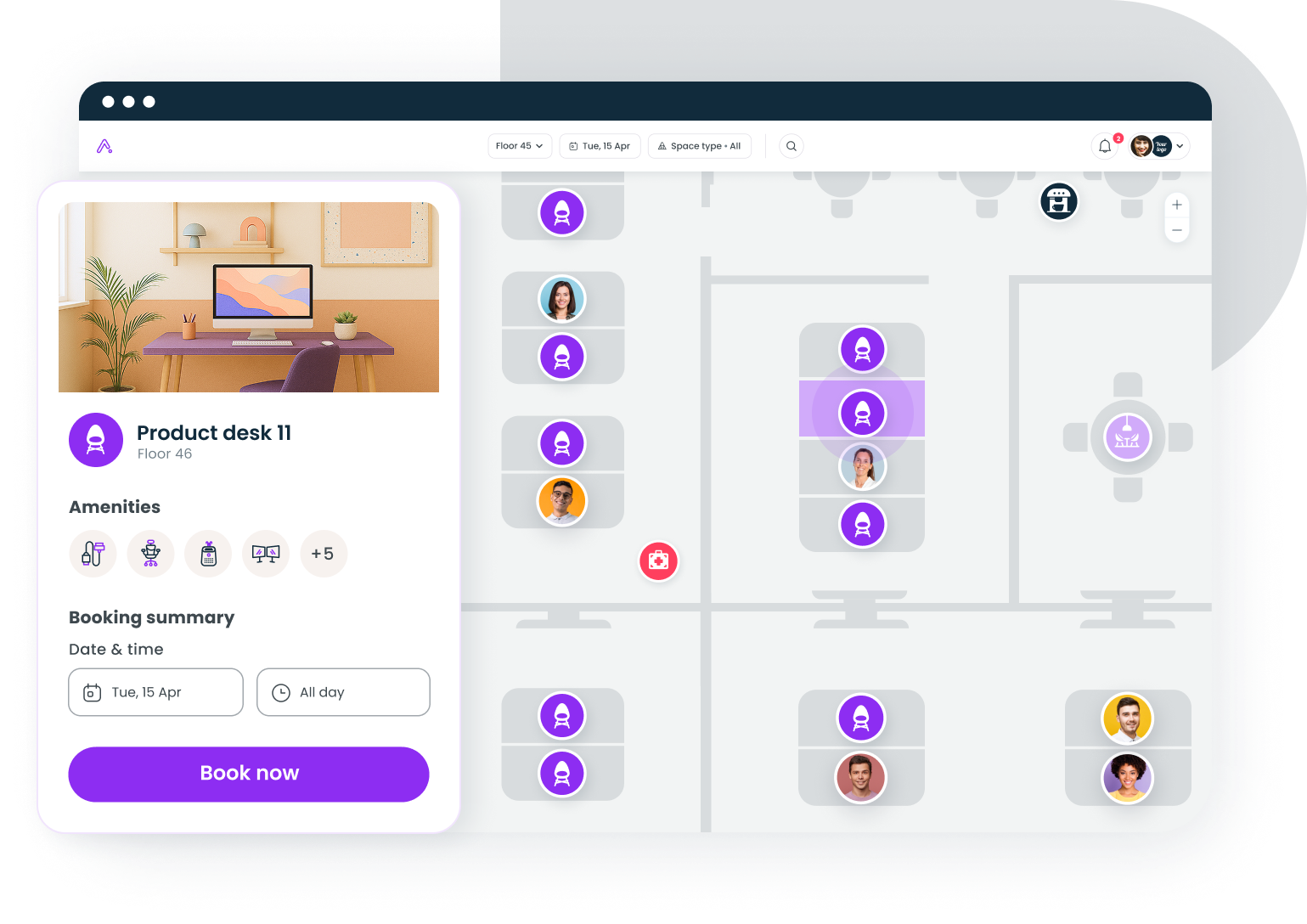
Step 7: Plan your demo evaluation and proof-of-concept
Demos are where vendors shine and where buyers get fooled. The fix is simple: don't let vendors run their standard demo. Give them your scenarios.
Structure each demo around real workflows:
Scenario 1: Employee books a desk
- Employee opens Slack, requests a desk near their team on Tuesday
- System shows available desks in the correct neighborhood
- Booking confirms and syncs to Outlook calendar
- Badge access provisions automatically for that day
Scenario 2: Visitor arrives for a meeting
- Host pre-registers visitor with expected arrival time
- Visitor receives email with QR code and building directions
- Visitor scans QR at lobby kiosk, host gets notified
- Temporary badge prints or access grants automatically
Scenario 3: Workplace ops pulls a utilization report
- Admin requests occupancy data for the past 90 days, broken down by floor and day of week
- System generates the report in under 60 seconds
- Data exports via API to Power BI dashboard
- Admin identifies that Floor 3 averages 22% utilization on Fridays
Scenario 4: IT reviews the integration layer
- Vendor demonstrates SSO login flow via Okta
- Vendor shows SCIM provisioning (new hire added in HRIS appears in platform within sync cycle)
- Vendor walks through API documentation and webhook configuration
Give each vendor 60-90 minutes. Allocate the first 45 minutes to your scenarios, the last 15-45 to their choice. Score each scenario on a 1-5 scale using the same evaluator panel from Step 6.
Request sandbox access for your top 2-3 vendors. A 2-week proof-of-concept with real users on one floor tells you more than any demo ever will.
Step 8: Build your procurement checklist and post-award plan
You've picked your vendor. Now don't fumble the handoff.
Contract terms to negotiate:
- Pricing lock for 2-3 years (protect against mid-contract increases)
- Data portability clause (you own your data; vendor must export in standard format upon termination)
- SLA with financial penalties for downtime exceeding agreed threshold
- Implementation timeline with milestones and acceptance criteria
- Termination for convenience with 90-day notice
Implementation planning:
- Dedicated implementation manager (from the vendor side)
- Phased rollout: pilot floor/building first, then expand
- Data migration plan (from existing tools, spreadsheets, or manual processes)
- Integration testing with IT before go-live
- User acceptance testing with 10-15 representative employees
Change management:
- Communication plan: why the new tool exists, what it replaces, how to use it
- Training sessions for admins, power users, and general employees
- Feedback channel for the first 30 days
- If you're navigating how to reduce real estate costs as part of this initiative, tie the new platform's occupancy data directly to your portfolio review cadence
Post-launch review cadence:
- 30-day check: Is adoption tracking to plan? Are integrations stable?
- 60-day check: Are there feature gaps that weren't visible during evaluation?
- 90-day check: Pull utilization and adoption data. Compare to baseline metrics from your problem statement in Step 1.
IWMS deployments can deliver 10-15% space cost reduction through better management, plus 5-8% savings from process improvements. But those numbers only materialize if the platform is actually adopted and the data is actually used. The post-award plan is what makes that happen.
Putting it all together
The RFP process isn't glamorous. It's a lot of spreadsheets, stakeholder meetings, and vendor calls. But the alternative, picking software based on a slick demo and a persuasive sales rep, is how organizations end up with shelfware.
The steps above give you a defensible, repeatable process. Define the problem. Align stakeholders. Separate must-haves from nice-to-haves. Score vendors against weighted criteria. Test with real scenarios. Negotiate the contract with your eyes open. And plan for what happens after the signature.
The companies that get this right don't just buy better software. They build the foundation for a workplace that adapts as their needs change.
If you're evaluating workplace technology and want to see how the pieces fit together, a 30-minute demo is the fastest way to pressure-test your requirements.
Get a demo