.svg)


.svg)
- Pick sensor types based on the decisions you need to make, not the data you could collect
- Site surveys and placement matter more than the sensor hardware itself
- Integrate sensor data with booking and badge systems or it stays noise
- Lead with privacy framing before the first sensor goes up
- Tune thresholds quarterly; initial settings are always wrong
Most companies buy sensors. Fewer actually get useful data out of them.
The gap isn't the technology. It's the implementation. A poorly placed occupancy sensor tells you less than a well-designed sign-in sheet. And a sensor network that employees don't trust will generate grievances faster than insights.
This guide walks through the full office sensor implementation process: choosing the right types, placing them where they matter, connecting them to your existing systems, communicating with employees, and tuning the whole setup once real data starts flowing. If you're evaluating sensor hardware, pair this with our guide on workplace occupancy sensors. This piece is about what happens after you've picked your tools.
Why office sensor implementation fails (and what to do instead)
The most common failure mode isn't technical. It's organizational.
A facilities team installs sensors, collects data for three months, and then nobody acts on it. The data sits in a dashboard that two people check. Meanwhile, employees hear rumors about "surveillance cameras" and trust erodes.
JLL's 2025 workplace report found that only 36% of companies with occupancy sensors actually used the data to make space decisions. The rest collected it and filed it away. That's an expensive hobby.
Successful implementations share three traits. First, they start with a specific question ("Are our meeting rooms the right size?") rather than a vague goal ("Let's understand utilization"). Second, they connect sensor data to systems people already use. Third, they treat employee communication as a prerequisite, not an afterthought.
If you're building the broader business case, our guide on workplace analytics ROI covers the financial framing your CFO will want to see.
Step 1: Choose sensor types based on the decisions you need to make
Not all sensors measure the same thing. And not all measurements lead to decisions. Start with the decision, then work backward to the sensor.
Passive infrared (PIR) sensors
PIR sensors detect motion through heat signatures. They're the simplest and cheapest option, typically $50-150 per unit. They answer one question: is someone in this space right now?
Good for: binary occupancy (occupied vs. empty) in meeting rooms, phone booths, and focus rooms. Bad for: counting how many people are in a space or understanding movement patterns.
Under-desk and chair sensors
These detect presence at individual workstations using thermal or pressure sensing. They're more precise than PIR because they distinguish between someone sitting at a desk and someone walking past it.
Good for: desk utilization rates, understanding which neighborhoods get used. Bad for: anything beyond "is this seat taken?" They won't tell you who's sitting there or what they're doing.
Overhead counting sensors
Ceiling-mounted sensors use stereo vision or time-of-flight technology to count people entering and exiting a space. They're the gold standard for headcount accuracy, typically within 95% accuracy according to CBRE.
Good for: conference rooms, common areas, floor-level occupancy. They answer "how many people are actually here?" which is the question that drives most space planning decisions.
Environmental sensors
These measure air quality (CO2, particulates), temperature, humidity, and noise levels. They don't measure occupancy directly, but CO2 levels correlate strongly with headcount and give you a privacy-friendly proxy.
Good for: HVAC optimization, wellness monitoring, indirect occupancy estimation. Our guide on smart office technology covers how environmental data fits into a broader workplace tech stack.
Choosing your mix
Most implementations need two or three sensor types, not all of them. Here's a quick decision framework:
If your primary question is "how full are our floors?", start with overhead counting sensors at entry points. If it's "are desks being used?", go with under-desk sensors. If it's "are meeting rooms the right size?", combine PIR (for occupancy) with overhead counters (for headcount).
Don't buy environmental sensors unless you have a specific HVAC or wellness initiative. They're nice to have, not need to have.

Understanding what each sensor type measures is just the start. Learn how to turn raw occupancy numbers into metrics that drive real portfolio decisions.
Read the space utilization guide
Step 2: Run a site survey before you install anything
Skipping the site survey is the second most common implementation mistake (after not having a clear question). Sensors placed in the wrong spots produce misleading data, and misleading data is worse than no data.
Map your space types
Walk every floor and categorize spaces: open desks, enclosed offices, small meeting rooms (2-4 people), large meeting rooms (5+), phone booths, common areas, kitchens. You need this inventory before you can decide where sensors go.
If you've already done facility planning work, you likely have this map. If not, this is a good forcing function to create one.
Identify high-value measurement zones
You don't need sensors everywhere. Focus on spaces where you're making (or about to make) a decision. Planning to consolidate a floor? Sensor that floor heavily. Debating whether to convert large conference rooms to smaller huddle rooms? Sensor those rooms.
A 50,000 square foot office might need 80-120 sensors for comprehensive coverage. But you can start with 20-30 in high-priority zones and expand later.
Check infrastructure requirements
Most modern sensors are wireless and battery-powered, but they still need network connectivity. Walk the space with your IT team and check:
- Wi-Fi coverage in ceiling voids and under-desk areas (it's often weaker than you think)
- Power availability for any wired sensors or gateways
- Mounting surfaces (drop ceilings vs. exposed concrete require different hardware)
- Line-of-sight for overhead counters (HVAC ducts and light fixtures create blind spots)
Document placement decisions
Create a floor plan markup showing every sensor location, type, and the space it's measuring. This document becomes critical during installation and even more critical six months later when you're troubleshooting weird data.
Step 3: Integrate sensor data with your existing systems
Raw sensor data is just numbers. It becomes useful when it connects to the systems where decisions happen.
Booking system integration
This is the highest-value integration. When sensor data flows into your desk and room booking system, you can see the gap between booked and actual usage. That gap is where the money is.
A Verdantix study found that companies integrating sensor data with booking systems reduced ghost bookings (rooms booked but never used) by 30-40%. That's real capacity you can reclaim without adding a single square foot.
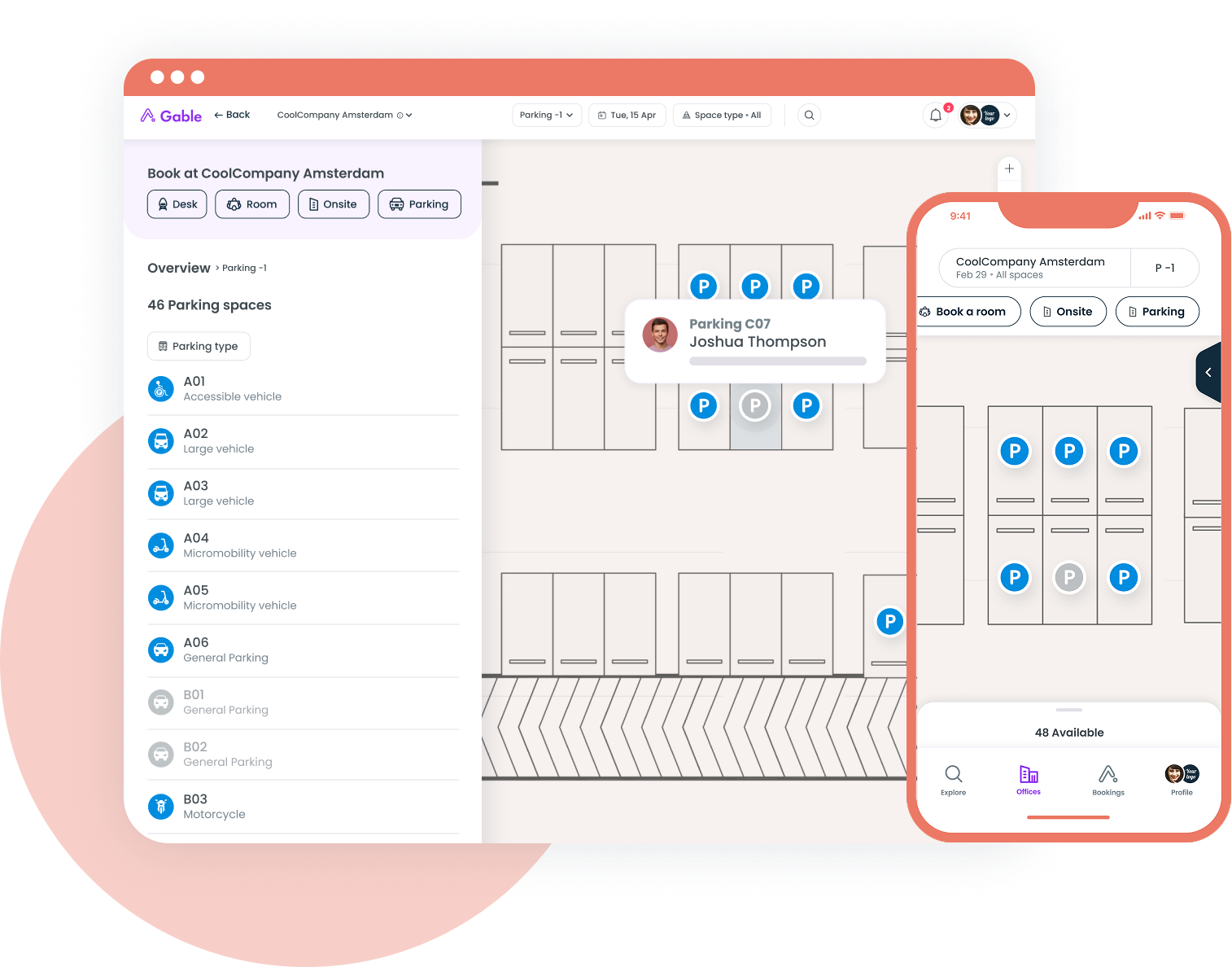
If you're using Gable for desk and room booking, sensor data can feed directly into utilization dashboards. The booking system already knows what was reserved; sensors tell you what actually happened.
Badge and access control integration
Badge data tells you who entered the building. Sensors tell you where they went. Together, they create a complete picture of how space gets used throughout the day.
This integration matters most for managing multiple office locations. When you can compare badge-in counts against actual floor utilization across sites, you spot patterns that neither data source reveals alone.
Building management system (BMS) integration
If you're using environmental sensors, connecting them to your BMS lets you automate HVAC responses. Floor empty after 3 PM on Fridays? Reduce heating and cooling automatically. This is where sensor ROI gets tangible fast.
What "integration" actually means
In practice, most sensor vendors offer APIs or pre-built connectors. The work isn't usually technical; it's organizational. You need your facilities team, IT team, and workplace team to agree on data ownership, refresh rates, and who has access to what.
Budget 4-6 weeks for integration work after sensor installation. It always takes longer than the vendor says.
Gable's office management software brings together desk booking, room reservations, visitor management, and utilization data so you can make space decisions with full context.
Explore Gable Offices
Step 4: Communicate with employees before the first sensor goes up
This is where most implementations either build trust or destroy it. The order matters: communicate first, install second.
Lead with the "why," not the "what"
Employees don't care about sensor specifications. They care about two things: "Are you watching me?" and "Will this change my work experience?"
Address both directly. A good internal announcement covers:
- What you're measuring (space usage, not individual behavior)
- What you're not measuring (no cameras, no tracking individuals, no productivity monitoring)
- Why you're doing it (to make the office work better for the people who use it)
- What will change as a result (specific examples: "We'll use this data to decide whether to add more phone booths on the 3rd floor")
Be specific about privacy
Vague reassurances ("We respect your privacy") actually increase anxiety. Specific commitments reduce it.
Say exactly what data is collected, how long it's retained, who can access it, and whether it's anonymized or aggregated. If you're operating in the EU, you'll need to address GDPR requirements explicitly. Our guide on workplace sensors and privacy covers the compliance framework in detail.
For broader privacy considerations around desk-level data, see our piece on desk booking data privacy.
Create a feedback channel
Give employees a way to ask questions and raise concerns. A dedicated Slack channel or email alias works. The goal isn't just to answer questions; it's to signal that you're listening.
Some companies run a two-week "preview period" where sensors are installed but data isn't collected. Employees can see the hardware, ask questions, and get comfortable before measurement begins.
Involve employee representatives early
If you have an employee council, works council, or even informal team leads, bring them into the conversation during planning. People who feel consulted are far less likely to resist.
Step 5: Install, calibrate, and validate
Installation itself is usually the easiest part. Calibration and validation are where the real work happens.
Installation timeline
For a typical 50,000 square foot office with 80-100 sensors, plan for:
- 1-2 days for physical installation (most vendors handle this)
- 1 week for network configuration and connectivity testing
- 2-3 weeks for calibration and baseline data collection
- 2-4 weeks for integration testing with booking/badge systems
Total: 6-8 weeks from first sensor to reliable data. Don't promise stakeholders insights before week 8.
Calibration matters more than you think
Out-of-the-box sensor settings are generic. A PIR sensor's sensitivity might be set for a standard office but trigger false positives in a space near a heating vent. An overhead counter might double-count people who pace near the doorway.
Spend the calibration period comparing sensor data against manual counts. Pick 5-10 spaces, have someone physically count occupancy at random intervals for two weeks, and compare against sensor readings. Adjust sensitivity and thresholds until you're within 10% accuracy.
Validate against known patterns
Before trusting sensor data for decisions, validate it against patterns you already know. If badge data shows 200 people entering on Tuesdays and 80 on Fridays, your floor sensors should reflect that ratio. If they don't, something's misconfigured.
Step 6: Measure, report, and tune
The implementation isn't done when the sensors are up. It's done when the data is driving decisions.
Build a reporting cadence
Weekly reports for the facilities team (space-level utilization, anomalies). Monthly reports for workplace leadership (trends, capacity planning inputs). Quarterly reports for real estate and finance (portfolio-level insights, lease decision support).
Keep reports simple. Three to five metrics per audience. If you're not sure which metrics matter most, our guide on space utilization tracking breaks down the ones that actually drive decisions.
Watch for common data traps
Averages lie. A meeting room that shows 50% average utilization might be 100% full on Tuesdays and empty the rest of the week. Always look at peak utilization alongside averages.
Sensor drift is real. Battery-powered sensors lose accuracy as batteries drain. Environmental changes (new furniture, rearranged partitions) can block sensor fields. Schedule quarterly physical audits of sensor placement and battery levels.
Seasonality matters. January data looks nothing like July data. Don't make annual space decisions based on a single month's readings.
Tune thresholds quarterly
Your initial settings for what counts as "occupied" vs. "unoccupied" will need adjustment. Maybe your PIR sensors flag a room as occupied when someone walks past the open door. Maybe your desk sensors count a jacket draped over a chair as a person.
Review threshold settings every quarter. Compare sensor data against booking data and badge data. Where the three sources disagree, investigate and recalibrate.
Close the loop with employees
Share what you've learned and what you're changing as a result. "Sensor data showed our large conference rooms are only 30% full on average, so we're converting two of them into four huddle rooms." This turns a surveillance concern into a visible improvement.
From desk booking to utilization analytics, Gable gives workplace leaders the data they need to right-size space, reduce costs, and create offices people actually want to use.
Request a demo