.svg)


.svg)
- Gable is our top pick: visitor check-in built into a full workplace platform.
- Front desk tools handle check-in, host alerts, badges, and deliveries.
- Office utilization hit 53% in 2026, so lobbies are busy again.
- Match the tool to your traffic: kiosk apps for small sites, platforms for many.
Front desk software checks visitors in, alerts their hosts, prints badges, and logs every arrival without a paper book or a scramble at reception. The timing matters: global office utilization climbed to 53% in 2026, up from 38% two years earlier, according to CBRE, so more people are walking through lobbies that often run with less staff than before. Here are the nine tools we'd shortlist.
What does front desk software cover?
Front desk software runs the arrival experience at an office: visitor check-in on a kiosk or phone, instant host alerts, badge printing that complements your badge access control system, document signing, and often delivery logging. This category serves corporate lobbies, not hotels; if you need guest reservations or housekeeping, you're shopping for hospitality software.
Hybrid schedules raised the stakes. 52% of organizations now require three or four office days a week, per JLL, so lobby traffic swings hard by day while desks sit unstaffed on quiet ones. Yet ASIS research covered by Facilities Dive found 39% of security professionals still track visitor credentials on spreadsheets or paper. A front desk management system replaces that with a timestamped digital record, whatever your hybrid work policy does to daily arrivals.

Our enterprise visitor management roundup compares eight systems for multi-site, regulated organizations, with certifications and per-location pricing.
Read the comparison
How we picked these tools
The average data breach now costs $4.4 million globally, according to IBM, and an unsecured lobby remains one of the cheaper problems to fix. We scored each tool on five factors:
- Ease of check-in: a guest gets from door to host in under a minute, no app download.
- Security: ID capture, screening, and audit-ready logs that hold up in office security reviews.
- Integrations: host alerts in Slack or Teams, calendar sync, and access control hooks.
- Price: transparent per-location or per-user pricing that doesn't punish growth.
- Multi-office fit: one dashboard, per-site settings, and consistent policies everywhere.
The 9 best front desk software solutions in 2026
Gable leads as the strongest all-around pick; the rest mix visitor-first tools with full workplace platforms. Scan the table, then read the entries that fit.
| # | Tool | Best for | Starting price | G2 rating |
|---|---|---|---|---|
| 1 | Gable | All-in-one workplace platform | $99/location/mo | 4.5 (171) |
| 2 | Envoy | Reception plus space booking | ~$3/user/mo | 4.4 (163) |
| 3 | The Receptionist | Multi-location front desks | ~$630/location/yr | 4.8 |
| 4 | SwipedOn | Small and mid-size offices | ~$55/location/mo | 4.8 |
| 5 | Sign In App | Budget multi-site rollouts | ~$425/site/yr | n/a |
| 6 | Greetly | Unstaffed lobbies | ~$79/mo | 4.9 |
| 7 | iLobby | Regulated facilities | ~$199/location/mo | 4.7 |
| 8 | Qminder | High-traffic service desks | ~$429/mo | 4.6 (244) |
| 9 | Robin | Booking-led workplaces | Quote-based | 4.4 (211) |
1. Gable
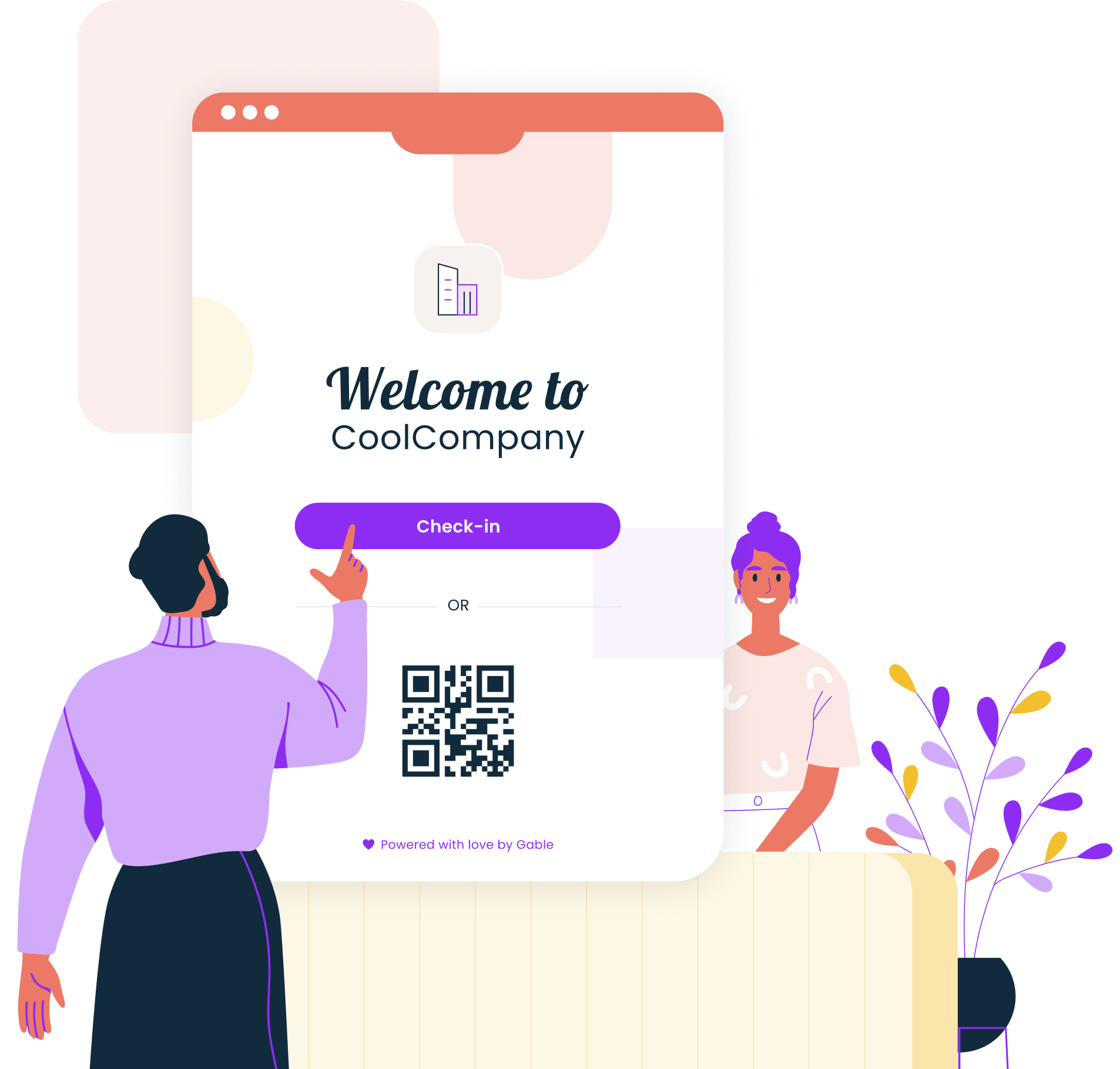
Gable's visitor management runs inside Gable Offices, so the front desk shares one system with desk booking, room scheduling, and utilization analytics. Guests pre-register, sign in on an iPad kiosk, mobile, or QR code, and sign NDAs during check-in, while hosts get arrival notifications by email or Slack. Admins manage every location from one dashboard. It fits companies with 200 to 5,000 employees that want visitor check-in software connected to how the rest of the office runs, rather than another standalone lobby app.
- Custom sign-in forms, badge printing, and document signing
- Arrival notifications via email and Slack
- Pre-registration, bulk visitor invites, and kiosk, mobile, or QR arrival display
- SOC 2 Type II, GDPR, SSO, RBAC, and AES-256 encryption
- Pricing: Visitor management from $99 per location per month, as part of Gable Offices
- G2 rating: 4.5/5 (171 reviews)
2. Envoy
Envoy pairs a polished lobby check-in with desk and room booking, which suits offices that want reception and space management from one vendor. It's the best-known name in the category, with ID scanning, screening, and delivery logging available across its modules. Pricing scales by module, so your total depends on what you switch on, and per-user costs can climb quickly in large offices. It fits mid-size and larger teams already planning to consolidate reception and booking spend with a single vendor and willing to pay for the brand.
- Visitor check-in with ID scanning and screening
- Desk and room booking with interactive maps
- Deliveries module for package logging
- Pricing: Workplace from about $3 per user per month; modules priced separately
- G2 rating: 4.4/5 (163 reviews)
3. The Receptionist
The Receptionist built its reputation on two-way communication: visitors and hosts message each other by SMS, Slack, Teams, or email instead of waiting on a go-between at the desk, so guests never sit wondering whether anyone knows they've arrived. Every plan includes unlimited visitors, employees, and connected iPads, so a busy lobby never triggers overage math. Now part of the Sign In Solutions family, it fits brand-forward companies running several locations where each front desk needs its own configuration, language, and workflows without a separate contract per site.
- Two-way visitor-to-host messaging across SMS, Slack, Teams, and email
- Unlimited check-ins, employees, and iPads on every plan
- Per-location configuration for multi-site rollouts
- Pricing: from about $630 per location per year
- G2 rating: 4.8/5
4. SwipedOn
SwipedOn keeps the front desk simple: an iPad sign-in screen, employee in-and-out tracking, and delivery notifications, live in an afternoon rather than after a rollout project. It's a favorite with small and mid-size offices because the per-location price stays flat as headcount grows, and the interface needs no training on either side of the desk. Like The Receptionist, it now sits under Sign In Solutions, so expect its packaging to keep evolving over the next year. If you want the shortest path from paper logbook to digital record, start your trial here.
- iPad and contactless QR sign-in
- Employee in/out board alongside visitor logs
- Delivery and courier notifications
- Pricing: from about $55 per location per month
- G2 rating: 4.8/5
5. Sign In App
Sign In App covers visitor, staff, and contractor sign-in for one flat per-site fee, and it's in use at more than 21,000 workplaces. The pitch is standardization on a budget: every site gets the same kiosk, mobile, and pre-registration experience, with evacuation roll call included, and adding a building means adding a subscription rather than renegotiating a contract. The tradeoff is depth, since screening and access control integrations run thinner than the enterprise tools here. It fits organizations that want a consistent front desk across many locations, from schools to satellite offices, without procurement overhead.
- Kiosk, mobile, and QR sign-in with pre-registration
- Evacuation roll call and live on-site lists
- Flat per-site pricing covering visitors, staff, and contractors
- Pricing: from about $425 per site per year
- Adoption: used by 21,000+ workplaces globally
Gable Offices runs visitor check-in, desk and room booking, and utilization analytics in one system, so reception and workplace ops share the same data.
Learn more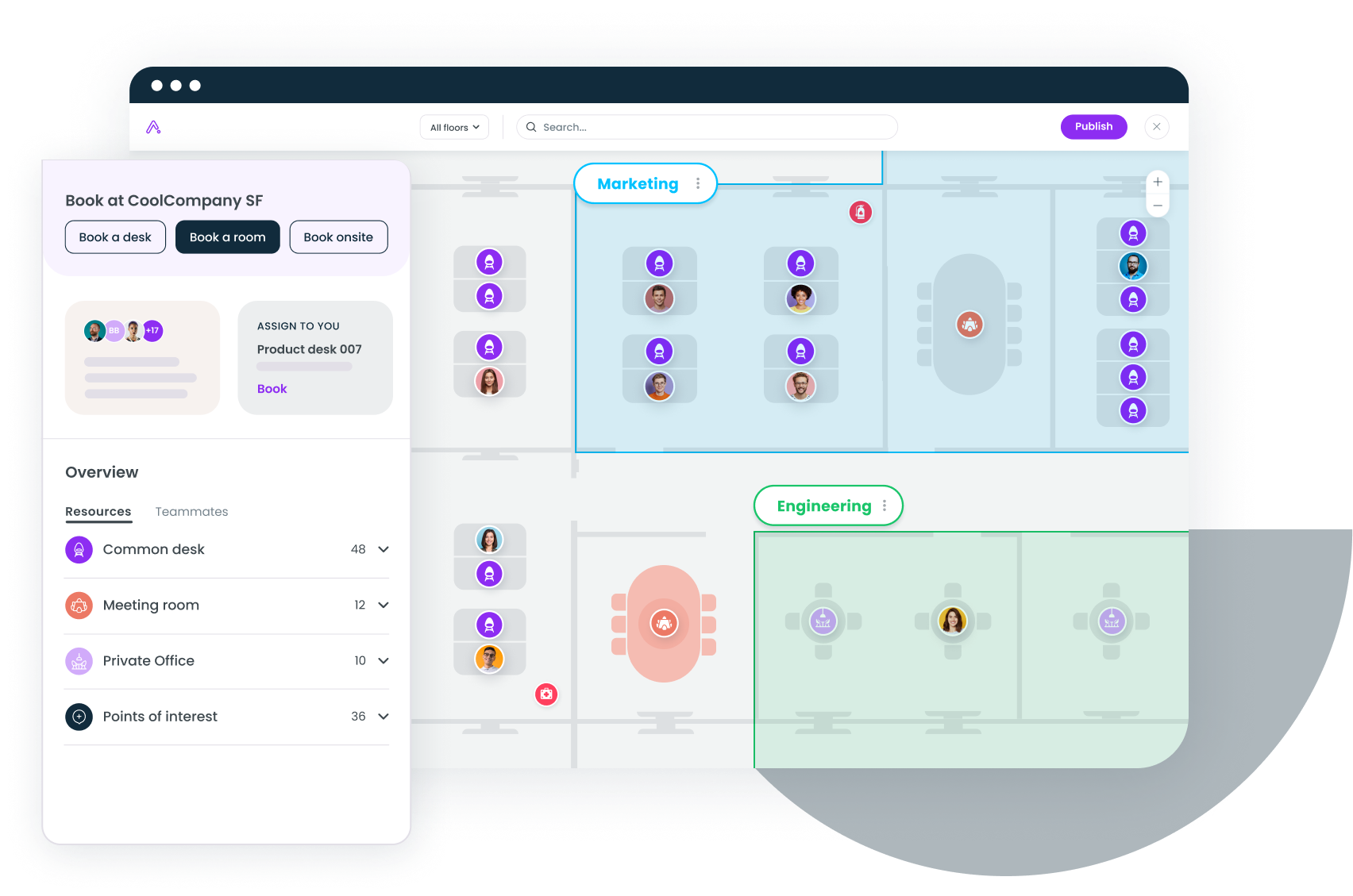
6. Greetly
Greetly bills itself as a digital receptionist, and that's the honest use case: lobbies with no staffed desk at all. The check-in flow is fully customizable per visitor type, and it handles the miscellaneous traffic that stalls an unstaffed lobby, including couriers, food orders, and facility tours. G2 reviewers score it near the top of the category for ease of use, which matters most when nobody's around to help a confused guest. The tradeoff is that it stays a lobby tool, with no desk booking or space data attached, so pair it with whatever runs the rest of your office.
- Fully customizable check-in flows per visitor type
- Courier, delivery, and food-order handling
- Host alerts across chat, text, and email
- Pricing: from about $79 per month billed annually
- G2 rating: 4.9/5
7. iLobby
iLobby, now sold as FacilityOS, is the enterprise pick for regulated environments: manufacturing, logistics, government, and any office where the lobby is a controlled entry point. It screens visitors against watchlists, runs safety inductions and document workflows, and produces the audit trail compliance teams request. It's more system than a 200-person office with one lobby needs, and it's priced accordingly. Billing runs annual only, and add-on modules like emergency and contractor management carry their own fees, so scope the full annual bill with your security team before you commit to a rollout.
- Watchlist and database screening at check-in
- Safety inductions, documents, and evacuation records
- Modular add-ons for contractors and logistics
- Pricing: from about $199 per location per month
- G2 rating: 4.7/5
8. Qminder
Qminder solves a different front desk problem: queues. It's built for walk-in traffic in service centers, clinics, and public-sector lobbies, where guests sign in at a kiosk, join a virtual line, and get called by name instead of clustering at a counter. Service analytics sit on top, so you can see wait times and staffing gaps by hour and location. A recent repricing moved it upmarket, and appointment scheduling costs extra on every tier, so it earns its cost at real walk-in volume rather than for the occasional scheduled guest.
- Kiosk sign-in with virtual queueing
- Wait-time and service analytics by hour and location
- Unlimited locations on all plans
- Pricing: from about $429 per month for 10 service users
- G2 rating: 4.6/5 (244 reviews)
9. Robin
Robin approaches the front desk from the booking side. It's known for desk and room scheduling with a friendly employee experience, and its visitor management extends that same system to guests, so a host books a room and registers a visitor in one motion from the same calendar flow. The visitor features run lighter than the dedicated tools above, which makes Robin a fit for hybrid teams that care most about booking and want capable check-in included rather than a security-grade lobby system. If your lobby carries real screening requirements, weigh it against the visitor-first tools before signing.
- Visitor registration tied to desk and room bookings
- Interactive office maps and calendar sync
- Workplace analytics dashboards
- Pricing: quote-based
- G2 rating: 4.4/5 (211 reviews)
Front desk software vs. visitor management systems
The two terms overlap, but the scope differs. Visitor management handles the guest lifecycle and carries the highest stakes: 65% of data breaches link back to identity vulnerabilities, according to SafetyCulture, which helps explain why Mordor Intelligence projects that market to grow from $2.39 billion in 2026 to $4.22 billion by 2031. A front desk system wraps that core in everything else the lobby handles.
- Visitor management covers check-in, screening, host alerts, and the compliance record; see the benefits of a visitor management system for the full case.
- Front desk tools add deliveries, walk-in queues, employee in/out visibility, and reception workflows.
- Buying logic: if guest check-in is your only gap, start with our visitor management software comparison; if reception also owns deliveries and walk-ins, buy broader.
Match the tool to your lobby
Start with your traffic pattern, not the feature grid. A staffed single office needs fast check-in and clean records; SwipedOn or Greetly cover that for under $100 a month. Regulated or multi-site operations point to iLobby or an enterprise tier. If you're already rethinking desks, rooms, and space data, a platform that includes the front desk beats bolting a lobby app onto three other systems. Pilot at one site and watch one metric: how fast guests reach their host.
Book a demo and we'll show how Gable handles check-in, badges, host alerts, and deliveries alongside desk booking and analytics.
Get a demo