.svg)


.svg)
- Visitor management systems reduce front-desk congestion by up to 70% and cut manual check-in times from 3+ minutes to under 30 seconds
- The global VMS market is projected to grow from $1.8 billion in 2025 to $6.9 billion by 2035, driven by hybrid work adoption and compliance demands
- Core benefits span security, compliance automation, cost savings, emergency preparedness, and professional brand perception
- Organizations typically see positive ROI within 6 to 12 months through reduced labor, faster check-ins, and automated compliance
- Hybrid workplaces with unstaffed or partially staffed reception areas gain the most from digital visitor management
The benefits of a visitor management system go far beyond replacing a paper logbook at the front desk. With workplace security breaches climbing year over year and hybrid work models making office occupancy unpredictable, companies need a reliable way to track who enters their buildings, when they arrive, and why they're there.
A visitor management system (VMS) digitizes the entire guest experience, from pre-registration and identity verification to check-in, host notification, and check-out. For workplace, people, and operations teams, the right VMS addresses a growing list of priorities: tighter security, regulatory compliance, operational efficiency, and a polished visitor experience that reflects your company's values.
This guide breaks down the most significant benefits of adopting a VMS, backed by recent data and practical examples of how these systems pay for themselves.
Stronger security and access control
Security is the most cited reason organizations invest in visitor management. According to SafetyCulture, 65% of data breaches are linked to identity vulnerabilities, and a significant share of physical security incidents trace back to inadequate visitor identity verification. Manual sign-in sheets simply can't keep up with the volume or risk profile of modern workplaces.
A digital VMS addresses these gaps through several layers of protection:
Real-time visitor tracking
Every visitor is logged digitally with timestamps, photos, and purpose-of-visit data. Administrators can see exactly who's on-site at any moment, which eliminates the guesswork that comes with manual sign-in sheets.
ID verification and blocklists
Modern systems verify visitor identity against government-issued IDs, cross-reference blocklists, and flag unauthorized individuals before they enter the building. This automated screening catches risks that a receptionist scanning a handwritten name never could.
Audit-ready digital logs
Every check-in, badge print, and host notification is recorded and searchable. If an incident occurs, security teams can pull a complete visitor history in seconds rather than sifting through filing cabinets.
For organizations managing office security across multiple locations, these capabilities are especially critical. A centralized VMS ensures consistent security protocols regardless of which office a visitor enters.
Faster check-ins and operational efficiency
The efficiency gains from a VMS are measurable and immediate. Manual check-ins typically take 3+ minutes per visitor, while digital systems reduce that to roughly 30 seconds. At scale, this difference is dramatic.
Pre-registration that eliminates bottlenecks
Pre-registration is one of the highest-impact VMS features. Before arriving, visitors receive a QR code via email. On arrival, they scan the code at a kiosk, tablet, or mobile device, and they're checked in instantly. No lines, no waiting for a receptionist to look up a host's extension.
Host notifications that save everyone's time
The moment a visitor checks in, the host gets an automatic notification through email, Slack, or Teams. This eliminates the receptionist-as-middleman model, where front desk staff spend time tracking down employees to let them know their guest has arrived.
Front-desk productivity gains
Companies report up to a 70% reduction in front-desk congestion after implementing a VMS. That's time your reception and operations staff can redirect toward higher-value work, like coordinating office logistics or supporting employee experience programs.

Want to understand visitor management fundamentals before evaluating systems? This guide covers everything from core features to implementation strategies.
Read the full guide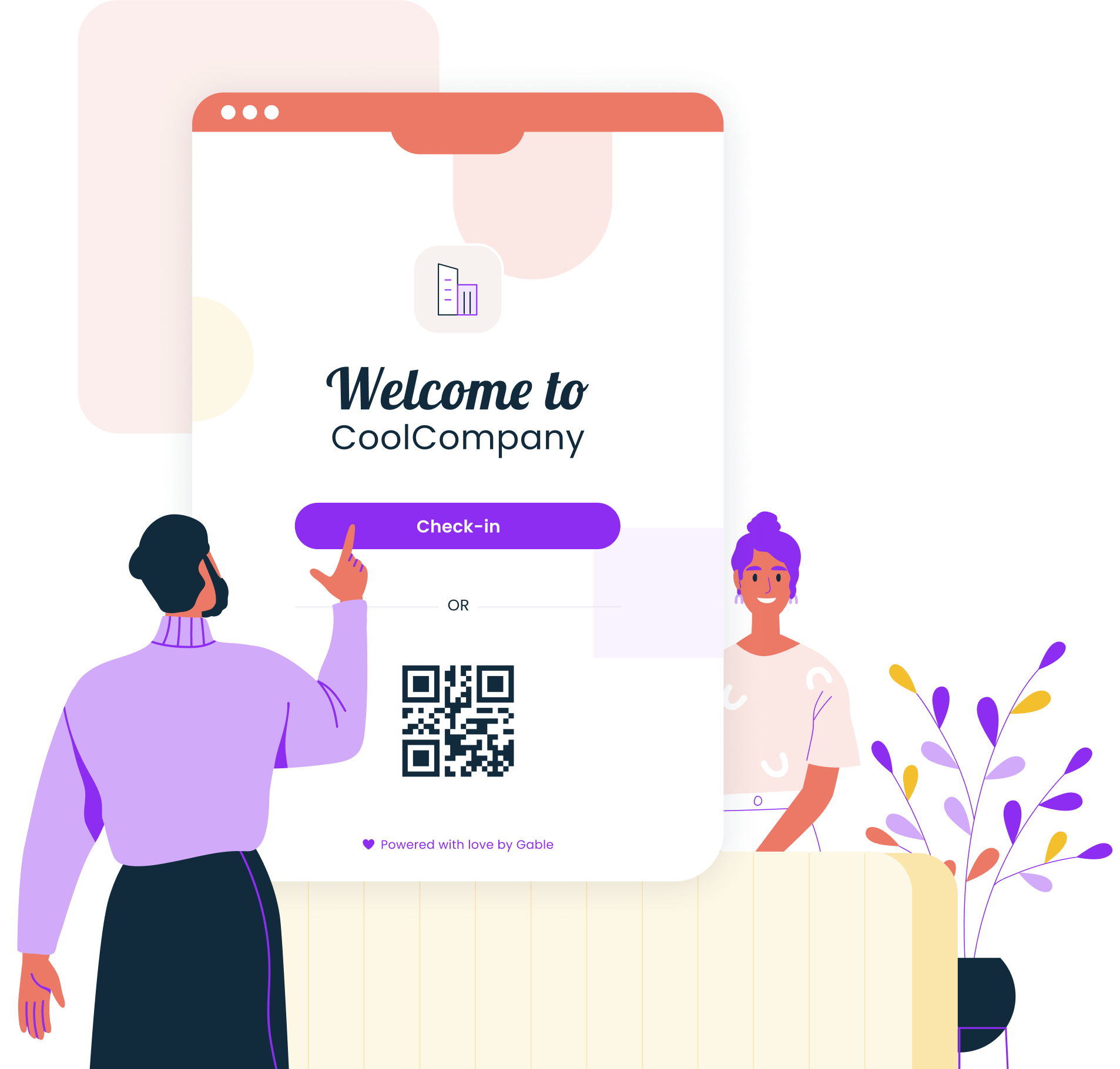
The hybrid workplace advantage
Hybrid work has fundamentally changed how offices operate. Reception desks may be unstaffed certain days. Employees rotate through shared spaces on different schedules. Meeting rooms serve clients, contractors, and internal teams interchangeably.
This unpredictability makes a VMS more valuable, not less. When there's no full-time receptionist on a Tuesday because only 30% of the team is in-office, a self-service check-in kiosk or mobile QR code keeps visitor processing running smoothly.
A VMS also solves a specific hybrid challenge: remote employees who come into the office occasionally to meet clients or attend team gatherings need a way to host visitors without relying on admin staff who may not be present. Digital pre-registration and automated check-in workflows handle this without friction.
For companies building out their hybrid work model best practices, visitor management is an essential piece of the puzzle. It ensures that regardless of who's on-site or which day it is, every visitor gets a secure, consistent experience.
Compliance automation and data privacy
Regulatory requirements around visitor data have tightened significantly. GDPR, CCPA, and HIPAA all impose strict rules on how personal information is collected, stored, accessed, and deleted. A digital VMS automates compliance in ways that manual processes can't match.
Automated audit trails
Every interaction with visitor data, from initial collection to deletion, is logged automatically. When auditors request proof of compliance, you can generate reports in minutes rather than reconstructing records from scattered sources.
Digital document signing
Many workplaces require visitors to sign NDAs, safety waivers, or acceptable-use policies. A VMS presents these documents during the digital check-in flow, captures electronic signatures, and stores them in encrypted records tied to each visit.
Configurable data retention
Rather than accumulating visitor records indefinitely (a GDPR violation waiting to happen), a VMS lets you set automatic data retention and deletion policies. Visitor records are purged according to your configured timeline, keeping you compliant without manual intervention.
Privacy by design
Modern systems encrypt visitor data at rest and in transit, restrict access based on admin roles, and anonymize data for analytics purposes. This built-in approach to data privacy directly addresses the identity vulnerabilities that contribute to a significant share of data breaches.
Gable Offices combines desk booking, visitor management, and real-time occupancy insights in one platform. Custom sign-in forms, badge printing, and host notifications are built in.
Learn more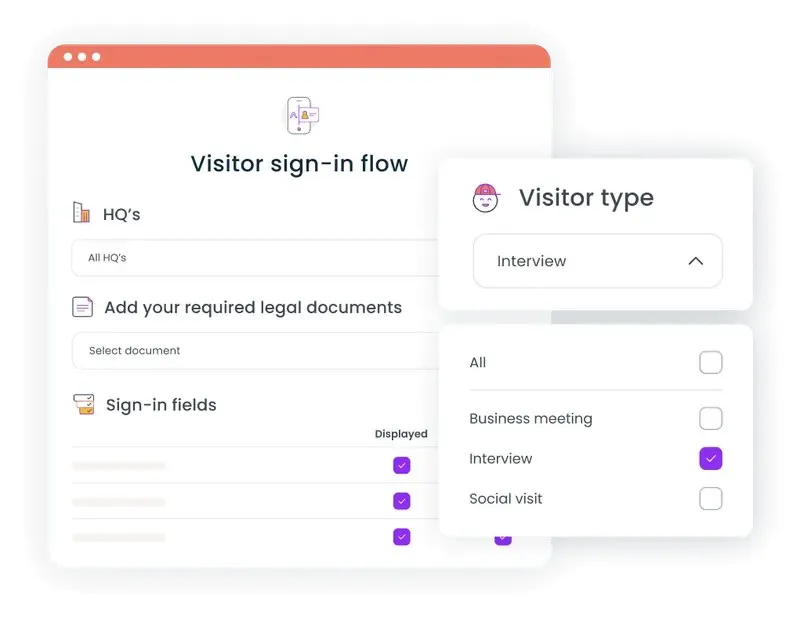
Emergency preparedness and life safety
During an emergency evacuation, knowing exactly who's in your building can be the difference between an orderly response and chaos. A VMS provides real-time occupancy data that's instantly accessible to emergency coordinators and first responders.
Instant evacuation lists
At any moment, administrators can pull a complete list of every visitor currently on-site, including their host, check-in time, and location within the building. This information is critical for accounting for all individuals during an evacuation.
Integration with emergency notification systems
Leading VMS platforms connect with access control and emergency alert systems to push real-time safety notifications to visitors and employees simultaneously. If a building needs to be cleared, everyone on the visitor log can receive instructions through multiple channels.
Faster emergency drills
Organizations that track visitors digitally report faster, more organized evacuation procedures during drills. When you know who's in the building in real time, rather than relying on a front-desk logbook that may be hours out of date, your response time improves significantly.
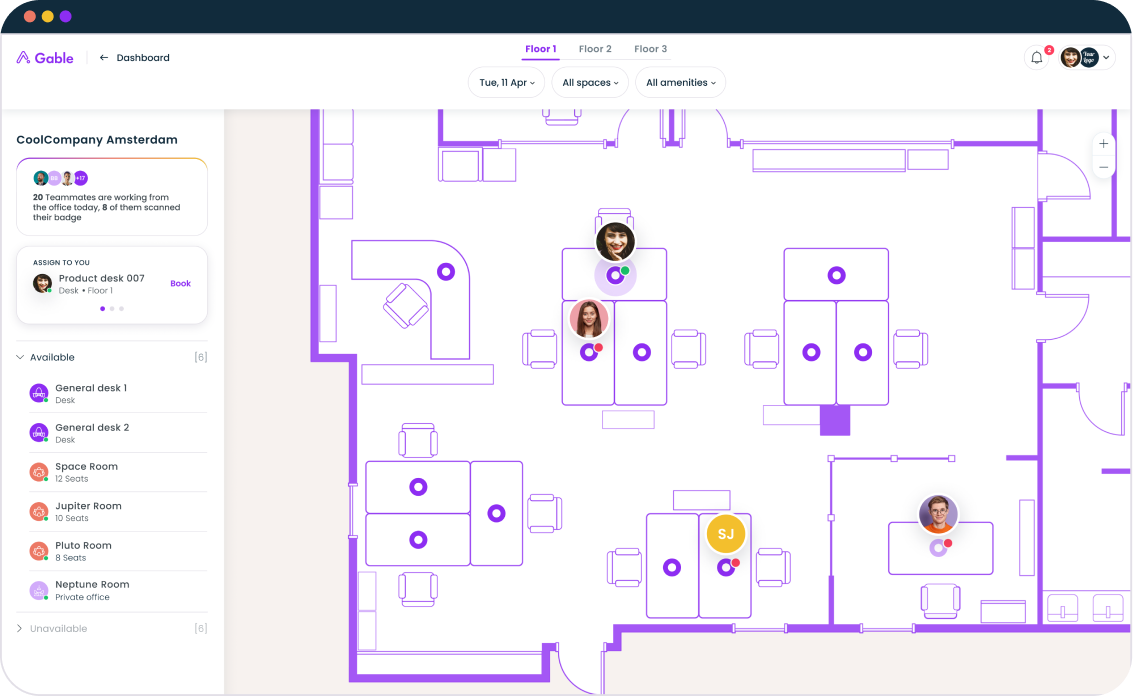
For teams focused on workplace occupancy tracking, visitor data combined with employee badge and WiFi data creates a comprehensive picture of building occupancy at any given moment.
Quantifiable ROI and cost savings
The financial case for a VMS is straightforward. Organizations typically achieve positive ROI within 6 to 12 months through three primary levers:
Reduced labor costs
When front-desk staff spend up to 70% less time managing visitor congestion, that capacity can be reallocated or reduced. For multi-location organizations, this translates to significant headcount savings.
Eliminated material costs
Digital check-in removes the need for paper logbooks, pre-printed badges, physical storage for visitor records, and the administrative time spent maintaining these systems. These costs add up quickly across multiple offices.
Compliance cost avoidance
A single compliance violation can be extraordinarily expensive. According to IBM's Cost of a Data Breach Report, the global average cost reached $4.88 million, and much of that risk stems from inadequate identity verification and access controls. Automated compliance features reduce this exposure substantially.
The broader market trend confirms these economics. The visitor management software market is projected to grow from roughly $1.8 billion in 2025 to nearly $7 billion by 2035, reflecting widespread recognition that the ROI justifies the investment.
Professional brand experience
Your visitor experience is an extension of your brand. For clients, candidates, investors, and partners, the first few minutes in your office shape their perception of your organization.
A digital check-in experience signals that your company is organized, security-conscious, and modern. Contrast this with a scribbled logbook, a confused receptionist searching for the right contact, and a generic "visitor" sticker badge.
With a VMS, you can customize the experience for different visitor types:
- Clients receive branded welcome screens and are routed to specific meeting rooms
- Candidates get a check-in flow that reflects your employer brand
- Contractors encounter appropriate safety waivers and access restrictions
- VIP guests are pre-registered by executive assistants and welcomed by name
This level of personalization creates a consistent, professional first impression across every office location, which matters even more for companies managing a distributed office space plan.
Scalability across multiple locations
For organizations with offices in multiple cities or countries, a VMS provides something that's hard to achieve manually: consistency. A centralized platform ensures every location follows the same security protocols, compliance procedures, and visitor workflows.
Standardized data collection
Whether a visitor checks in at your New York headquarters or your London satellite office, the system captures the same information, applies the same verification steps, and stores data according to the same retention policies.
Centralized reporting
Workplace leaders can pull visitor analytics across all locations from a single dashboard. This visibility helps identify patterns (which offices get the most external visitors, peak visit times, common visitor types) and informs decisions about staffing, space allocation, and security investment.
Simplified rollout
Cloud-based VMS platforms can be deployed at new locations quickly without on-premises infrastructure. As your company grows or adds flexible workspaces, the system scales with you.
For companies evaluating comprehensive office management software, visitor management is often the feature that ties security, operations, and workplace analytics together into a cohesive system.
Making the case for a visitor management system
The benefits of a visitor management system span every dimension of workplace operations: security, efficiency, compliance, cost savings, emergency preparedness, brand experience, and multi-location scalability. The data backs this up consistently, from the 70% reduction in front-desk congestion to the 6-to-12-month ROI timeline to the growing regulatory pressure around visitor data.
For hybrid workplaces especially, where occupancy patterns shift daily and reception coverage isn't guaranteed, a digital VMS serves as foundational infrastructure, comparable to your access control system or your HRIS.
Organizations that integrate visitor management into their broader workplace platform, rather than treating it as a standalone tool, tend to get more value from the investment. When visitor data connects with desk booking, room scheduling, access control, and occupancy analytics, you get a complete picture of how your spaces are used and by whom.
Companies like Stripe, Snowflake, and Dropbox already trust Gable to manage their workplace operations. Whether you're preparing for a return to office initiative or optimizing an established hybrid model, the right VMS pays for itself quickly while making every visitor's experience reflect the quality of your organization.
Gable combines visitor management, desk booking, and workplace analytics into one platform. See it in action with a personalized demo.
Get a demo