.svg)


.svg)
The global visitor management system market is valued at $1.7 billion and projected to hit $6 billion by 2035, growing at 13.5% annually. That growth reflects a fundamental shift: organizations are replacing paper sign-in sheets with digital solutions that enhance security, streamline operations, and provide real-time visibility into who is on-site at any given moment.
For workplace leaders navigating hybrid work, compliance requirements, and evolving security threats, choosing the right visitor management solution has become a strategic priority.
What is visitor management?
Visitor management refers to the process of tracking, monitoring, and controlling the flow of visitors within an organization. It encompasses everything from welcoming guests to ensuring their safety while on premises, creating comprehensive visitor records, and maintaining compliance with regulatory requirements.
A modern visitor management system replaces manual logbooks with an automated system that handles the entire visitor process: pre-registration, identity verification, badge printing, host notifications, access control, and check out. The best solutions integrate with your existing workplace tools, from access control systems to Google Calendar, creating a seamless experience for both visitors and employees.
In hybrid work environments where office attendance fluctuates daily, digital visitor management provides the visibility that security staff and facilities teams need to maintain a secure environment.
The evolution from paper to digital
Traditional visitor management relied on handwritten logbooks and paper badges. These methods created significant security gaps: illegible entries, no way to track visitor activity in real time, and zero ability to verify identity or screen against watchlists.
Digital visitor management systems solve these problems through automated reporting, instant notifications when visitors arrive, and integration with access control systems that ensure only authorized individuals can access specific areas. Security personnel gain real-time dashboards to monitor visitors and see exactly who is in the building, while facility management teams get data on visitor patterns that inform space planning decisions.
The shift to cloud-based solutions has accelerated this transformation. Cloud-based visitor management systems offer several advantages: no on-premise hardware to maintain, automatic software updates, the ability to manage visitor data across multiple locations from a single dashboard, and lower upfront costs.
Why visitor management matters
Security and risk mitigation
74% of workplaces struggle with unauthorized visitors, and 28% of companies report security breaches due to poor visitor management. Each incident costs an average of $1.2 million.
A leading visitor management system creates multiple layers of protection. When a person arrives, the system can verify their identity through photo capture and ID scanning, check them against internal watchlists, and restrict data access to appropriate personnel. Real-time notifications alert hosts immediately, eliminating the security risk of visitors waiting unattended in lobbies.
Modern visitor management systems also support evacuation management. In an emergency, security staff can instantly access a list of everyone on-site, including visitors, contractors, and employees, ensuring no one is left behind. These capabilities work best when paired with a robust physical access control system.
Regulatory compliance
Industries like healthcare (HIPAA), finance (SOX), and government facilities face strict visitor-tracking requirements. Privacy regulations, including GDPR and CCPA, mandate specific controls over how organizations collect, store, and manage visitor information. Effective visitor tracking is no longer optional in regulated industries.
An integrated visitor management system automatically captures required data, maintains secure records with proper data access controls, and generates custom reports for audits. This eliminates the manual paperwork that often leads to compliance violations while giving human resources and legal teams confidence that visitor data is handled appropriately.
Professional first impressions
Your reception area shapes how clients, candidates, and partners perceive your organization. A streamlined check-in process signals that your company prioritizes both security and the guest experience, projecting a professional image from the moment someone walks through the door.
The difference is immediate: instead of fumbling with clipboards and waiting for a receptionist to track down their host, visitors complete a quick sign-in process, receive professional visitor badges, and get automatic directions to their meeting room. Hosts receive instant notifications the moment their guest checks in.

Choosing the right system means understanding which capabilities matter most for your organization. Our comprehensive guide breaks down the essential features, security requirements, and evaluation criteria for modern visitor management software.
Read the full guide
Types of visitor management solutions
Cloud-based vs. on-premise deployment
Over 63% of new enterprise visitor management installations now use cloud deployment. Cloud-based solutions offer flexibility, automatic updates, and the ability to monitor visitors across multiple locations from anywhere. They typically require less IT involvement and lower upfront investment.
On-premise solutions store all visitor data on local servers, which some organizations prefer for compliance or security reasons. However, they require dedicated IT resources for maintenance and updates.
Most organizations today choose cloud-based visitor management for its scalability and ease of integration with other workplace systems.
Standalone vs. integrated platforms
Standalone visitor management tools handle guest check-ins but operate independently from other workplace systems. This can create data silos and require manual processes to coordinate visitor access with meeting room bookings or desk reservations.
An integrated visitor management system connects with your broader workplace technology stack: access control systems, space booking software, HRIS platforms, and communication tools like Slack and Microsoft Teams. This integration enables automated workflows. When an employee books a meeting room and invites an external guest, the system can automatically send pre-registration details, grant temporary access credentials, and notify the host when the visitor arrives.
Key features of modern visitor management systems
The typical features of a visitor management platform fall into several categories: registration, access control, communication, analytics, and compliance. Here is what to expect from a modern system.
Visitor registration and check-in
The check-in process sets the tone for every visit. Modern systems offer multiple options:
Pre-registration allows hosts to invite visitors in advance and collect the necessary information before they arrive. Visitors receive confirmation emails with directions, parking details, and any required documentation.
Self-service kiosks enable walk-in visitors to complete registration independently using custom forms tailored to different visitor types: clients, contractors, job candidates, or delivery personnel. Each visitor sign-in captures the specific information required for that visit type.
Contactless check-in through QR codes or mobile apps has become standard. Visitors can complete health screenings, sign NDAs or other documents, and receive digital visitor badges without touching shared surfaces.
Access control integration
The connection between visitor management and access control systems is critical. When a visitor checks in, the system can automatically provision temporary credentials valid only in authorized areas and expiring at a set time. This eliminates manual badge management and ensures visitors cannot access restricted zones.
Integration also enables detailed tracking of visitors throughout their visit, creating audit trails that show precisely where each person went and when. For a deeper look at how these systems work, see our guide to badge access control systems.
Host notifications and communication
When visitors arrive, hosts need to know immediately. Modern systems send instant notifications via email, SMS, Slack, or Microsoft Teams, depending on host preferences. Some systems can also notify backup contacts if the primary host is unavailable.
This automation eliminates the typical scenario of visitors waiting awkwardly in lobbies while receptionists repeatedly call hosts who are stuck in meetings. The result: operational efficiencies that free reception staff to focus on creating a welcoming experience rather than chasing down employees.
Analytics and reporting
Visitor data provides valuable insights for facility management and real estate planning. Dashboards show visitor patterns by time, day, and location. Custom reports can track visitor activity, including metrics like average check-in time, peak visitor hours, and visitor volume by type.
This data helps organizations optimize reception staffing, plan for high-traffic periods, and understand how visitor activity correlates with overall space utilization.
Compliance and document management
Many visits require legal documentation, such as NDAs, safety waivers, health attestations, or contractor agreements. Modern systems present these documents during sign-in and capture electronic signatures, storing everything securely in the visitor record.
Automated reporting ensures compliance documentation is always audit-ready, with clear records of who signed what and when.
Visitor management for hybrid workplaces
Hybrid work creates unique challenges for tracking visitors and maintaining security.
Fluctuating occupancy
When office attendance varies from 20% to 80% daily, predicting visitor volume and staffing reception appropriately becomes difficult. Visitor management systems with analytics help forecast busy periods based on historical patterns and scheduled meetings.
Remote employees as visitors
Employees who work primarily remotely may need visitor-level access when they come to the office, particularly if they do not have permanent badges. A good system handles these "internal visitors" smoothly, providing temporary credentials and wayfinding assistance.
Integration with space booking
Visitors need access to booked meeting rooms without requiring escorts everywhere. When visitor management integrates with desk booking and room scheduling systems, visitors can receive directions to their specific meeting location and temporary access to that area only.
For organizations managing complex hybrid environments, this integration is essential. Learn how to create a comprehensive workplace visitor policy that addresses these scenarios.
How to choose a visitor management solution
Essential evaluation criteria
Security capabilities: Look for identity verification options, watchlist screening, access control integration, and detailed audit trails. The system should enhance security for your specific threat profile.
User experience: Both visitors and staff should find the system intuitive. Evaluate the check-in process from a visitor's perspective and the administrative dashboard from a facilities manager's view.
Integration depth: Confirm the system works with your existing access control, HRIS, calendar, and communication tools. Shallow integrations that require manual data entry defeat the purpose.
Scalability: If you operate across multiple locations or expect growth, ensure the platform can scale without requiring a different solution later.
Compliance features: Match the system's data handling, retention, and reporting capabilities to your regulatory requirements.
Red flags to avoid
Be cautious of solutions that require expensive proprietary hardware, lock you into long-term contracts, lack cloud deployment options, or cannot provide real-time data. Also watch for systems that offer integration "partnerships" without actual technical connections.
Implementation best practices
Phase 1: Assessment (Week 1)
Audit your current visitor volume and peak times: document security and compliance requirements. Map integration needs to work with existing systems. Define success metrics.
Phase 2: Configuration (Weeks 2-3)
Set up visitor workflows and data collection requirements. Configure automated notifications and badge templates. Integrate with access control and communication systems. Create custom forms for different visitor types.
Phase 3: Training and rollout (Week 4)
Train reception staff and security personnel on the new visitor process. Conduct pilot testing with frequent visitors. Gather feedback and adjust workflows. Communicate changes to employees.
Phase 4: Optimization (Ongoing)
Monitor analytics to identify bottlenecks. Refine processes based on visitor feedback. Expand to additional locations. Regularly review security protocols.
For detailed guidance on front desk software implementation, including cost considerations and ROI analysis, see our complete guide.
Gable's integrated visitor management solution
While standalone visitor management tools focus only on check-ins, Gable provides a unified platform that connects visitor management with desk booking, room scheduling, and workplace analytics.
Seamless visitor experience: Guests can pre-register, check in through contactless QR codes or kiosk, and receive automatic host notifications. The system coordinates with meeting room bookings so visitors know exactly where to go.
Enterprise security: Gable integrates with access control systems including Brivo and Verkada, providing comprehensive audit trails and real-time monitoring. Custom sign-in forms collect appropriate information based on visitor type, while automated document signing handles NDAs and safety requirements.
Unified workplace data: Combine visitor traffic with office utilization metrics, desk booking patterns, and meeting room usage. This integrated view supports data-driven decisions about real estate, staffing, and workplace strategy.
Fast deployment: Most organizations deploy Gable's visitor management in under two weeks with minimal IT resources.
Gable's visitor management system handles everything from pre-registration to check out, integrating with your existing access control and workplace tools.
Explore Gable Visitors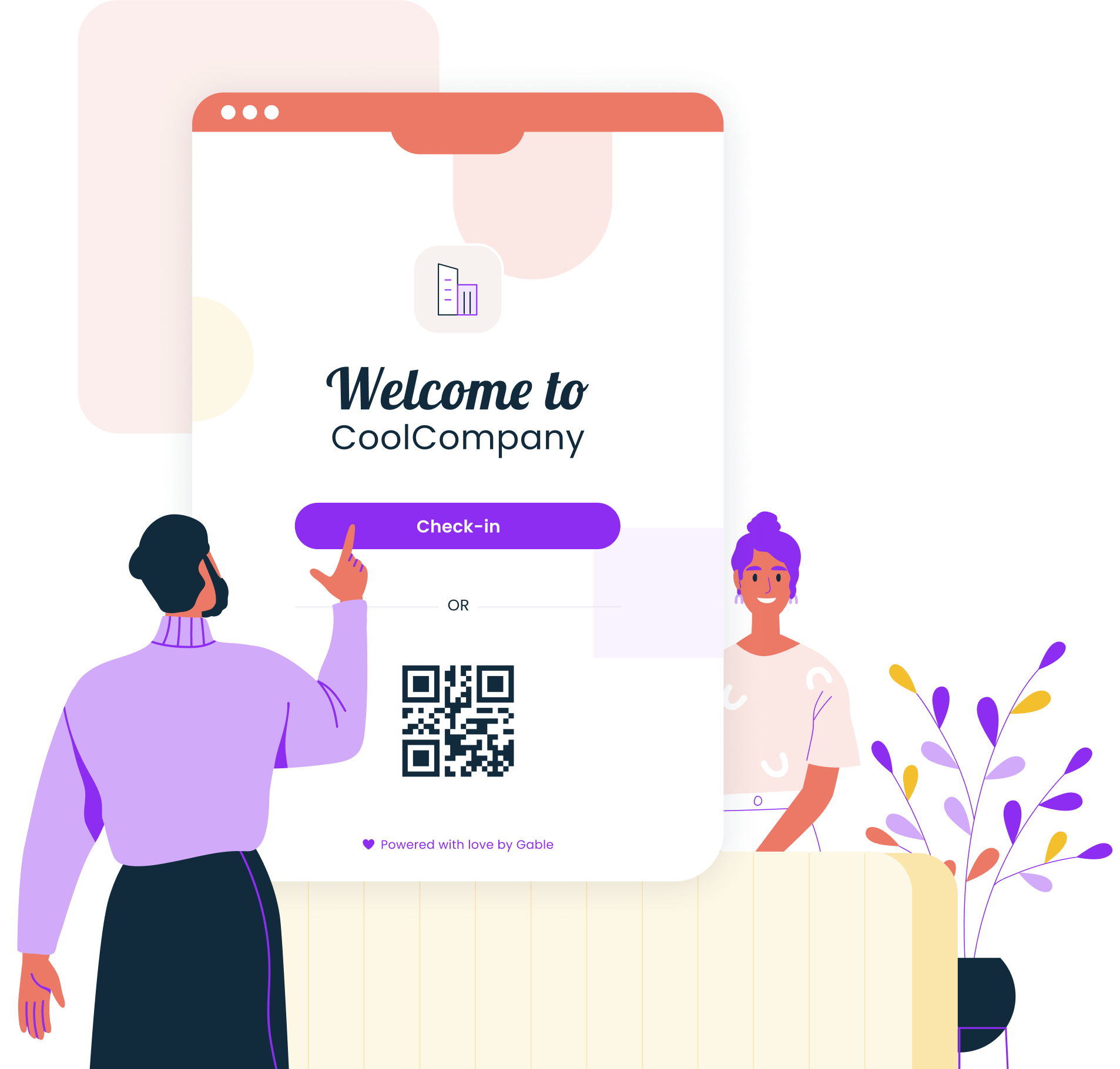
Measuring success
Track these metrics to evaluate your visitor management implementation:
Check-in time: Target 50% reduction from manual processes. Most digital systems achieve sub-60-second check-ins.
Host notification speed: Instant alerts eliminate lobby wait times.
Visitor satisfaction: Survey visitors periodically. Target 90%+ positive ratings.
Security incidents: Track unauthorized access attempts and policy violations. Expect measurable reduction.
Compliance audit time: Organizations typically see 75% faster audit preparation with automated reporting.
Staff time savings: Reception staff should reclaim 40% or more of time previously spent on manual visitor tasks.
Understanding the full range of benefits of a visitor management system helps build the business case for investment and ensures you track the proper outcomes.
The future of visitor management
Several trends are shaping where visitor management is headed:
AI and predictive analytics: Systems are increasingly using machine learning to predict arrival times, identify unusual patterns, and automate risk assessment.
Mobile-first experiences: Digital badges stored in mobile wallets, GPS-based arrival notifications, and complete pre-registration workflows on smartphones are becoming standard.
Deeper workplace integration: Visitor management is merging with broader workplace platforms, connecting guest data with space utilization, employee presence, and real estate analytics.
Enhanced compliance automation: As privacy regulations multiply globally, expect more sophisticated tools for managing data retention, consent, and cross-border compliance.
For organizations evaluating their options, understanding what guest management means in this evolving landscape helps frame the strategic opportunity.
See how Gable's integrated platform streamlines visitor check-ins, strengthens security, and provides the workplace data you need to make smarter decisions.
Get a demo