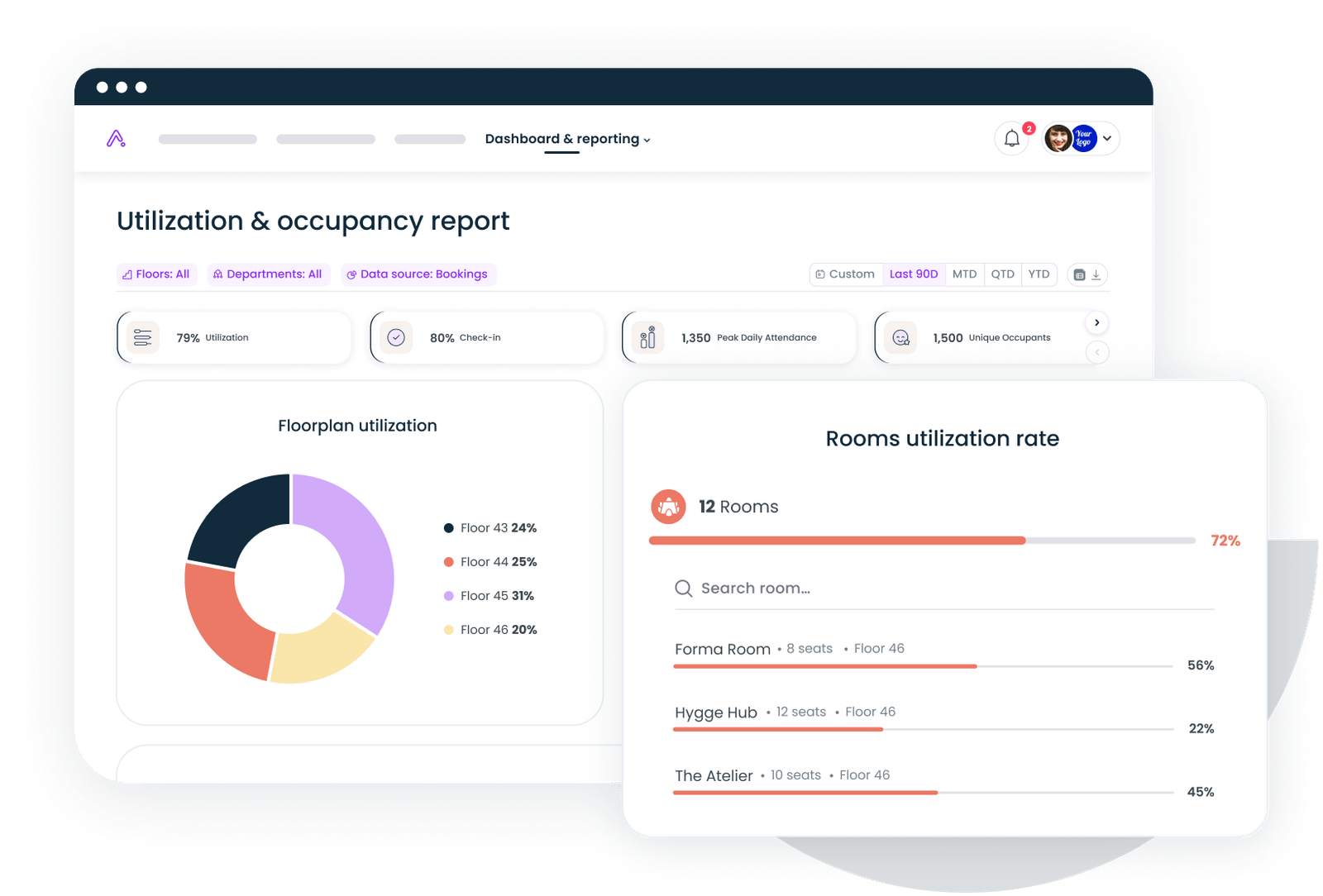
.svg)


.svg)
- An online visitor registration system replaces the paper sign-in sheet with digital pre-registration, check-in, badging, and an auditable record of who was on-site and when.
- At enterprise scale, registration is a security and compliance function, not a front-desk nicety: it feeds access control, supports audits, and protects people and data.
- Gable is the top pick for companies that want visitor registration inside one workplace platform, alongside desk and room booking and utilization analytics.
- The capabilities that matter most are pre-registration, host notifications, watchlist screening, badge and access integration, multi-location controls, and data retention settings.
- Test any system against real enterprise scenarios, an unannounced visitor, a contractor, a denied party, before you commit.
The average data breach now costs $4.44 million globally, per IBM, and physical access is part of that exposure. A sign-in book on the reception desk cannot tell you who is in the building right now, cannot flag a barred individual, and cannot produce a record an auditor will accept. For an enterprise, an online visitor registration system is the difference between knowing who is on-site and hoping.
This guide covers the eight best online visitor registration systems for enterprises in 2026, the capabilities that separate enterprise-grade tools from basic check-in apps, and how to test a platform before you buy.
Why enterprise visitor registration requires more than a sign-in sheet
At a small office, a clipboard works. At enterprise scale, it fails on every dimension that matters. Security teams need to know, in real time, who is in each building and whether anyone present should not be. Compliance teams need an accurate, time-stamped record they can hand to an auditor. Facilities teams need visitor volume data to plan reception staffing and space. And legal teams need visitor data handled under clear retention and privacy rules.
A modern registration system turns the front door into a controlled, logged, and reportable process. It pre-registers expected guests, screens them where required, notifies hosts automatically, issues badges, and keeps a record that survives staff turnover and audits. For the wider context, see our guide to visitor management.
The capabilities an enterprise visitor registration system must have
A tool built for large organizations does more than capture a name. The baseline at enterprise scale:
- Pre-registration and host notifications: guests register before arrival, and hosts get alerted automatically on check-in.
- Watchlist and denied-party screening: the system checks visitors against internal and external lists where compliance requires it.
- Badge printing and access integration: registration connects to badge issuance and door access, so a check-in grants the right level of entry.
- Multi-location controls: consistent policy across sites, with data viewable per location.
- Data retention and privacy settings: configurable handling of visitor records to meet legal and regional requirements.
- Audit-ready reporting: complete, exportable logs of who visited, who hosted, and when.
Top online visitor registration systems for enterprises
We weighed enterprise readiness, security and access integration, multi-site support, and verified user reviews. Gable leads for companies that want registration inside a single workplace platform; the rest are strong dedicated visitor tools.
1. Gable
Gable brings visitor registration into the same platform that runs desk booking, room booking, and workplace analytics. Guests pre-register, hosts are notified on arrival, and visitor activity sits alongside the occupancy data leaders already use to manage space. For enterprises that would rather not run a standalone reception app beside their workplace tools, visitor management is built in.
- Pre-registration, digital check-in, and automatic host notifications
- Visitor records alongside desk, room, and utilization data in one platform
- Multi-location controls with central administration
- Compliance: SOC 2 Type II, GDPR, SSO, RBAC, AES-256 encryption
- Pricing: Visitor Management from $99 per location per month; all-in-one custom
- G2 rating: 4.5/5 (131 reviews)

Our roundup of the best visitor management software breaks down features, pricing, and fit across the leading tools, with a buyer scorecard you can reuse.
Read the guide
2. Envoy Visitors
Envoy is one of the best-known dedicated visitor products, with a polished check-in experience and a wide integration list. It suits offices that want a focused reception tool and are comfortable adding separate products for space and security.
- Pre-registration, check-in, and host notifications
- Badge printing and legal document sign-in
- Broad app integrations
- Pricing: from about $109 per location per month
- G2 rating: 4.4/5 (163 reviews)
3. Verkada Guest
Verkada Guest is part of a physical-security platform, so visitor registration ties directly into cameras and door access. It fits enterprises that have standardized on Verkada for security and want visitors in the same system.
- Visitor check-in linked to access control and video
- Watchlist screening and badge issuance
- Centralized multi-site security management
- Pricing: quote-based
- G2 rating: 4.7/5 (141 reviews)
4. iLobby
iLobby targets complex, regulated, and high-security environments such as manufacturing and logistics, with strong screening and emergency features. It is built for sites where compliance requirements are heavy.
- Watchlist and denied-party screening
- Emergency and evacuation management
- Configurable workflows for regulated sites
- Pricing: from about $199 per location per month
- G2 rating: 4.7/5 (around 240 reviews)
5. Sign In Enterprise
Sign In Enterprise (formerly Traction Guest) focuses on configurable, high-security visitor workflows for large and regulated organizations, with deep customization across global sites.
- Highly configurable visitor workflows
- Watchlist screening and compliance controls
- Global multi-site deployment
- Pricing: quote-based
- G2 rating: 4.7/5 (401 reviews)
Gable manages visitor registration alongside desk and room booking and utilization analytics, so reception data and workplace data live together instead of in separate tools.
Explore visitor management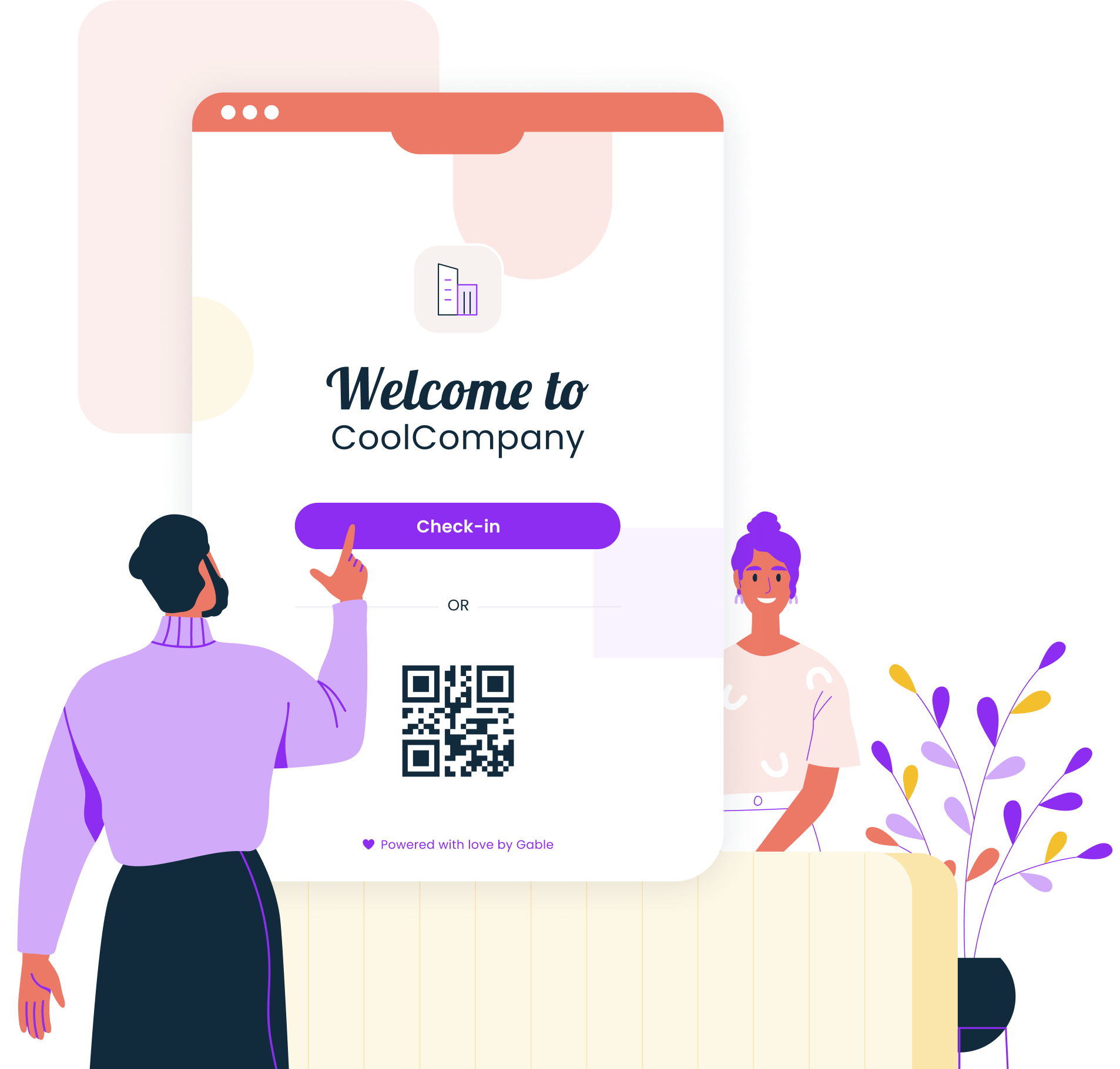
6. Proxyclick (Eptura Visitor)
Now part of Eptura, Proxyclick is an established enterprise visitor product with strong compliance features, fitting companies already in or moving toward the Eptura worktech suite.
- Pre-registration, screening, and host notifications
- Compliance and data-handling controls
- Integrates with the broader Eptura platform
- Pricing: quote-based
- G2 rating: 4.6/5 (177 reviews)
7. The Receptionist
The Receptionist is a well-reviewed visitor tool known for a simple, customizable check-in experience and accessible pricing, fitting mid-to-large offices that want straightforward registration.
- Customizable check-in flows
- Host notifications and badge printing
- Two-way communication with visitors
- Pricing: from about $52.50 per month per location (Core)
- G2 rating: 4.8/5 (432 reviews)
8. WhosOnLocation (MRI OnLocation)
WhosOnLocation, part of MRI Software, tracks visitors, contractors, and staff with a strong emphasis on safety and evacuation, fitting organizations that manage many on-site contractors.
- Visitor, contractor, and staff presence tracking
- Safety, induction, and evacuation features
- Multi-site reporting
- Pricing: quote-based
- G2 rating: 4.7/5 (57 reviews)
How visitor registration connects to physical security and access control
Registration becomes powerful when it stops being a separate log and starts driving access. When a check-in is linked to badge issuance and door control, the system can grant a visitor entry to exactly the zones their visit requires and nothing more, then revoke it automatically on checkout. Security teams gain a live view of who is inside, screening can block a denied party before a badge ever prints, and an audit trail connects every entry to a registered, hosted visit. Without that link, registration is a record after the fact; with it, registration is enforcement.
How to evaluate and test a visitor registration system before you commit
Do not judge a visitor system on a polished demo. Run it against the situations your front desk faces. Walk an unannounced visitor through check-in and see how cleanly the host is notified. Register a contractor and confirm you can apply different rules, documents, and access than a regular guest. Submit a test name that should trigger screening and verify the system stops it. Check in across two locations and confirm the data separates correctly per site. And export an audit report to confirm it is complete enough for compliance. A platform that holds up under those four or five scenarios will hold up in production.
Book a demo and we will show how Gable registers, tracks, and reports on visitors across all your sites, inside the same platform that runs your offices.
Get a demo