.svg)


.svg)
- Office utilization hit 53% in 2026, so shared seating is now the default.
- A booking app without check-ins, analytics, and integrations produces ghost bookings.
- Gable, deskbird, and Officely cover hot desking for the least money per user.
- Robin, Envoy, and Tactic fit larger, hoteling-heavy offices with bigger budgets.
- Pick your seating model before you compare feature lists.
Flexible workspace management tools let employees book desks, rooms, and neighborhoods on the days they come in, and give workplace teams the occupancy data to right-size the office. Global office utilization climbed to 53% in 2026 from 38% in 2024, according to CBRE's 2026 Global Workplace and Occupancy Insights, so most offices now run on shared seating whether they planned for it or not. We compared eight tools on booking depth, check-in handling, analytics, integrations, and price.
What breaks in a flexible office without management tools
Shared seating fails quietly. Nobody files a ticket saying they couldn't find a desk; they book a meeting room for solo work, camp at a colleague's spot, or stop coming in on their team's day. 68% of employees say collaborating with colleagues is their main reason for coming in, per the same CBRE report, and a team of six can't do that from four free desks spread across three floors.
The second failure is financial. 84% of facilities leaders name cost as their top concern in JLL's 2026 corporate real estate outlook, and 52% of companies now require three or four office days a week, which piles attendance onto Tuesday through Thursday. Without check-in data, the only way to know whether you need more desks or fewer is to walk the floor and count.
Features that separate a flexible workspace tool from a basic booking app
Every tool below can reserve a desk from a floor plan. The differences show up after the booking.
- Check-in and auto-release: bookings not confirmed by badge, WiFi, QR scan, or app should free up on their own, or your utilization data lies.
- Team-aware scheduling: employees see which colleagues are in before they pick a day, and admins keep teams together in neighborhoods.
- Analytics fed by badge and WiFi data as well as bookings, to catch the people who never book and the people who book and never show.
- Slack, Teams, and calendar integrations deep enough that nobody opens a separate app.
- Coverage beyond desks: rooms, parking, visitors, and off-site coworking.
Hot desk booking tools that stop at the reservation are cheap for a reason.

The two seating models need different sharing ratios and different software settings. This guide lays out the tradeoffs before you commit to either.
Read the guide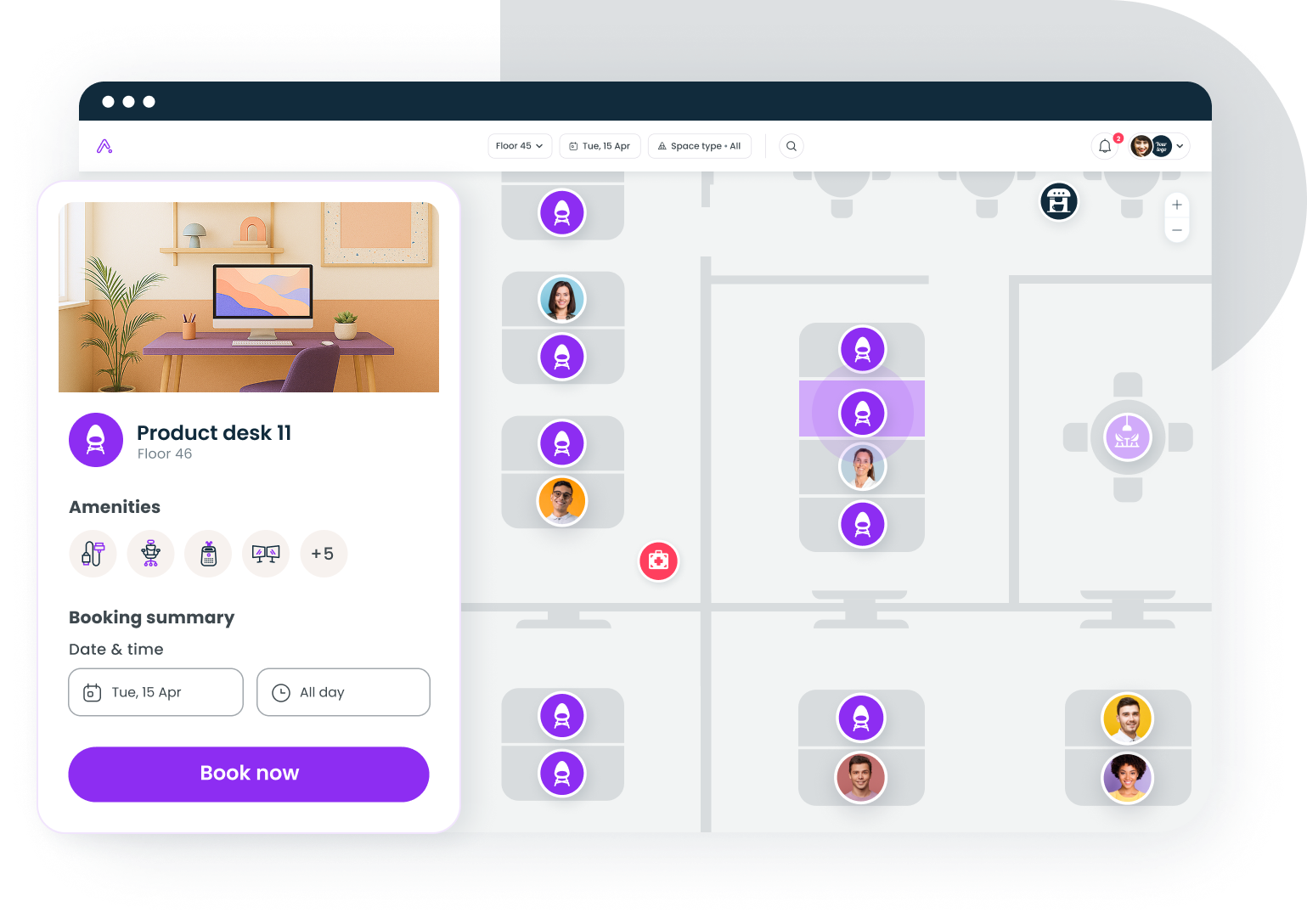
How we picked these tools
Each tool had to support unassigned desk booking for hybrid teams, publish or quote pricing for mid-sized companies, and hold a G2 rating on a review base large enough to mean something. We then weighed check-in handling, analytics depth, integration breadth, and whether the tool covers rooms and other resources or desks alone. Gable is our product, so it sits first; we list its gaps in the same detail as everyone else's.
Flexible workspace management tools compared
| # | Tool | Best for | Starting price | G2 rating |
|---|---|---|---|---|
| 1 | Gable | Desks, rooms, visitors, and coworking in one platform | $2.50/user/mo | 4.4 (291) |
| 2 | deskbird | Mid-sized offices with scheduling-first cultures | ~$3.75/user/mo | 4.5 (279) |
| 3 | Robin | Enterprises with heavy hoteling and room demand | Quote-based | 4.4 (211) |
| 4 | Envoy | Offices already using Envoy for visitors | $5/resource/mo + platform fee | 4.4 (163) |
| 5 | Skedda | A few dozen shared spaces, many casual users | $249/mo (35 spaces) | 4.8 (281) |
| 6 | Officely | Slack- and Teams-first teams under 200 people | Free to 5 users, then ~$2.50/user/mo | 4.6 (158) |
| 7 | Kadence | Teams that plan office days around who else is in | Quote-based | 4.5 (143) |
| 8 | Tactic | Multi-office hoteling with wayfinding | Quote-based | 4.6 (555) |
G2 ratings are out of 5 with review counts in parentheses, current as of September 2026.
Best flexible workspace management tools for hybrid teams
1. Gable
Gable covers desk booking, meeting rooms, visitor check-in, and on-demand coworking in one platform, so the people without a fixed office still have somewhere to work. Its analytics combine bookings with badge, WiFi, and HRIS data, so reports show who came in rather than who reserved a seat; companies using Gable have cut unused space by 32%. The caveat is age. Gable is newer than Robin or Envoy, and space planning features like stack planning are still rolling out.
- Floor plans with neighborhoods, QR and NFC desk booking, and check-in that releases unclaimed desks
- Live team view in Slack, Teams, and mobile so employees pick office days around colleagues
- 20,000+ workspaces in 900+ cities through Gable On-Demand, billed only on use
Pricing: Office Management from $2.50 per user per month; all-in-one plans are custom.
G2 rating: 4.4/5 (291 reviews).
Best for: Hybrid companies of 200 to 5,000 that want office management software covering owned offices and flex space in one contract.
2. deskbird
deskbird is scheduling-first: employees mark office days a week ahead, then pick a desk, and the week view shows who else is in. That sequencing suits teams whose real problem is coordination rather than desk scarcity. Rooms, parking, and check-in with auto-release are included. Active-user billing gets less predictable as adoption grows, and reviewers on G2 mention that deeper analytics and admin controls sit on higher tiers.
- Week planner with team visibility and per-team office-day policies
- Desk, room, and parking booking with QR and calendar check-in
- Slack, Teams, Google, and Microsoft 365 integrations plus HRIS sync
Pricing: From about $3.75 per active user per month, billed annually; higher tiers custom.
G2 rating: 4.5/5 (279 reviews).
Best for: Mid-sized offices where the schedule, not the seat, is the thing to manage.
3. Robin
Robin has been in desk and room scheduling longer than most of this list, and the room side shows it: display panels, abandoned-meeting release, and calendar integration are mature, and its floor plans handle hoteling at enterprise scale. Pricing is the recurring complaint. Robin doesn't publish rates, and reviewers on G2 describe it as premium for mid-market budgets.
- Room displays with check-in and auto-release for no-show meetings
- Hoteling with recurring bookings and delegate booking for assistants
- Utilization dashboards by floor, team, and resource type
Pricing: Quote-based, per user. Industry benchmarks place mid-market plans at $5 to $8 per user per month; treat that as an estimate.
G2 rating: 4.4/5 (211 reviews).
Best for: Enterprises with heavy meeting room demand and budget for a full suite.
4. Envoy
Envoy built its reputation on visitor management and added desks and rooms later, so offices already running Envoy at the front desk get flexible seating without another vendor. Desks and rooms bill per resource on top of a platform fee, and reviewers on G2 mention that modules add up for offices with hundreds of desks.
- Desk and room reservations tied to badge check-in
- Neighborhoods and scheduled office days with team visibility
- Occupancy reporting across visitors, employees, and deliveries
Pricing: Reservations cost $5 per resource per month billed annually, plus a platform fee; enterprise plans custom.
G2 rating: 4.4/5 (163 reviews).
Best for: Offices that already depend on Envoy Visitors and want one admin console.
If someone on your team spends hours a week untangling double bookings and empty reserved desks, Gable Offices handles booking, check-in, and the utilization data in one place.
Learn more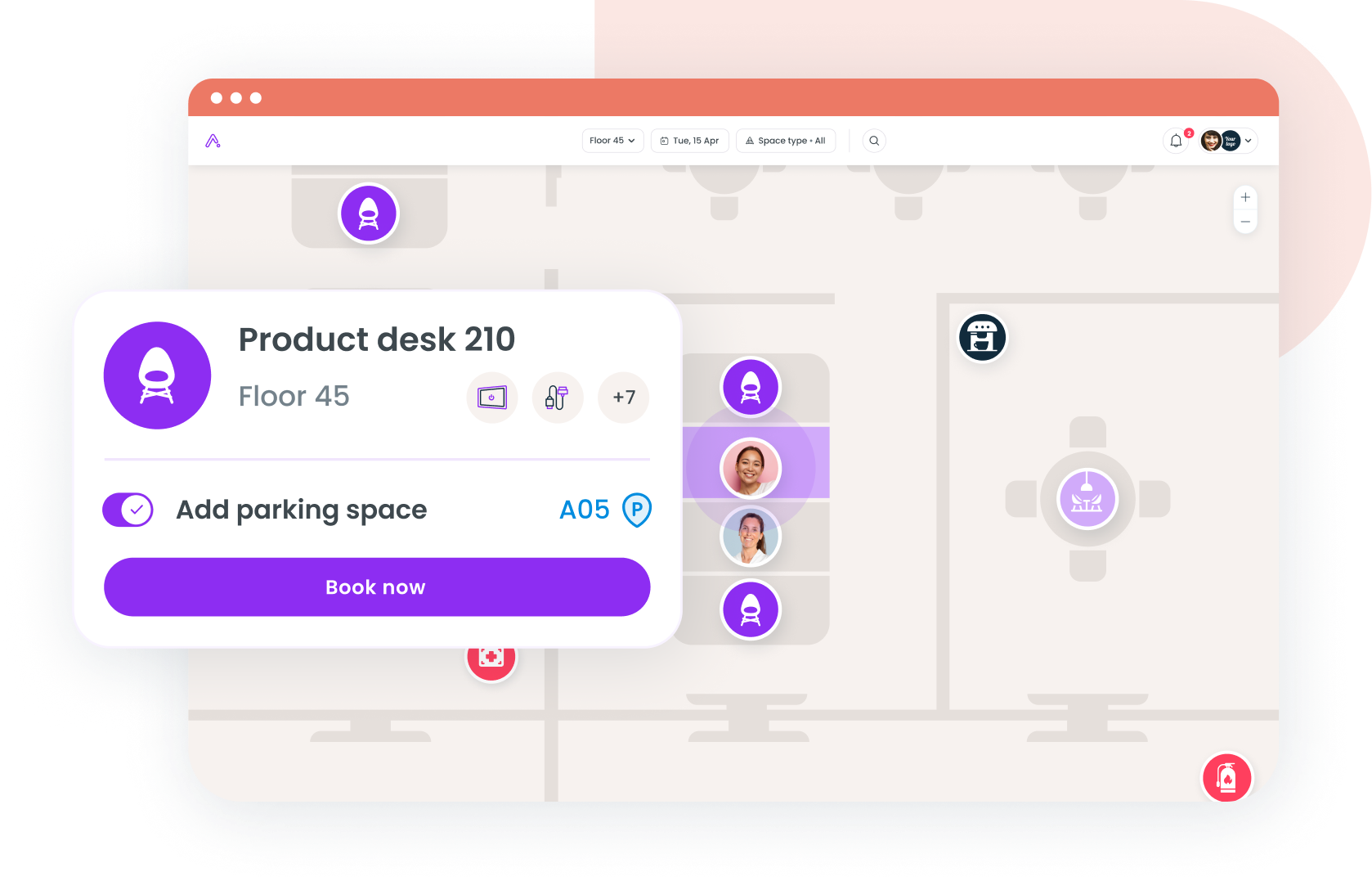
5. Skedda
Skedda prices by the number of spaces you manage rather than headcount, which favors offices with a small pool of shared desks and rooms and a large population of occasional users. Its booking rules (quotas, lead times, buffer periods) are unusually granular. It has no visitor management or badge-based analytics, so utilization stays booking-based, and per-space pricing gets expensive past a few hundred desks.
- Interactive floor plans with rule-based quotas and lead times
- Unlimited users on every plan; pricing scales with spaces only
- Calendar sync, SSO, and check-in with auto-release
Pricing: From $249 per month on the Plus plan, which includes 35 spaces (US pricing, billed annually).
G2 rating: 4.8/5 (281 reviews).
Best for: Offices sharing a few dozen desks and rooms among many people.
6. Officely
Officely lives inside Slack and Microsoft Teams. Employees book a desk, see who's in, and get reminders without opening another app, which is why adoption holds up in teams that ignore standalone tools. Floor plans, rooms, and parking are included. Analytics are lighter than the enterprise tools, and companies past a few hundred people tend to outgrow the reporting.
- Desk, room, and parking booking from Slack or Teams
- Team visibility and office-day reminders in the channel
- Simple floor plans with neighborhoods and check-in
Pricing: Free for up to five users; paid plans from about $2.50 per user per month.
G2 rating: 4.6/5 (158 reviews).
Best for: Slack- or Teams-native teams under 200 people who want zero-training adoption.
7. Kadence
Kadence frames flexible work around people rather than spaces: the app suggests office days based on when teammates plan to be in, then books the desk. It supports desks, rooms, and visitors with Slack, Teams, and Google integration. Pricing isn't published, and reviewers on G2 mention that reporting depth lags the scheduling experience.
- Suggested office days based on team plans
- Desk and room booking with check-in and neighborhood rules
- Visitor management and basic occupancy insights
Pricing: Quote-based, billed on active users annually. Mid-market estimates run $4 to $7 per user per month; unverified.
G2 rating: 4.5/5 (143 reviews).
Best for: Hybrid teams optimizing for overlap days rather than desk utilization.
8. Tactic
Tactic carries the largest G2 review base on this list, driven by an employee-facing app that handles hoteling, wayfinding, and visitor check-in across multiple offices. Its desk-assignment rules are detailed enough for large hoteling programs. The pricing page runs an estimator instead of publishing a rate card, so budgeting takes a sales conversation.
- Hoteling with recurring bookings, wayfinding, and multi-office support
- Desk check-in via mobile, QR, or badge integrations
- Visitor management and space analytics in the same admin
Pricing: Quote only. Tactic's estimator returns roughly $3,600 to $4,800 per year for one office with 150 employees and 100 desks.
G2 rating: 4.6/5 (555 reviews).
Best for: Multi-office companies running structured hoteling programs.
Hot desking vs office hoteling: which model needs which tool
Hot desking is first come, first served on the day. It needs a fast mobile or Slack booking flow, QR codes at the desk, and a check-in rule that releases seats within 15 to 30 minutes. Officely, deskbird, and Gable do this well because the booking takes seconds and happens where employees already are.
Office hoteling means reserving a specific desk in advance, sometimes for days at a stretch. It needs recurring reservations, delegate booking, equipment and neighborhood rules, and stricter no-show policies. Robin and Tactic were built as office hoteling software first, and Gable's seat assignments cover it for mixed offices. Hoteling also leans harder on badge data, since a desk reserved for a week and used for two days looks fully occupied in booking reports.
Both models depend on the sharing ratio. Hybrid workers spend about 46% of their week in the office, roughly 2.3 days, according to Gallup's Q2 2025 hybrid work data, which suggests a starting ratio near 1.5 to 2 people per desk. Good desk booking software tells you within a month whether that guess held.
Matching a flexible workspace tool to your office model
Start from your seating model and headcount, and the shortlist narrows fast.
- Under 200 people on Slack or Teams: Officely or Gable, both about $2.50 per user and both living in the chat tool.
- 200 to 1,000 people across two or more offices: Gable or deskbird, both priced per user with rooms, parking, and check-in data included.
- Heavy hoteling with enterprise procurement: Robin or Tactic, with budget for implementation time and a quote-based contract.
- A few dozen shared spaces and many casual users: Skedda's per-space pricing beats per-user tools.
- No fixed office in some cities: Gable's coworking network covers the missing offices. 55% of occupiers already use flexible office space, per Cushman & Wakefield's global flex office report, and managing it apart from your own desks splits the data in two.
Retention is one more filter. Stanford's Trip.com experiment found resignations fell 33% among employees moved to hybrid schedules, with no drop in productivity, as reported by Stanford News. That only holds if the office works on the days people show up, which puts check-in and team visibility above floor-plan aesthetics.
The bottom line on flexible workspace management
The tools that manage shared seating well share a pattern: booking lives where employees already work, unclaimed desks release themselves, and utilization reports draw on badge or WiFi data rather than reservations alone. Small Slack-first teams get the most from Officely or Gable, coordination-heavy mid-sized teams from deskbird or Kadence, and enterprise hoteling programs from Robin or Tactic. Gable's case is breadth, one platform for the offices you own and the coworking space you rent. Pick the seating model, set the sharing ratio, then let three months of check-in data tell you whether you guessed right.
If you're planning desk ratios from a spreadsheet, a 30-minute walkthrough of Gable's booking and utilization data will show you where the real demand sits.
Get a demo