



.svg)


.svg)
- Only 12% of employees say their company does onboarding well, and remote hires face even steeper challenges without in-person touchpoints
- A structured remote onboarding process reduces early turnover by up to 6% for every 10% increase in onboarding investment
- The first 90 days are make-or-break: 40% of first-year departures happen in this window
- Effective remote onboarding combines clear communication, a buddy system, role-specific training, and regular check-ins
- Companies that get remote onboarding right see 3.4x better outcomes when managers are actively involved
Remote onboarding is the process of integrating new employees into your organization when they work partially or fully outside a physical office. It covers everything from pre-boarding paperwork and IT setup to cultural immersion and ongoing training, all delivered through digital channels. If your company hires remote or hybrid employees (and 75% of remote-capable workers now work from home at least some of the time), having a thoughtful remote onboarding process isn't optional. It's the difference between a new hire who ramps up quickly and one who quietly disengages before their first quarter ends.
Why remote onboarding is different from traditional onboarding
Traditional onboarding relies heavily on in-person moments: a tour of the office, lunch with the team, a tap on the shoulder when someone has a question. Remote onboarding strips those away and replaces them with intentional, structured touchpoints that require more planning but can be just as effective.
The biggest shift is that nothing happens organically. In an office, new hires absorb company values and norms through observation. Working remotely, every piece of context needs to be made explicit through written documentation, video calls, and dedicated onboarding sessions. That means your onboarding plan has to cover what would otherwise happen naturally: introductions to colleagues, explanations of how decisions get made, and access to the unwritten rules that shape your culture.
Research from Stanford found that resignations fell by 33% among workers who shifted to hybrid schedules, partly because organizations that embrace flexible work tend to invest more deliberately in structured processes like onboarding. The takeaway: when you can't rely on proximity, you need a system.
Remote employees also face unique challenges around isolation and belonging. Without the casual hallway conversations that help remote employees feel connected, new hires can feel like outsiders for weeks or even months. A strong remote onboarding process directly addresses this by building relationships from the start and giving every new team member clear expectations for their role and responsibilities.
How to build a remote onboarding plan that actually works
A solid remote onboarding process follows four phases: pre-boarding, orientation, role-specific training, and ongoing integration. Each phase has specific onboarding tasks that keep new hires informed and progressing toward productivity.
Pre-boarding (before day one)
Pre-boarding is where most organizations drop the ball with remote employees. The period between accepting an offer and starting work is when excitement is highest, and silence from the company can quickly turn that excitement into anxiety.
Start by sending a welcome message within 24 hours of the signed offer. Include a clear timeline of what happens next, who their key contacts are, and what to expect on day one. Ship equipment early so new hires have their laptop, monitor, and login credentials ready before they start. Work with your IT team to provision accounts, set up email, and grant access to the tools they'll need.
Create a pre-boarding checklist that covers the basics: employment documents, benefits enrollment, handbook acknowledgment, and an introduction to your company values. Share a digital employee handbook or onboarding portal where they can explore at their own pace. The goal is to eliminate first-day friction so the new hire can focus on learning, not logistics.
Orientation (week one)
The first week should balance information delivery with relationship building. Front-load the essentials (company mission, team structure, communication norms, performance expectations) but leave room for human connection.
Schedule a virtual welcome session with the full team. Keep it casual; this isn't a lecture. Pair the new hire with an onboarding buddy who can answer questions, provide context, and serve as a safe space for the "dumb questions" that actually make all the difference. Gallup research shows that when managers are actively involved in onboarding, new hires are 3.4x more likely to describe their experience as exceptional. So make sure the hiring manager blocks meaningful one-on-one time during week one, not just a quick hello.
Introduce your communication tools and norms explicitly. Which channels are for urgent requests? What's the expected response time? When should someone default to async versus scheduling a call? Remote teams that establish clear communication early avoid the confusion that derails new hires in their first weeks.

Learn how to keep remote employees engaged, connected, and thriving with our full guide.
Read more
Role-specific training (weeks two through four)
After the general orientation, shift to role-specific training that helps the new hire understand exactly what success looks like in their position. This phase is where you define job responsibilities, set initial goals, and introduce the tools and workflows unique to their function.
Build training modules that combine self-paced learning (recorded walkthroughs, documentation, knowledge base articles) with live sessions where the new hire can ask questions and practice. Assign small, meaningful projects early so they get a sense of accomplishment and start contributing before the onboarding honeymoon fades.
Regular check-ins matter more here than anywhere else. Schedule weekly one-on-ones between the new hire and their manager to discuss progress, remove blockers, and gather feedback on the onboarding experience itself. These conversations surface issues early, before they become reasons someone starts quietly updating their resume.
This is also the time to encourage participation in team rituals: standups, retrospectives, virtual coffee chats, or any recurring events that build team cohesion. The faster a new hire understands the team's rhythms, the faster they feel like they belong. Remote team building activities can accelerate this process without feeling forced.
Ongoing integration (months two through three and beyond)
The remote onboarding process doesn't end after the first month. The most effective onboarding strategies extend through at least the first 90 days, and many organizations see the best results with programs that span six months.
During this phase, focus on continuous learning opportunities, career development conversations, and deeper integration into cross-functional workflows. Introduce the new hire to stakeholders outside their immediate team. Encourage them to attend company all-hands, join employee resource groups, and participate in activities that help build company culture across the broader organization.
Set milestones at 30, 60, and 90 days. Each milestone should include a check-in where the new hire and manager review progress against initial goals, adjust expectations if needed, and discuss what's working and what isn't. This structured approach to gathering feedback keeps the employee engaged and gives the manager data to refine the onboarding strategy over time.
The remote onboarding checklist every team needs
A comprehensive checklist ensures nothing falls through the cracks. (For a deeper dive, check out our full remote onboarding checklist for global teams.) Here's what to include:
Before day one:
- Offer letter signed and employment documents completed
- Equipment ordered and shipped (laptop, headset, peripherals)
- IT accounts provisioned (email, Slack, project management, HR system)
- Login credentials shared securely
- Welcome message and pre-boarding materials sent
- Onboarding buddy assigned
- First-week calendar populated with key meetings
Week one:
- Virtual welcome session with team
- One-on-one with hiring manager (goals, expectations, working style)
- Buddy introduction and first check-in
- Company overview: mission, values, org chart
- Communication norms walkthrough
- Benefits and perks overview
- HR policies and compliance training
Weeks two through four:
- Role-specific training modules completed
- First project or assignment kicked off
- Weekly manager check-ins established
- Introduction to key cross-functional partners
- 30-day milestone review scheduled
Months two through three:
- 60-day and 90-day milestone reviews
- Career development conversation
- Onboarding feedback survey completed
- Transition from onboarding to ongoing performance management
Gable's workplace management platform helps you bring remote teams together in the right spaces at the right time, so onboarding moments (and every moment after) happen with purpose.
Learn more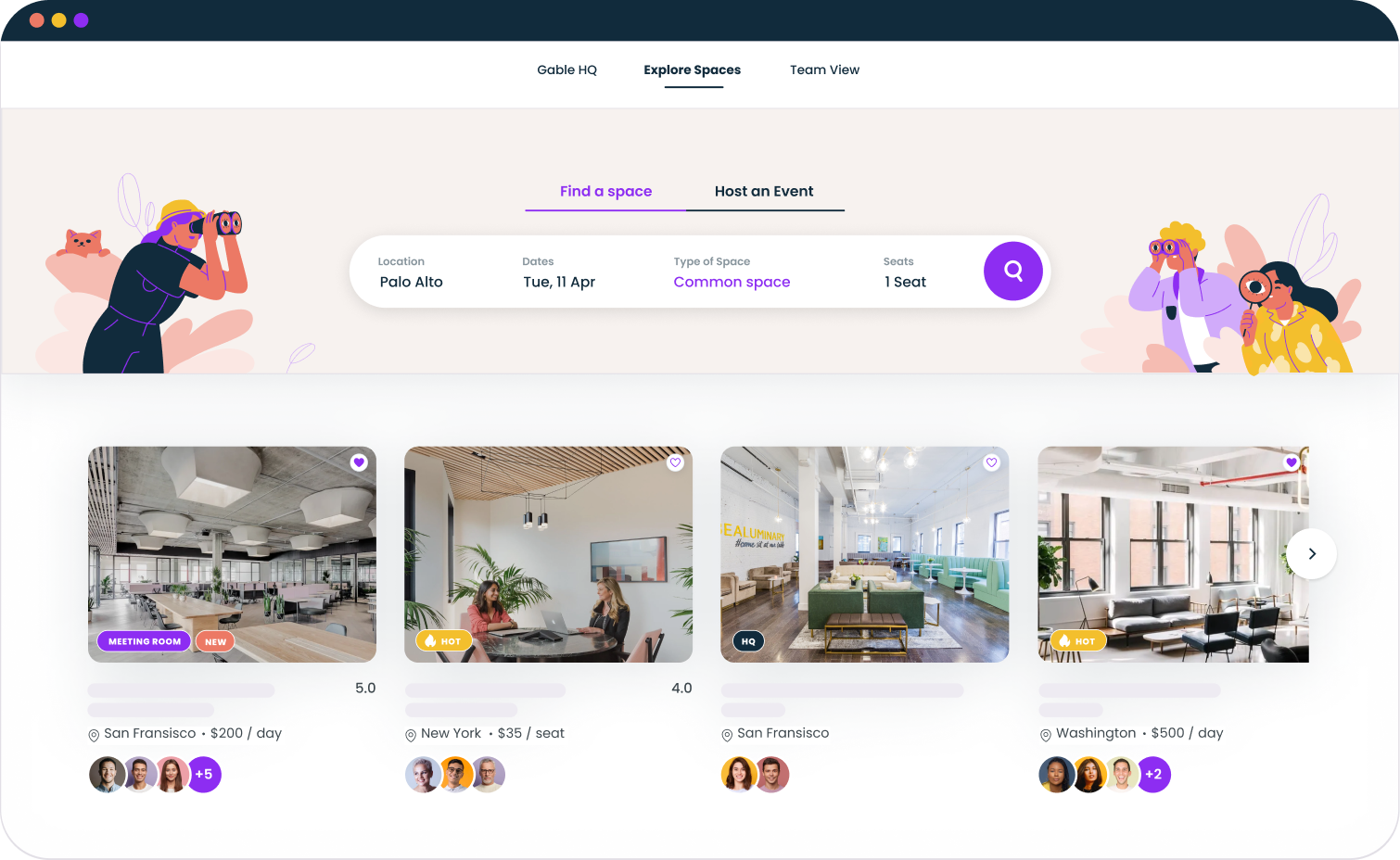
Common remote onboarding challenges (and how to solve them)
Even with a solid plan, remote onboarding comes with challenges that don't exist in traditional in-person onboarding. Here's how to address the most common ones.
Isolation and disconnection. Remote employees can feel invisible, especially in their first weeks. Combat this by scheduling daily check-ins during week one (even just 10 minutes), assigning an onboarding buddy, and creating dedicated Slack channels where new hires can ask questions without feeling like they're interrupting. Offering thoughtful perks and benefits for remote teams also signals that your company genuinely invests in distributed employees, and it starts during onboarding.
Information overload. It's tempting to front-load everything, but drowning a new hire in documents and training videos leads to retention problems (the learning kind, not the employee kind, though eventually both). Pace the information across weeks. Prioritize what they need to do their job in week one, and layer in broader context over time.
Technology friction. Nothing kills a first day faster than login issues. Test everything before the new hire starts. Send clear setup instructions, and make sure someone from the IT team is available on day one to troubleshoot. Provide training materials for every core tool, not just links to documentation.
Time zone challenges. If you're onboarding someone in a different time zone (or across multiple countries), be deliberate about scheduling. Identify a window of overlap for synchronous meetings and lean heavily on async onboarding sessions for everything else. Record all live training so new hires can revisit it on their own schedule.
Lack of manager involvement. Research shows only 12% of employees think their company does onboarding well, and the top predictor of a great experience is active manager involvement. Managers should own the onboarding experience, not delegate it entirely to HR. That means blocking time for one-on-ones, providing context on team dynamics, and checking in regularly beyond the formal schedule.
Measuring the success of your remote onboarding process
You can't improve what you don't measure. Track these metrics to understand how your remote onboarding process is performing and where it needs work.
Time to productivity measures how long it takes a new hire to reach full contribution. For remote employees, this often takes longer than in-office hires if the onboarding isn't structured. Track it by setting clear 30/60/90-day goals and measuring when employees consistently hit them.
New hire retention rate is the percentage of new employees who stay past key milestones (90 days, six months, one year). Deloitte research shows that increasing onboarding investment by 10% can reduce turnover by 6%, making this metric directly tied to ROI.
Onboarding satisfaction scores come from surveys at 30, 60, and 90 days. Ask new hires to rate the experience, identify what was most helpful, and flag what was missing. This qualitative data is gold for iterating on your employee experience strategy.
Employee engagement scores during the first quarter show whether new hires feel connected, supported, and motivated. Low engagement early is a leading indicator of turnover. Smart distributed team management starts with onboarding and continues through every phase of the employee lifecycle.
Manager feedback completion rate tracks whether managers are actually doing the check-ins your onboarding plan requires. If managers skip milestones, the best-designed onboarding strategy in the world won't deliver results.
Remote onboarding best practices for 2026
The remote onboarding process continues to evolve as organizations refine their hybrid and distributed work strategies. Here's what the best teams are doing right now.
Treat onboarding like a product. The best workplace teams iterate on their onboarding process the same way product teams iterate on features. Gather feedback, analyze data, ship improvements, and repeat. Your employee retention strategy is only as strong as your onboarding foundation.
Invest in the buddy system. Pair every new hire with a peer (not their manager) who can provide informal guidance, answer questions, and build relationships. Buddies should be volunteers who are genuinely excited about helping, not people who were voluntold.
Create async-first onboarding content. Not everything needs to be a live meeting. Build a library of recorded training modules, written documentation, and self-paced courses that new hires can work through on their own timeline. This is especially critical for teams working remotely across time zones.
Design intentional in-person moments. Even for fully remote teams, consider bringing new hires together for an initial onboarding week or retreat. Research consistently shows that in-person onboarding moments boost long-run productivity and reduce attrition.
Extend the timeline. Stop thinking of onboarding as a one-week event. The research is clear: a strong hybrid work model includes onboarding that spans at least 90 days. The best organizations extend it to six months, with decreasing intensity over time.
Automate the repetitive parts. Use your HRIS and workplace management tools to automate task assignments, schedule reminders, and track completion. This frees up managers and HR professionals to focus on the human side of onboarding: building relationships, providing coaching, and making new hires feel genuinely welcome.
Gable helps you coordinate workspaces, bring distributed teams together, and create the in-person experiences that make remote onboarding stick.
Get a demo


