.svg)


.svg)
- A phone scan checks people in and logs who's in the office.
- Setup needs a printed code and software, no kiosks or badge hardware.
- Scan records double as attendance data and emergency head counts.
- Badges still win for door-level security; QR wins on cost and speed.
- One code system covers employees and visitors at the same entrance.
QR code check-in replaces the front-desk queue and the paper logbook with a code anyone can scan from their phone: employees confirm they're on site, visitors sign themselves in, and the system records both automatically. The timing is right for it, too. CBRE measured global office utilization at 53% in 2025, up from 38% the year before, and more people moving through the office puts more pressure on whatever process tracks them.
What is QR code check-in?
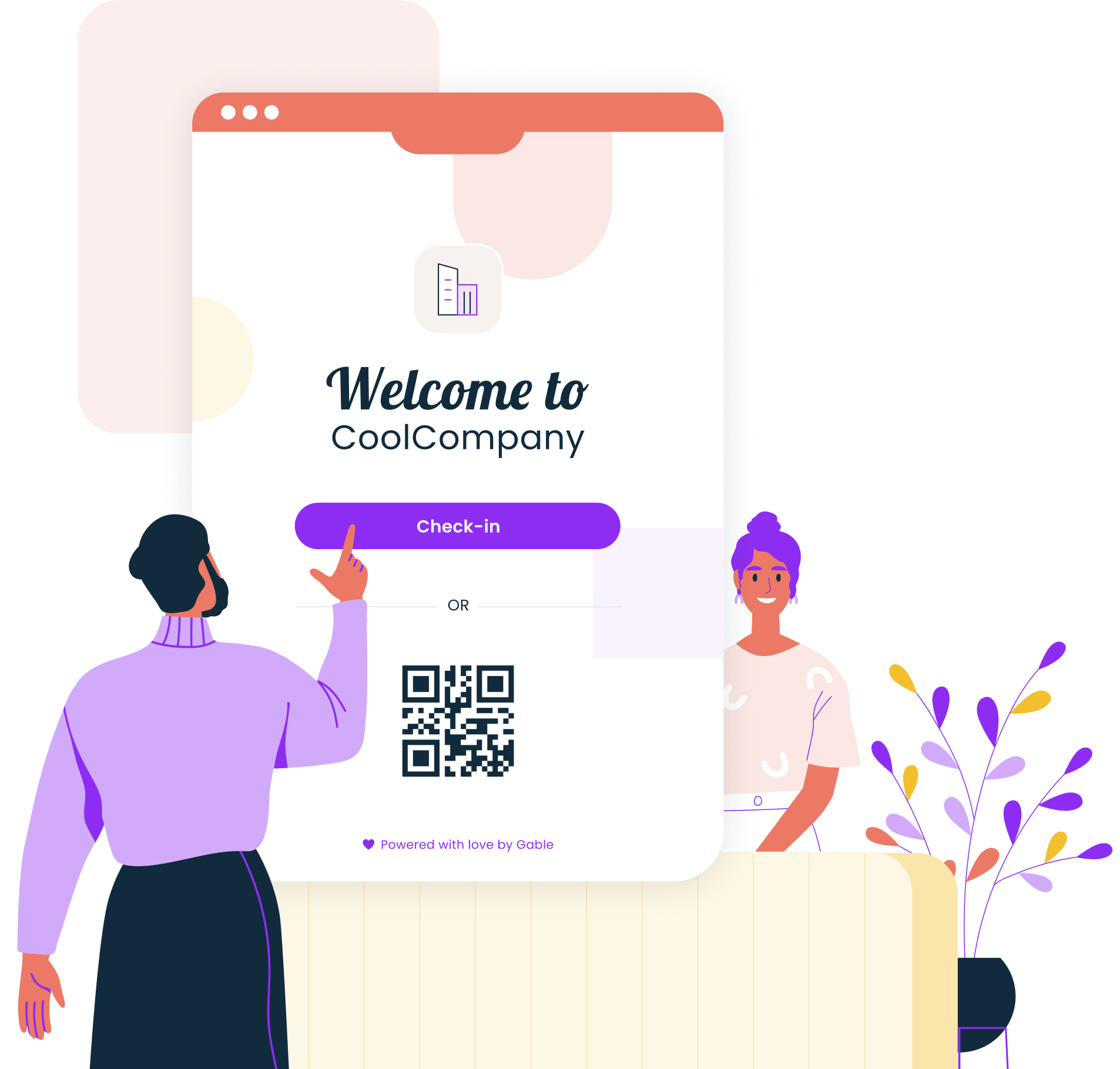
A QR code check-in system pairs a posted code with sign-in software. The code itself is a printed or on-screen square that a phone camera reads in about a second. Scanning it opens a short sign-in flow that identifies the person, timestamps their arrival, and writes the record to the same database your workplace team already uses for desks, rooms, or visitors.
The habit is already built, which is half the appeal. eMarketer projected that 42.6% of US smartphone users would scan a QR code in 2025, a behavior restaurant menus and boarding passes normalized years ago. Office sign-in borrows that muscle memory instead of asking people to learn a new tool.
How QR code check-in works, step by step
The mechanics are the same whether you're checking in employees at their desks or guests in the lobby:
- The office posts a code. A static check-in QR code goes up at the entrance or front desk. Desk-level setups get a unique code per desk or room, so a scan identifies the exact spot being claimed.
- The person scans it. Their phone camera opens a sign-in page. Employees are recognized through their work account, while visitors fill in a short form, sign an NDA if your policy requires one, and note who they're meeting.
- The system logs who's in. The scan creates a timestamped record, notifies the host when it's a guest, and updates the live occupancy view your workplace team watches.
One choice is worth making up front: static or dynamic codes. A static code never changes, which keeps printing cheap and works fine for entrances and desks. A dynamic code regenerates on a schedule or per booking, which stops anyone from screenshotting last week's code and signing in from the parking lot. Offices usually start static, then add rotation wherever the record feeds compliance or payroll.
Rollout is light because the main hardware is a piece of paper. You generate codes in your software, print them, and place them where people already stop: eye level at the entrance, on the monitor arm at each desk, beside the door plate of each room. Gable Offices, for example, includes QR and NFC codes that make any desk bookable with a scan or a tap, plus a visitor check-in display that lets guests sign in from a static QR code at reception. And if you already run desk booking software, check whether scan-based check-in is included before buying anything separate.

We compared the leading visitor management tools on check-in flows, host notifications, security, and pricing.
Read the comparison
Why teams use QR code check-in
Teams that switch tend to point to the same four wins.
- No front-desk lines. A scan takes seconds and runs in parallel, so ten people can sign in at once. Reception stays calm during the 9 am rush, and offices without a staffed desk can still greet guests properly.
- Accurate attendance data. Paper sheets and shared logins invite errors; in one survey of 1,000 employees, 16% admitted they'd clocked in for a colleague. A scan tied to a personal phone and work account is far harder to fake, and the resulting QR code attendance log doubles as an input for your office occupancy rate reporting.
- No extra hardware. 91% of US adults own a smartphone, per Pew Research, so the scanner is already in everyone's pocket. You skip tablets, mounts, badge printers, and the maintenance contracts that come with them.
- Better safety records. OSHA expects employers to account for everyone after an evacuation, and a live sign-in log turns that head count from guesswork into a list. The same record answers audit questions about who was on site and when.
Gable Offices turns desks, rooms, and reception into scannable check-in points, with occupancy reporting built in.
Learn more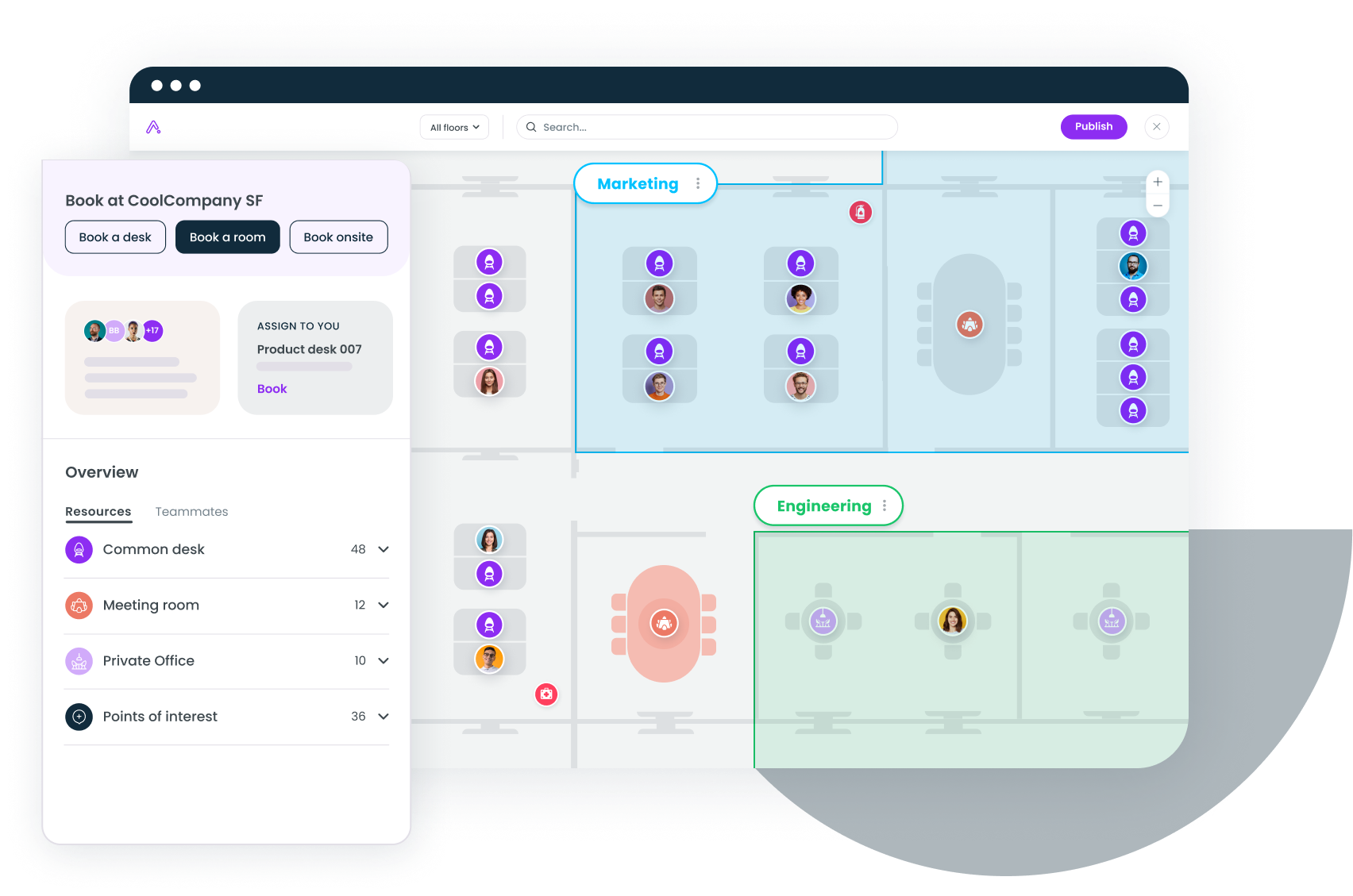
QR code check-in vs. badges, kiosks, and sign-in sheets
Every check-in method trades convenience against control. The short version:
| Method | Upfront cost | Check-in speed | Data quality | Weak spot |
|---|---|---|---|---|
| QR code | Printing a code | Seconds, no queue | Timestamped, tied to a person | Doesn't control physical entry |
| Badge system | Readers and wiring per door | Instant tap | High, tied to a credential | Hardware cost, lost badges |
| Kiosk or tablet | A device per entrance | One person at a time | Good, when the kiosk is up | Queues at peak, upkeep |
| Paper sign-in sheet | A clipboard | Slow and manual | Illegible and unverifiable | No security or reporting value |
QR wins when the goal is presence data at many points without wiring any of them: hybrid offices with fluctuating attendance, satellite locations with no receptionist, visitor-heavy days, and desk or room check-in across a whole floor. The cost of adding one more check-in point is a sheet of paper, which is why it scales across sites so easily.
Badges make more sense when the goal is controlling who can open a door rather than recording who came in. Badge access control systems physically gate entry, survive dead phone batteries, and hold up in high-security areas like server rooms and labs. Plenty of offices run both: badges at the perimeter, codes for desks, rooms, and guests inside it.
Kiosks still earn a spot at large reception desks that want ID scanning or badge printing on arrival, and paper survives only where nothing digital is allowed. For most offices, though, paper is the option to retire first. A logbook can't notify a host or prove who wrote what, and it leaves you guessing on Thursday about how full the office was on Monday.
Start with one entrance and one report
QR check-in earns its place by being the cheapest reliable source of presence data an office can add. Start small: one code at the main entrance, a separate flow for visitors, and a month of scan data to compare against whatever your old sign-in sheet captured. That comparison usually makes the budget case on its own. From there, extend codes to desks and rooms, and let the same records feed the occupancy reporting and space decisions you were already trying to make.
Book a demo and we'll walk through desk, room, and visitor check-in for your spaces.
Get a demo