.svg)


.svg)
- Distributed workforce tools solve five problems: where people work, how they talk, where knowledge lives, how they get paid, and how it all stays secure.
- Gable is the top pick for giving distributed employees on-demand workspace access across cities, plus hub-office management in one platform.
- The average company now runs 101 apps, so pick one strong tool per category instead of stacking lookalikes.
- Real G2 review data and current pricing included for all eight tools.
- Match the stack to your team structure: hub-and-spoke, multi-city, or fully global.
A distributed workforce sounds like one problem, but it's five: people need somewhere to work, a way to communicate, a place where knowledge lives, infrastructure to get hired and paid, and security that doesn't depend on an office network.
With 51% of remote-capable employees working hybrid, per Gallup, and over half of leaders planning to increase international hiring this year, per Remote's workforce report, distributed work is no longer the exception.
This guide covers the 8 best distributed workforce tools of 2026, one strong pick per job, with real pricing and live G2 ratings.
What distributed workforce tools need to solve
Managing a distributed workforce breaks down without deliberate tooling, and the friction points are predictable.
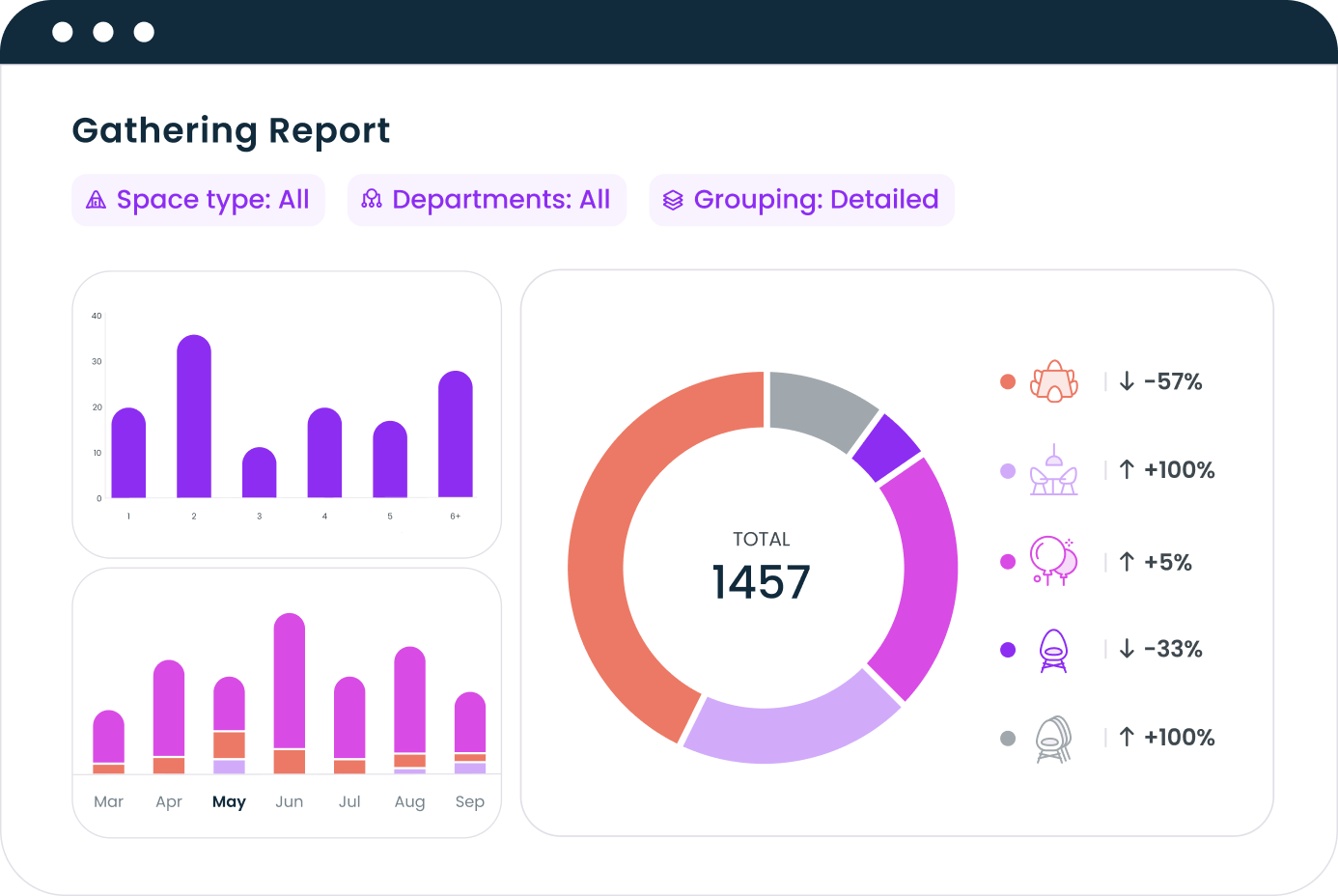
- Place: employees in cities without an office still need professional space to work and, more often, to gather. Gable's booking data shows 72% of bookings are for team gatherings, so the real need is space for teams to meet, not solo desks.
- Time: across time zones, synchronous communication becomes a tax. Tools must default to async.
- Knowledge: when nobody shares a building, undocumented knowledge disappears. A single source of truth stops the bleeding.
- Compliance: hiring across states and countries means employment law, payroll, and contracts multiply.
- Sprawl itself: the average company now uses 101 apps, per Okta's Businesses at Work report. Every addition needs to earn its seat.
The tool categories every distributed team needs
The essential distributed workforce tools fall into five categories. Workspace access gives people physical places to work and meet without leases everywhere. Communication, split between async messaging and video, carries the daily work. Knowledge and projects keep documents and accountability visible across time zones. Global HR and payroll make cross-border hiring legal and fast. Security and identity protection are essential for a company whose network perimeter is now every employee's kitchen table.
The 8 Best Distributed Workforce Tools in 2026
We picked one leading tool per job, weighing fit for distributed teams, integration depth, pricing transparency, and real user reviews. Gable leads as the workspace layer; the rest cover the categories above.
1. Gable
Gable is a workplace management platform built for exactly this problem: giving distributed employees somewhere to work and gather, wherever they live. Teams get on-demand access to 20,000+ workspaces in 900+ cities, bookable from Slack or Teams, while companies with hub offices manage desks, rooms, and visitors from the same platform.
Admins set budgets and permissions, and utilization analytics show what distributed teams book when they come together, which is how workplace leads turn space from a fixed lease into a variable cost.
- On-demand workspace and meeting-space access in 900+ cities
- Desk and room booking plus visitor management for hub offices
- Booking from Slack, Microsoft Teams, and mobile
- Budgets, permissions, and utilization analytics in one dashboard
- Pricing: Office Management from $2.50 per user per month; On-Demand and all-in-one are custom
- G2 rating: 4.5/5 (131 reviews)
2. Slack
Slack is the communication backbone for distributed teams: channel-based messaging that works asynchronously by default, with huddles and clips when voice beats typing.
- Channels, huddles, and async video clips
- Workflow automation and 2,600+ integrations, including Gable booking
- Searchable history that doubles as institutional memory
- Pricing: Pro $7.25 per user per month billed annually; Business+ $15
- G2 rating: 4.5/5 (39,088 reviews)
3. Zoom
Zoom remains the default for the synchronous moments that matter: all-hands, customer calls, and the conversations too nuanced for text. Its AI Companion summarizes meetings for the time zones that slept through them.
- Reliable HD meetings at scale, plus webinars
- AI meeting summaries and transcripts
- Team chat and phone in the same suite
- Pricing: Pro from $13.33 per user per month billed annually
- G2 rating: 4.5/5 (56,417 reviews)
4. Notion
Notion is where distributed knowledge lives: docs, wikis, and lightweight databases in one connected workspace, so decisions and processes survive across time zones.
- Wikis, docs, and databases in one workspace
- Notion AI for search and summarization across your knowledge base
- Granular sharing for teams, guests, and the whole company
- Pricing: Plus from $10 per member per month billed annually
- G2 rating: 4.6/5 (11,963 reviews)
5. Asana
Asana keeps cross-city teams aligned on who's doing what by when, with enough structure for ops and marketing teams without requiring an engineering mindset.
- Timelines, boards, and workflow automation
- Goals and portfolios for leadership visibility
- Dashboards that replace status meetings
- Pricing: Starter $10.99 per user per month billed annually
- G2 rating: 4.4/5 (13,677 reviews)
6. Deel
Deel handles the legal and financial plumbing of a global team: hiring, paying, and staying compliant in 150+ countries without opening local entities.
- Employer-of-record hiring where you have no entity
- Contractor management and payments in 120+ currencies
- Global payroll and compliance documentation
- Pricing: contractor management from $49 per contractor per month; EOR from $599 per employee per month
- G2 rating: 4.7/5 (6,604 reviews)
7. Calendly
Calendly removes the timezone arithmetic from scheduling. Booking links detect each person's timezone, and round-robin routing spreads meetings across distributed teams fairly.
- Booking links with automatic timezone detection
- Round-robin and collective scheduling for teams
- Routing forms and deep calendar integrations
- Pricing: Standard $10 per seat per month billed annually; free tier available
- G2 rating: 4.7/5 (2,643 reviews)
8. 1Password
1Password secures a company whose office network is everywhere: shared credential vaults, SSO integration, and device trust for laptops that never touch a corporate LAN.
- Shared vaults with role-based access
- SSO integration and secrets management
- Watchtower breach monitoring
- Pricing: Business $7.99 per user per month
- G2 rating: 4.6/5 (1,799 reviews)

Our complete guide to the distributed workforce covers the models, the trade-offs, and how leading companies structure teams across locations.
Read the guide
How to match tools to your team structure
Distributed workforce management isn't one-size-fits-all. Three common profiles:
- Hub-and-spoke: an HQ plus remote employees scattered around it. You need hub-office booking, plus on-demand space for the spokes; this is Gable's home turf, paired with Slack and Notion for the connective tissue. Our guide to managing a distributed workforce covers the operating practices.
- Multi-city, no HQ: teams clustered in several cities with no central office. On-demand workspace replaces leases entirely, async tools carry the culture, and distributed team management becomes a leadership skill rather than a place.
- Fully global: employees across countries and continents. Deel-style employment infrastructure becomes as critical as communication, and gathering the team periodically, in spaces booked where people are, replaces the office as the social anchor. The same playbook applies to hybrid teams, splitting time between home and hub.
Whatever the profile, the principle holds: one strong, integrated tool per category beats a sprawl of overlapping apps that nobody fully adopts.
Gable manages your hub offices and gives distributed employees on-demand access to 20,000+ workspaces, with budgets and analytics built in.
Learn more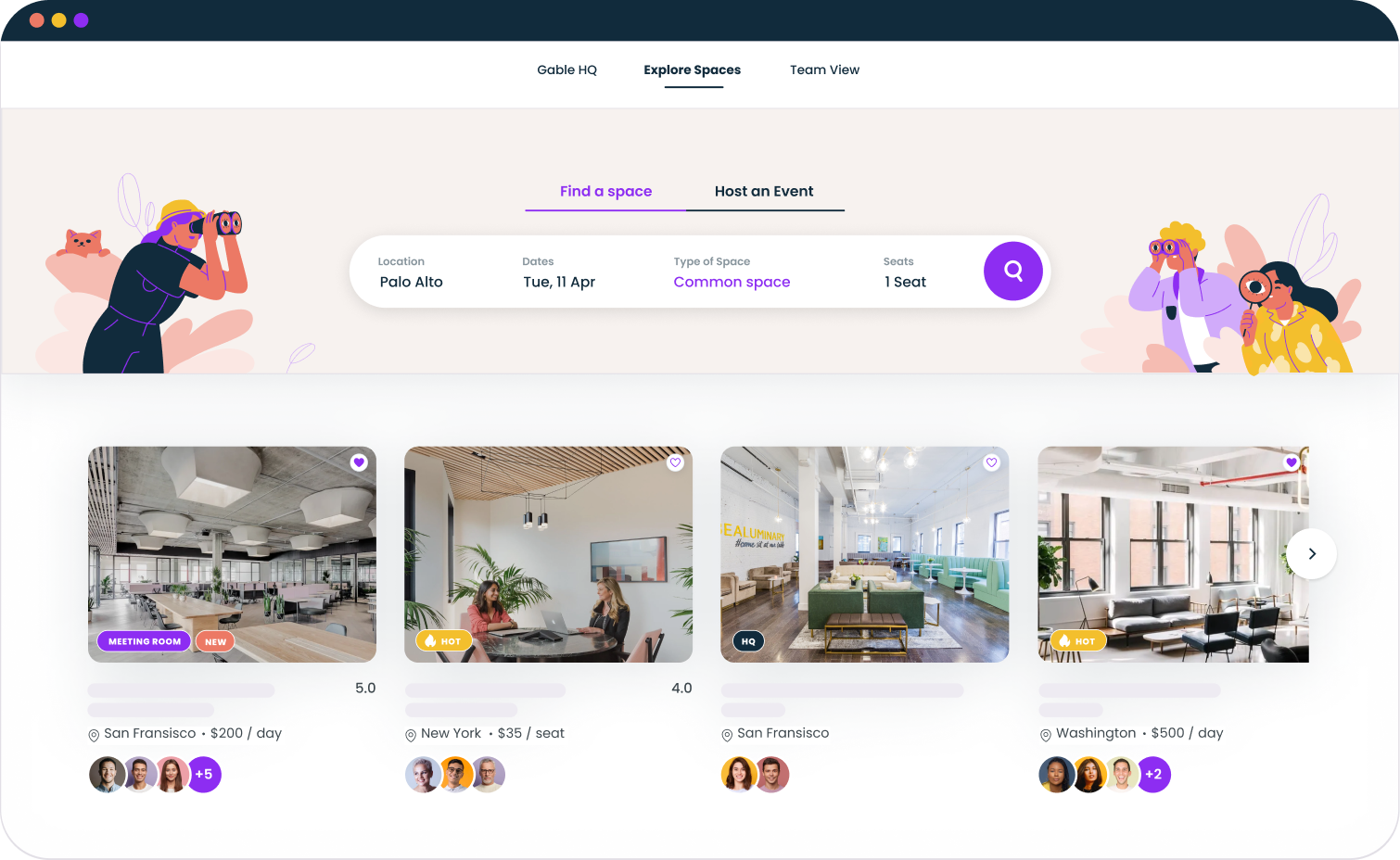
Which distributed workforce tools matter most
If your team is distributed, communication and knowledge tools are table stakes; most companies already run them. The differentiating layer is physical: giving people professional places to work and, above all, to gather, because that's what distributed teams measurably use space for.
That's the case for putting Gable at the center of the stack: hub offices and on-demand space in one platform, with the data to know what your team needs. The retention upside of getting flexibility right is real: hybrid arrangements cut resignations by a third with no performance cost, per a randomized trial published in Nature. And with 55% of companies already using flexible space, per Cushman & Wakefield, the distributed playbook is becoming the standard one.
Book a demo and we'll show how Gable supports your distributed team, city by city, with your hub offices and budgets in one view.
Get a demo