.svg)


.svg)
- Office utilization hit 53% in 2026, so guessing who's in is expensive.
- The best tools combine planned attendance with badge, WiFi or sensor data.
- Gable, Robin and Envoy suit multi-site teams; Officely and deskbird suit smaller ones.
- Sensor vendors like Density count occupancy but can't tell you who's coming.
- Budget from about $2.50 per user per month to quote-only enterprise deals.
Workforce visibility tools show workplace teams who plans to be in the office, who showed up, and how the space got used, so decisions about desks, floors and team days rest on data rather than hallway headcounts. Office utilization climbed to 53% in 2026 from 38% two years earlier, according to CBRE's 2026 occupancy report, and that swing is what most companies can't see day to day. The seven tools below range from Slack-native attendance apps to platforms that fuse bookings, badge swipes and sensor counts into one view.
Why hybrid teams can't see who's coming in
Most hybrid policies say how many days, without saying which ones. JLL reports that 52% of organizations now require three or four office days a week, yet global utilization averages 54% against a target of 79%. People comply on paper while teams miss each other in person.
The coordination cost lands on individuals. Gallup puts 52% of remote-capable US employees in a hybrid arrangement and finds that only 11% work on teams that set their office days together. Everyone else is texting colleagues on Sunday night to see whether Tuesday is worth the commute.
Meeting room bookings rose 22% year over year in the Americas, per Cushman & Wakefield, because the people who come in arrive to collaborate. Without a headcount forecast, rooms run out on busy days and sit dark on quiet ones, and the office attendance figures that reach leadership are a guess dressed up as a report.
What workforce visibility tools track
Every tool here collects at least one of five inputs; the value comes from how many it reconciles into one record per person per day.
- Planned attendance: employees mark the days they intend to be in from Slack, Teams or mobile. This is the only input that looks forward.
- Desk and room bookings: reservations confirm intent with a location, and check-ins confirm the desk was used. Desk utilization comes from this layer.
- Badge and access control: swipe data shows who entered and when, with no employee action.
- WiFi presence: device connections catch people who walked in behind a colleague without badging.
- Occupancy sensors: ceiling-mounted counters measure how many people are in a room, anonymously.
The first two inputs tell you who. The last three tell you how many, which is what occupancy analytics and space utilization metrics are built on. CBRE found that 55% of workplace leaders name data quality and lack of expertise as their biggest obstacle to using AI on occupancy data, usually because five sources never got joined.

Attendance counts are the start. If you want the metrics that turn presence data into portfolio decisions, our analytics software roundup covers ten tools.
Read the guide
How we picked these tools
We scored each tool on four criteria: whether it captures planned attendance as well as actual presence, how many passive sources (badge, WiFi, sensors) it ingests, whether the analytics answer workplace questions without an export to Excel, and how quickly employees adopt it. Estimates are labeled where a vendor doesn't publish pricing.
Gable is our product, so it sits first; we list its gaps in the same detail as everyone else's.
Workforce visibility tools compared
| # | Tool | Best for | Starting price | G2 rating |
|---|---|---|---|---|
| 1 | Gable | Multi-site teams unifying bookings, badge and WiFi data | $2.50/user/mo | 4.4 (291) |
| 2 | Robin | Enterprises that want visibility inside a full workplace suite | Quote-based | 4.4 (211) |
| 3 | Envoy | Companies that start from visitor and front-desk data | $5/resource/mo plus platform fee | 4.4 (163) |
| 4 | deskbird | Mid-size teams that want scheduling and desk utilization together | ~$3.75/user/mo | 4.5 (279) |
| 5 | Kadence | Teams coordinating office days around specific people | Quote-based | 4.5 (143) |
| 6 | Officely | Small teams living in Slack or Teams | Free to 5 users, then ~$2.50/user/mo | 4.6 (158) |
| 7 | Density | Real estate teams that need anonymous occupancy counts | Quote-based | 4.5 (4)* |
G2 ratings are out of 5 with review counts in parentheses, current as of September 2026. *Thin sample.
Top visibility tools for workforce management
1. Gable
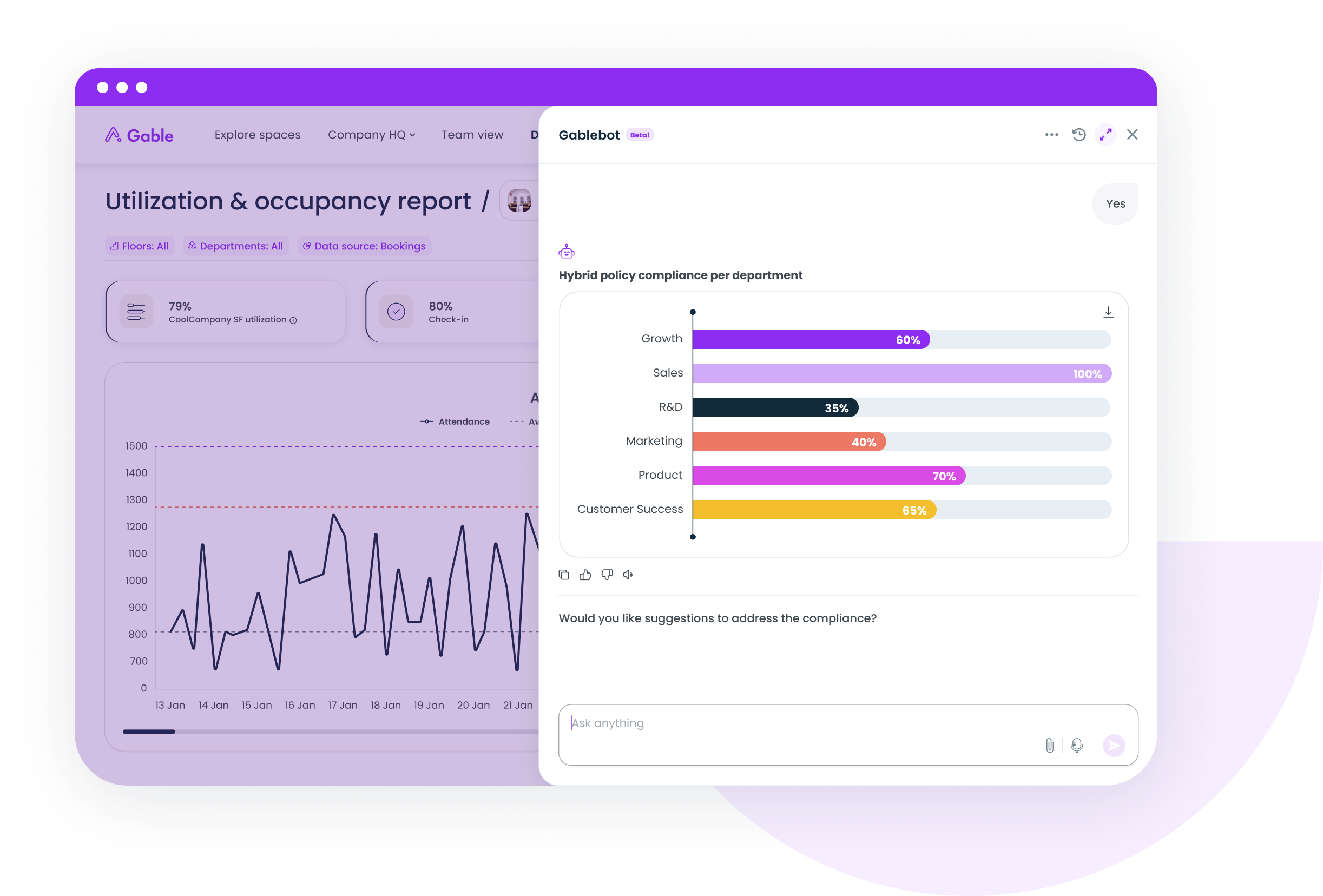
Employees set their office days and book desks or rooms from Slack, Teams or mobile, and Gable reconciles that intent against badge, WiFi and HRIS data to show who planned to come, who did, and which teams overlapped. Across Gable customers, 72% of bookings are for team gatherings, so the analytics center on team-day patterns, and admins report saving more than 10 hours a month once attendance reporting leaves the spreadsheet. The honest caveat: Gable is younger than Robin or Envoy, so some enterprise reports exist as AI chat queries or exports rather than prebuilt dashboards, and as office management software it covers visitors, events and coworking too, more than an attendance-only buyer needs on day one.
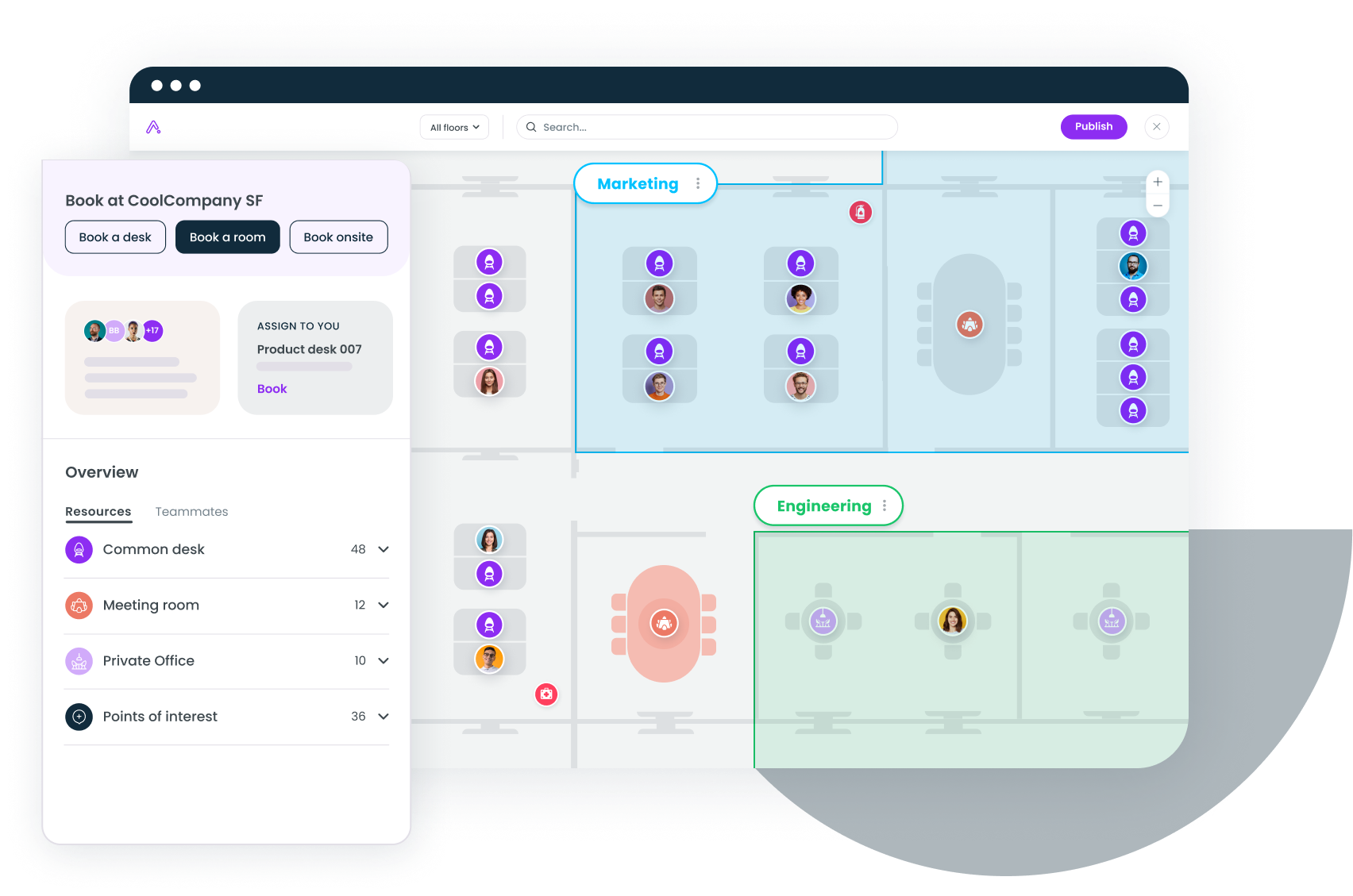
- Live team view showing which colleagues plan to be in, filtered by team, location or HRIS attribute
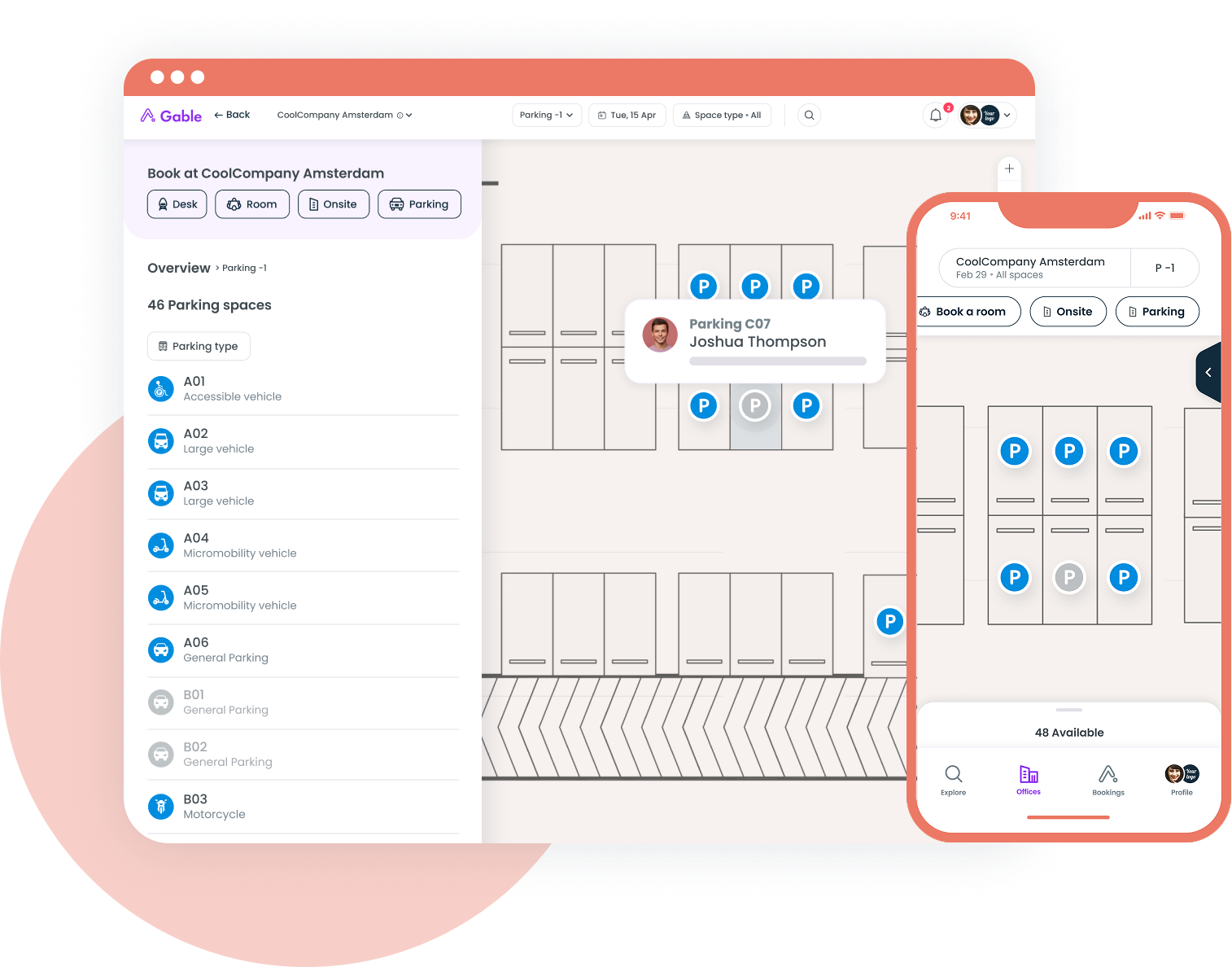
- Unified occupancy data combining bookings, access control and WiFi presence per floor
- AI chat and exec-ready reports, with SOC 2 Type II, SSO and RBAC
Pricing: Office Management from $2.50 per user per month; all-in-one plans are custom.
G2 rating: 4.4/5 (291 reviews).
Best for: hybrid companies with 200 to 5,000 employees across several sites.
2. Robin
Robin pairs desk and room scheduling with analytics aimed at large, multi-floor offices: a schedule view of who's in each day, plus desk utilization, room usage and attendance by building. Reviewers on G2 mention a cluttered interface at peak booking times, floor plan changes that need Robin's support team, and reporting depth that lags what admins expect at Robin's price.
- Schedule view with team and colleague filters for weekly planning
- Utilization dashboards covering desks, rooms and attendance by location
- Room display and badge integrations for presence confirmation
Pricing: quote-based; industry benchmarks place mid-market plans at $5 to $8 per user per month, unconfirmed by Robin.
G2 rating: 4.4/5 (211 reviews).
Best for: enterprises with 1,000+ employees that want visibility inside a mature scheduling suite.
3. Envoy
Envoy grew out of visitor management, and its visibility features inherit that front-door mindset. Envoy Workplace captures who's on site through sign-in kiosks, badge integrations and desk reservations, then reports attendance and occupancy alongside the visitor log, which suits security teams already running Envoy at reception. Reviewers on G2 flag that SSO sits in higher tiers and that kiosks depend on stable WiFi.
- Employee sign-in and badge-based presence logged alongside visitors
- Desk and room reservations with check-in confirmation
- Workplace analytics on attendance, occupancy and space demand
Pricing: reservations cost $5 per resource per month billed annually, plus a platform fee; enterprise plans are custom.
G2 rating: 4.4/5 (163 reviews).
Best for: companies where physical security and front-desk operations lead the workplace agenda.
4. deskbird
deskbird focuses on the week-planning workflow: employees set their schedule, book a desk in the same motion, and see colleagues' plans in a shared view. Office analytics report desk utilization and peak days. Reviewers on G2 mention that check-in reminders can feel like nagging, that the mobile app trails the web version, and that reporting gets thin for portfolio-level occupancy questions.
- Week planner combining attendance status and desk booking
- Office analytics with utilization by day, floor and team
- Check-in rules that reclaim no-show desks automatically
Pricing: from about $3.75 per active user per month, billed annually; higher tiers custom.
G2 rating: 4.5/5 (279 reviews).
Best for: mid-size teams (100 to 1,000 people) that want scheduling and desk utilization without a full platform.
If your attendance numbers come from three systems and a spreadsheet, Gable's workplace intelligence joins bookings, badge and WiFi data into one view.
Learn more
5. Kadence
Kadence builds visibility around people rather than desks: see when the colleagues you work with plan to be in, then book near them. Its analytics show attendance by team so managers can pick anchor days people will keep. Kadence doesn't publish pricing, and it leans on check-ins for actual presence because badge and sensor inputs are lighter than the platforms above.
- Colleague-based scheduling that suggests days based on who you work with
- Team attendance analytics for choosing and adjusting anchor days
- Slack, Teams and calendar integrations for booking and check-in
Pricing: quote-based, billed on active users annually.
G2 rating: 4.5/5 (143 reviews).
Best for: companies that care more about which teams overlap than how many desks were filled.
6. Officely
Officely lives inside Slack and Microsoft Teams. Employees mark their office days and book a desk from a chat message, and the team sees a daily roster without opening another app, so adoption tends to be high. The trade-off is depth: there's no badge or WiFi ingestion and no sensor support, so Officely tells you who said they'd come rather than who walked through the door.
- Slack and Teams-native attendance and desk booking
- Daily roster showing who's in, by team and neighborhood
- Attendance and utilization reports exportable for planning
Pricing: free for up to five users; paid plans from about $2.50 per user per month.
G2 rating: 4.6/5 (158 reviews).
Best for: single-site teams under 200 people that want the lowest-friction way to see who's coming in.
7. Density
Density answers the "how many" question with ceiling-mounted sensors that count people anonymously, no badges or check-ins required. Its Atlas analytics show occupancy by floor, neighborhood and room at the minute level, the most accurate way to measure real desk utilization and peak load. It doesn't identify individuals, so it can't tell you who plans to be in on Tuesday, and its G2 profile has four reviews, so treat the score as a placeholder.
- Anonymous occupancy counting with people-per-room accuracy
- Atlas analytics for utilization, peak load and space right-sizing
- Data API to feed occupancy into booking or BI tools
Pricing: quote-based (hardware plus a software subscription).
G2 rating: 4.5/5 (4 reviews, thin sample).
Best for: real estate teams making consolidation or expansion decisions that need measured occupancy.
How team size changes what visibility tools deliver
A single-site team of 80 people gets most of the value from the forward-looking layer: knowing that engineering plans to be in Tuesday and Thursday fixes the coordination problem, and Officely or deskbird does that for a few dollars a head.
At 500 people across three cities, leadership wants to know whether the second floor in Austin can be given back, whether the hybrid work policy is being followed, and which teams never overlap. Planned attendance overstates presence, because people who mark a day don't always come, so badge and WiFi data become the correction factor.
Portfolio teams at 2,000+ people add sensors where booking data is unreliable, then benchmark office occupancy rate by building in their space utilization software. A Stanford study of 1,612 Trip.com employees found hybrid cut resignations by 33% with no productivity loss, per Stanford News, which helps when arguing to keep flexibility while shrinking the footprint.
Questions to ask before you buy a workforce visibility tool
- Does it capture planned attendance, actual presence, or both?
- Which passive sources can it ingest today? Ask for named integrations and check that your badge access control systems are on the list.
- How does it handle privacy: aggregation thresholds, role-based access to individual records, and a clear retention period?
- Can employees use it inside Slack or Teams?
- Can you build the CFO report without exporting to a spreadsheet?
- How is it priced as you grow, and what does it cost at twice your headcount?
Match the tool to the decision you're making
Coordination problems (people missing each other) are solved cheaply by planned-attendance tools. Space problems (paying for floors that sit at 40%) need measured presence from badges, WiFi or sensors. Most companies past a few hundred employees have both at once, which is why tools that join intent to occupancy in one record have become the default for multi-site teams. Pick for the decision you'll make in the next 12 months.
If reconciling bookings, badge swipes and WiFi logs by hand is how your team reports attendance, we'd like to show you a faster way.
Get a demo