.svg)


.svg)
- Office utilization jumped from 38% to 53% in two years; most offices weren't ready.
- RTO software coordinates who comes in when, then proves whether the policy works.
- Gable, Robin, Envoy, deskbird, Kadence, and Officely made the shortlist.
- Pick on adoption first: a tool employees ignore produces attendance data you can't trust.
- Budget for platform fees, per-resource add-ons, and analytics tiers before you sign.
Return to office software gives workplace teams one place to schedule in-office days, book the desks and rooms those days require, and measure whether people showed up. With 52% of companies now mandating three or four office days a week, according to JLL's 2026 outlook, the coordination problem has outgrown calendar invites. Below we compare six RTO tools on adoption, scheduling, attendance data, and price, with Gable first (it's our product, and we say where it falls short).
Why running an RTO on spreadsheets and calendar invites breaks down
A three-day mandate sounds simple until 800 people pick the same Tuesday. Without a system, the workplace team reconciles badge swipes against a spreadsheet, and the office is packed midweek and empty on Mondays and Fridays.
CBRE's 2026 occupancy benchmark puts average utilization at 53%, up from 38% in 2024, with 68% of employees saying collaboration is the main reason they come in. A spreadsheet can't tell you which teams overlap or which floors are over capacity at that pace. The pattern is permanent, too: Gallup's Q2 2025 data shows 52% of remote-capable employees work hybrid, averaging 2.3 office days a week.
The gap between an RTO policy and the tools that make it work
Most RTO policies are written in HR and lived in facilities. The policy says "three days, anchored on team days." The building says "400 desks for 650 people." Return to office software translates between the two.
The employee side matters as much as the real estate side. Pew found 46% of remote workers would be unlikely to stay if they could no longer work from home, while 75% of hybrid workers already face required in-person days. Stanford's Trip.com experiment shows structured hybrid holds up when coordination is handled: resignations fell 33% with no productivity loss across 1,612 employees. If you're still setting the policy, start with our return to office guide.

Software enforces whatever policy you hand it. These RTO strategies help you set anchor days, capacity targets, and success metrics worth enforcing.
Read the guide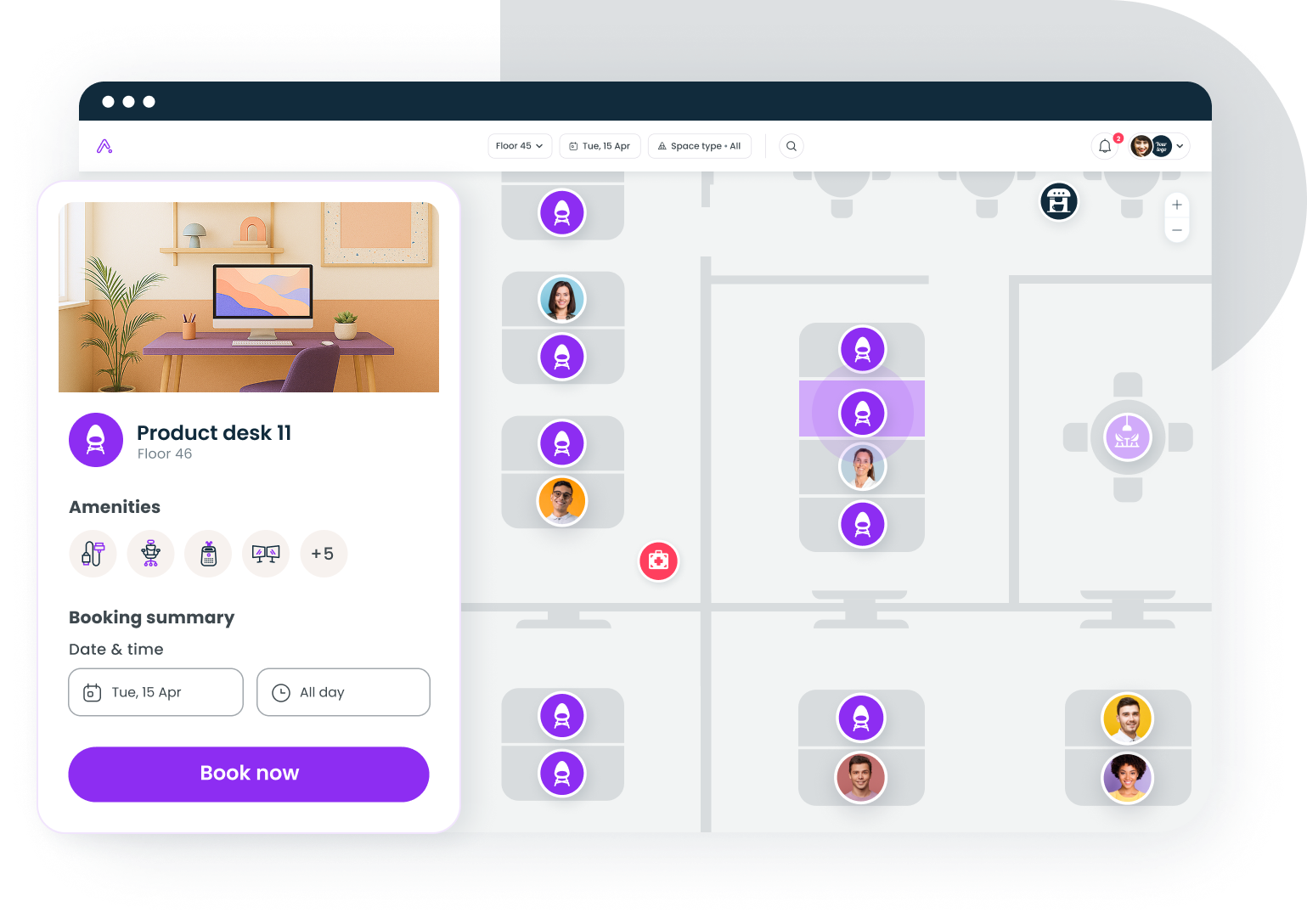
How we picked these return to office software tools
We scored each tool on what a workplace team at 200 to 5,000 employees needs:
- Hybrid work scheduling: plan office days, see teammates' plans, and book a desk or room in one flow
- Attendance data: bookings reconciled with badge, WiFi, or check-in data, so you measure presence rather than intent
- Adoption path: Slack, Teams, mobile, and calendar entry points
- Total cost, including platform fees and the tier where analytics unlocks
- G2 rating and review volume as of September 2026, plus recurring complaint themes
Gable is our product, so it sits first; we list its gaps in the same detail as everyone else's.
Return to office software compared
| # | Tool | Best for | Starting price | G2 rating |
|---|---|---|---|---|
| 1 | Gable | Mid-market hybrid teams wanting scheduling, booking, and attendance analytics in one platform | From $2.50/user/mo | 4.4 (291) |
| 2 | Robin | Enterprises with complex, multi-office floor plans | Quote-based | 4.4 (211) |
| 3 | Envoy | Offices wanting visitors and desks under one login | $5/resource/mo plus platform fee | 4.4 (163) |
| 4 | deskbird | Microsoft-centric teams wanting a fast rollout | From ~$3.75/user/mo | 4.5 (279) |
| 5 | Kadence | Teams that plan around people first, desks second | Quote-based | 4.5 (143) |
| 6 | Officely | Small teams that live in Slack | Free to 5 users, then $2.50/user/mo | 4.6 (158) |
G2 ratings are out of 5 with review counts in parentheses, current as of September 2026.
The 6 best return to office software tools
1. Gable
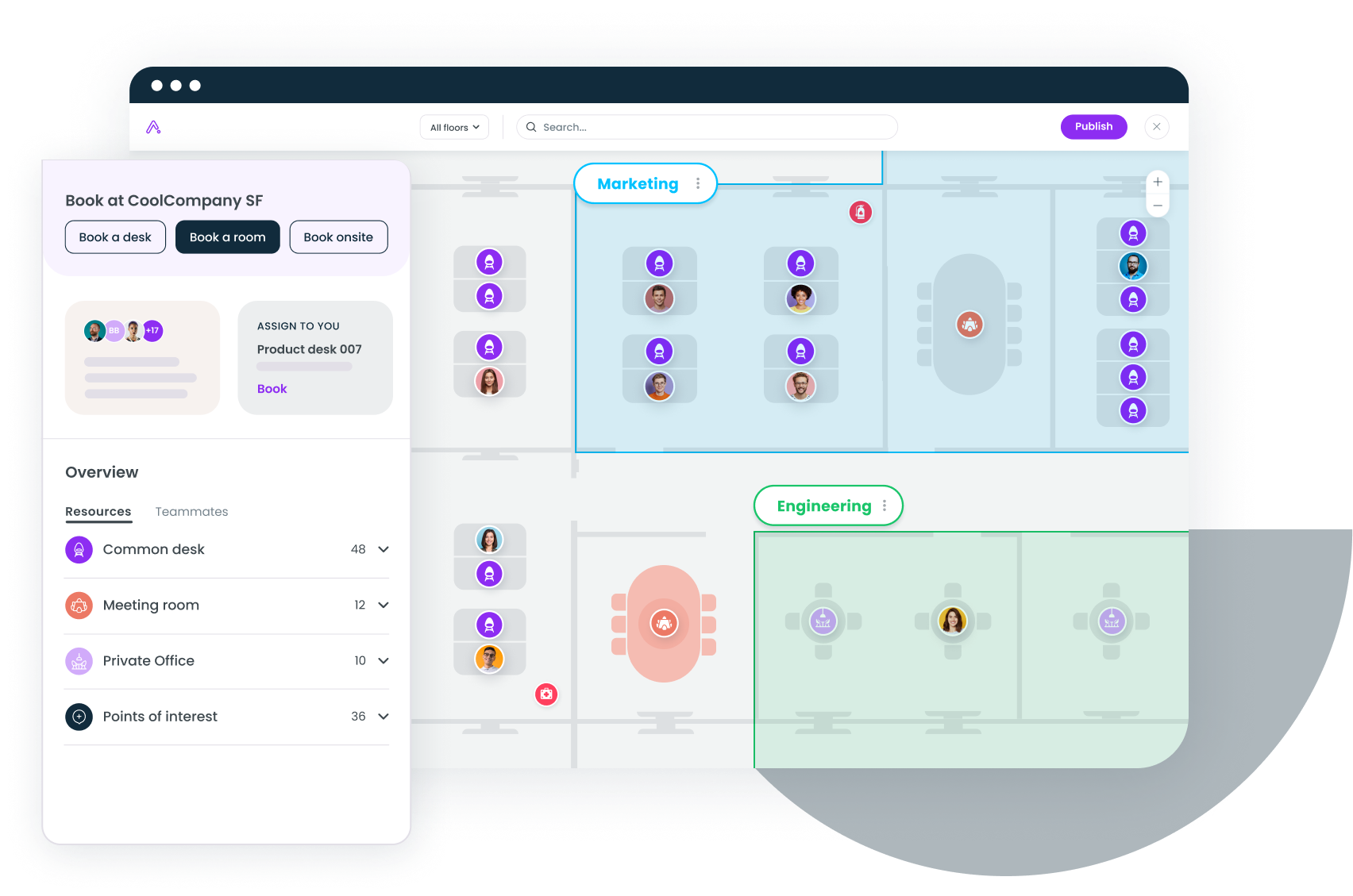
Gable combines hybrid work scheduling, desk and room booking, visitor management, and attendance analytics in one platform, plus 20,000+ on-demand workspaces for employees far from an office. Employees see which teammates plan to be in and book a desk nearby; the workplace team sees scheduled versus actual attendance because badge and WiFi data sit alongside bookings. Across Gable customers, 72% of bookings are for team gatherings. The honest gap is age: Gable is newer than Robin or Envoy, and space planning features like stack and scenario planning are still rolling out.
- Coordinated in-office days with team visibility across Slack, Teams, mobile, and web
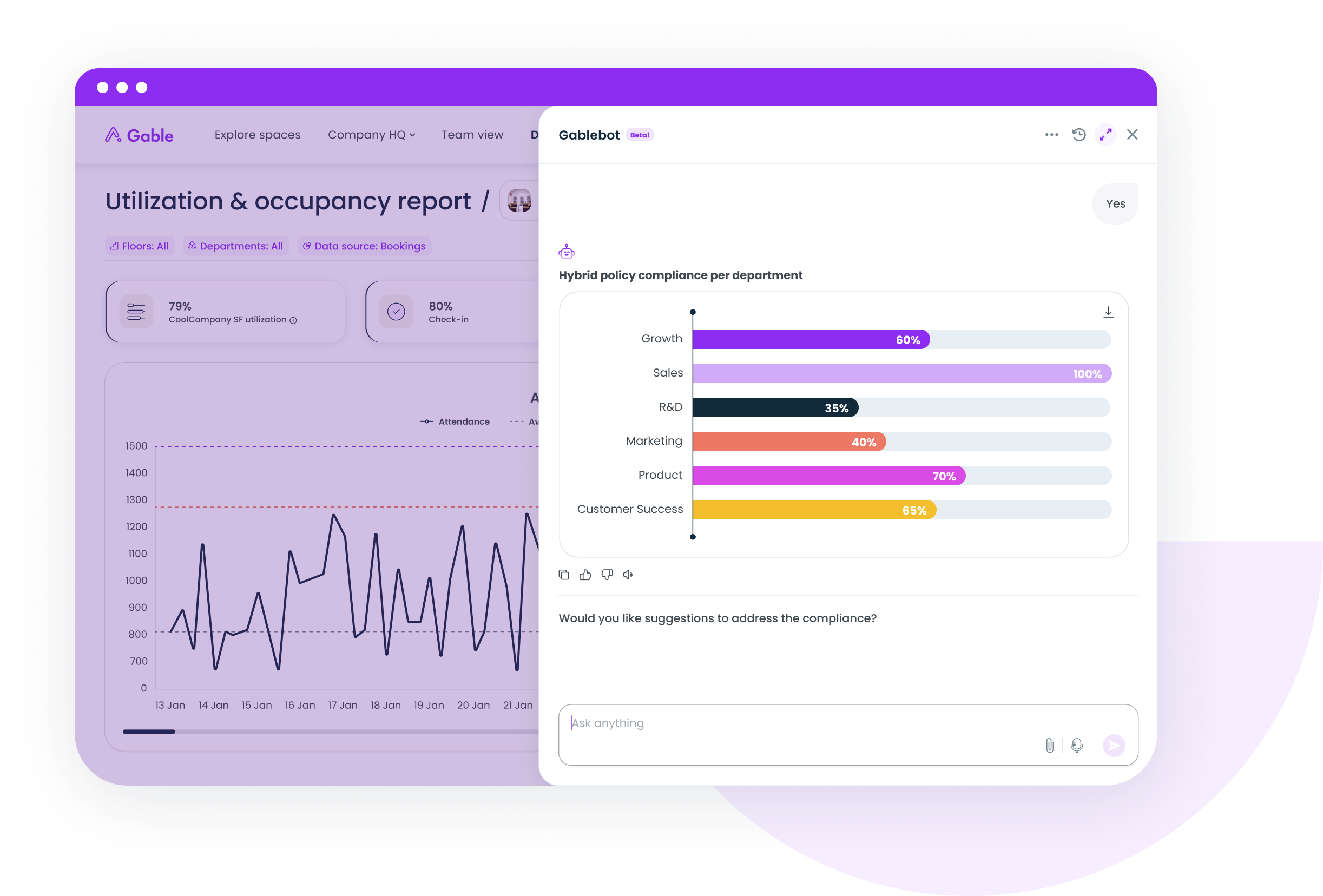
- Attendance and utilization reporting reconciled with badge and WiFi data, plus an AI copilot for exec-ready summaries
- SOC 2 Type II, GDPR, SSO, RBAC, and AES-256 encryption
Pricing: Office Management from $2.50 per user per month; all-in-one plans are custom.
G2 rating: 4.4/5 (291 reviews).
Best for: Hybrid companies of 200 to 5,000 employees that want one system for scheduling, booking, and attendance data.
2. Robin
Robin is the enterprise incumbent, with mature floor plan tooling, room displays, and analytics that larger real estate teams tend to trust. Admins define anchor days by team with capacity limits per floor. The recurring caveat on G2 is friction: reviewers describe crowded interfaces during peak booking, floor plan edits that need Robin's support team, and a permission model coarser than the price suggests.
- Anchor-day policies and team schedules with floor capacity limits
- Room scheduling with display hardware and Outlook and Google Calendar sync
- Utilization dashboards across multiple offices
Pricing: Quote-based; industry estimates for mid-market plans land around $5 to $8 per user per month, unconfirmed by Robin.
G2 rating: 4.4/5 (211 reviews).
Best for: Enterprises with 1,000+ employees and several offices that need deep floor plan and room management.
3. Envoy
Envoy grew up as a visitor management product and expanded into desks, rooms, and deliveries, so it fits offices where the front desk and the RTO program report to the same team. Scheduling sits in the app employees already use to register guests. G2 reviewers most often mention slow load times during desk booking, thin reporting when they want custom cuts of the data, and features like emergency notifications that need a premium tier.
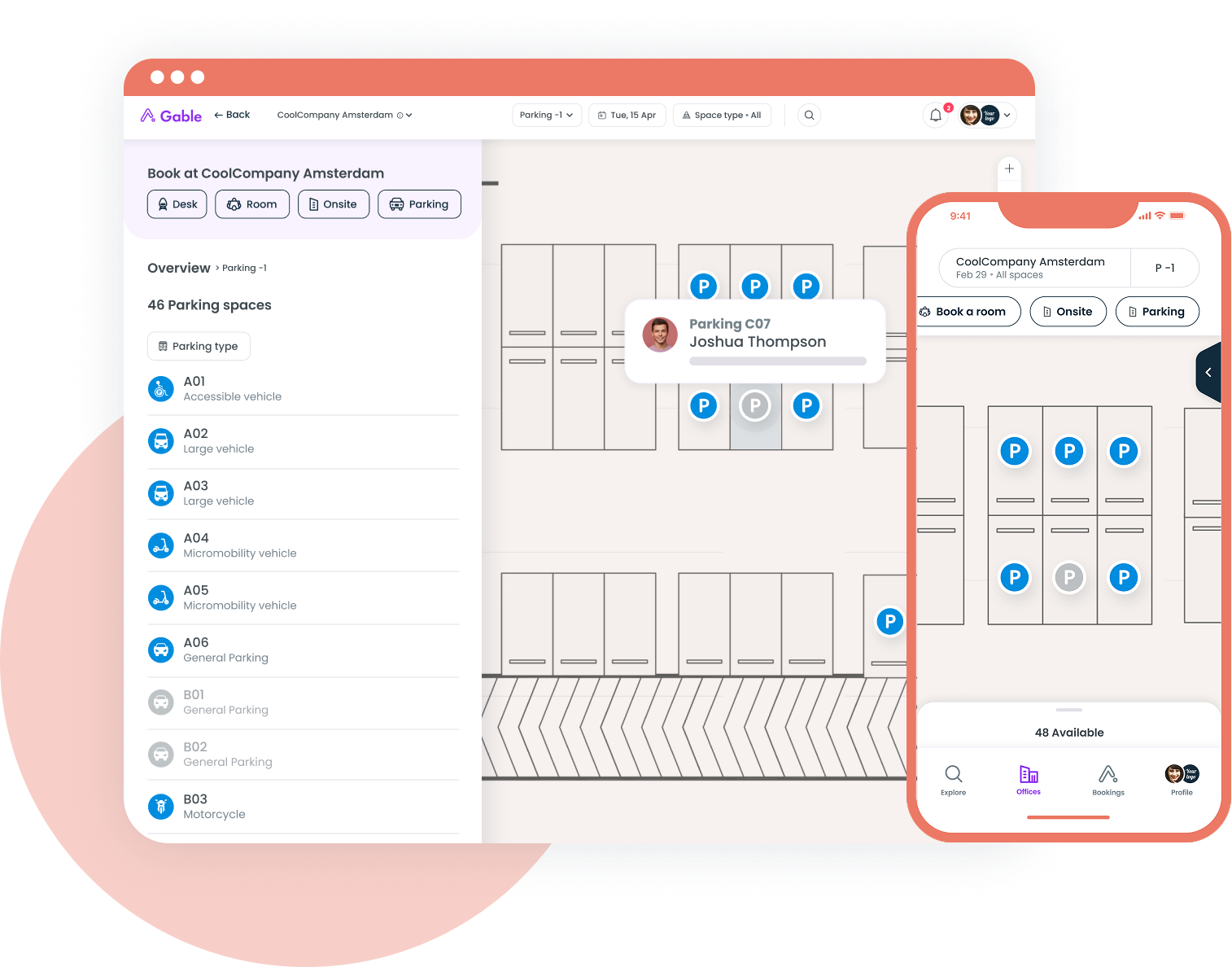
- Desk, room, and parking reservations billed per bookable resource
- Visitor pre-registration, badge printing, and host notifications in the same platform
- Occupancy and attendance reports by location
Pricing: Reservations at $5 per bookable resource per month billed annually, plus a separate platform fee.
G2 rating: 4.4/5 (163 reviews).
Best for: Offices that already run Envoy at the front desk and want desks on the same login.
If you're reconciling badge exports against a booking spreadsheet every Monday, Gable Offices pulls scheduling, booking, and attendance into one view.
Learn more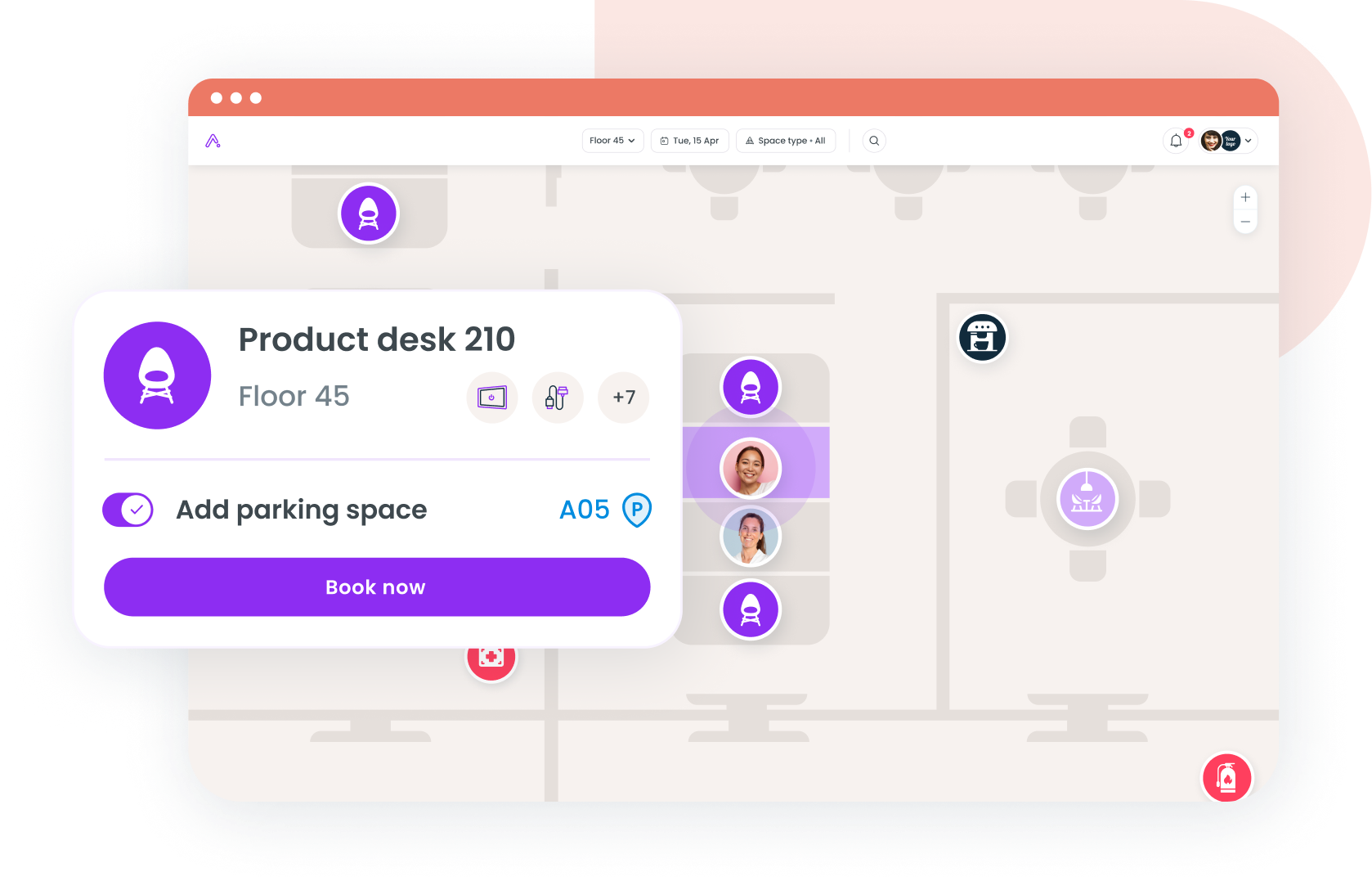
4. deskbird
deskbird is a Munich-founded booking tool with a strong Microsoft Teams integration and one of the shortest rollout timelines in this group. The tradeoff is that workplace analytics, advanced booking rules, and the public API sit on the custom-priced Professional plan, so the entry price covers booking and measurement costs extra. The review base is heavily European.
- Week planner showing colleagues' office days inside Teams
- Desk, room, and parking booking with check-in and auto-release of no-shows
- Workplace analytics and AI floor plan design on Professional and above
Pricing: Business from $3.75 per active user per month billed annually ($4.75 monthly); higher tiers are custom.
G2 rating: 4.5/5 (279 reviews).
Best for: Microsoft 365 shops of 100 to 1,000 employees that want scheduling live in a few weeks.
5. Kadence
Kadence treats RTO as a people-coordination problem: the product is built around who's coming in and when, with desks and rooms attached to that plan. G2 reviewers' complaints cluster around reporting (limited customization, dense exports), an auto check-in feature that occasionally misfires, and backend changes that need support rather than self-service.
- Team and individual office-day scheduling with cross-team visibility
- Desk and room booking with check-in and auto-release
- Announcements and nudges to coordinate anchor days
Pricing: Quote-based, billed on active users annually.
G2 rating: 4.5/5 (143 reviews).
Best for: Mid-sized teams that care more about coordinating people than managing floor plans.
6. Officely
Officely runs inside Slack and Teams, which is the whole pitch: employees mark their office day and book a desk in a channel they already have open, so adoption problems mostly disappear. The limits show up as you grow: reviewers on G2 mention customization gaps (you can't extend default statuses), thin reporting, admin settings buried several clicks deep, and occasional calendar disconnects.
- Office-day check-ins and desk booking as Slack or Teams messages
- Neighborhoods so teammates sit together on anchor days
- Basic attendance reporting for admins
Pricing: Free up to 5 users; Basic $2.50 per user per month, Premium $3.50. Rooms $12 and parking $15 per space per month.
G2 rating: 4.6/5 (158 reviews).
Best for: Teams under 250 employees that already run their day in Slack.
How to choose RTO software your employees will use
The best-rated tool on paper fails if 30% of employees never open it, because every attendance report is then 30% wrong. Work through these in order:
- Where do people already work? Slack points to Officely or Gable; Teams and Outlook to deskbird or Gable; a front-desk-led program to Envoy.
- What are you measuring? Booking data shows intent. For real presence, the tool has to ingest badge or WiFi data.
- How complex are the floor plans? One or two open-seating offices rarely need Robin-grade tooling.
- What's the total cost? A $2.50 entry price can double once you add platform fees, per-resource charges, and the analytics tier.
Our hybrid office scheduling software roundup goes deeper on the scheduling layer.
Common mistakes companies make when rolling out RTO software
Buying office attendance software to police people
Employees can tell when a tool exists to catch them. Programs that lead with "see who's in and sit with your team" get the same attendance data as a byproduct. Our office attendance guide covers how to frame the metrics.
Launching without anchor days
A three-day rule with no team coordination produces a Tuesday-to-Thursday crush and empty Mondays. Set team anchor days in the tool first, then open individual booking around them.
Ignoring the meeting room shortage
Attendance rises faster than room capacity. Cushman & Wakefield recorded a 22% year-over-year jump in meeting room bookings in the Americas, and 55% of occupiers now use flex space to absorb overflow. Pick a tool that books rooms and desks together.
Skipping the policy document
The software can only enforce rules you've written down. A hybrid work policy that spells out required days, exceptions, and how attendance is measured saves months of configuration churn.
Where to start
Gable, Robin, and Envoy cover the measurement job most completely; deskbird, Kadence, and Officely win on speed and price for teams whose main problem is coordination. Whichever you pick, pilot it with two or three teams on real anchor days, and compare booked versus actual attendance in the first month. That one number tells you whether the rollout is working.
If your RTO reporting still starts with a badge export, a 30-minute walkthrough of Gable shows planned versus actual attendance for your own offices.
Get a demo