Let's Talk
Visitor Management Kiosk
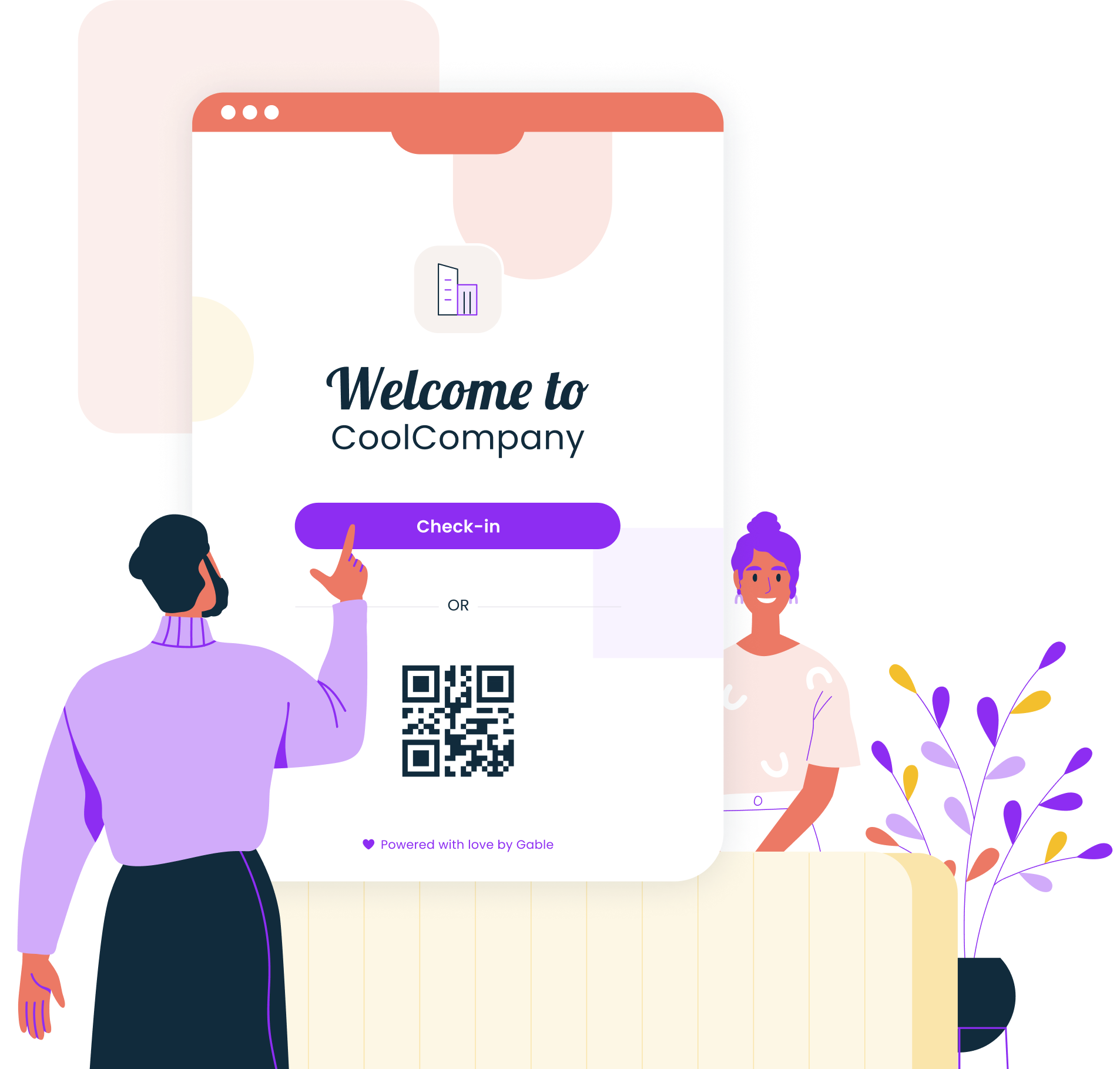
A visitor management kiosk is a self-service tablet or touchscreen in your lobby where guests sign themselves in, agree to any documents you require, and collect a badge while the system notifies their host. It replaces the paper logbook and the “who are you here to see?” conversation with a flow the visitor runs on their own in under two minutes. Most kiosks are an iPad on a stand running visitor management software; the software does the work, and the hardware is the part guests touch.
What is a visitor management kiosk?
The kiosk is the visitor-facing piece of a visitor management system. It sits in the lobby, near reception or the main door, and runs the sign-in app in a locked mode so guests can’t open anything else on the device. In an unstaffed lobby it’s the whole front desk. In a staffed one it takes the data entry and badge printing off the receptionist, who can then focus on the guest.
A full setup has three layers:
- Software: pre-registration, sign-in forms, host notifications, the visitor log, and reporting.
- Kiosk: the tablet or touchscreen where the guest signs in.
- Peripherals: a badge printer, and sometimes a QR or ID scanner.
Companies that already run a lobby management system usually add the kiosk as the guest-facing step, with deliveries, contractors, and employees handled through the same platform.
How visitor check-in works on a kiosk
A typical visit runs like this:
- Arrival. The guest taps “Sign in” on the lobby kiosk, or scans the QR code from the invite their host sent when they pre-registered.
- Details. The guest enters their name, company, and host. Pre-registered guests see these fields already filled and confirm them.
- Documents and checks. The kiosk shows the NDA, safety rules, or site policy you’ve attached to that visitor type, takes a photo if required, and records a signature.
- Host notification. The host gets a message in Slack, Teams, email, or SMS the moment sign-in completes, so nobody has to call upstairs.
- Badge and sign-out. The printer produces a badge with the guest’s name, host, and date. On the way out, the guest taps “Sign out” or the badge expires at a set time.
Kiosk hardware options for office lobbies
Most offices choose from a short list of device setups:
- Tablet on a counter stand. An iPad or Android tablet in a locking stand on the reception desk. iPad visitor sign in is the most common configuration because most stands, printers, and apps support it, and a tablet costs $200 to $900 depending on the model.
- Floor-standing enclosure. The same tablet in a freestanding pedestal for lobbies without a desk, or for a second entrance.
- Commercial touchscreen. A larger, rugged display for high-traffic lobbies, warehouses, or sites that need a built-in ID scanner.
- Badge printer. A compact thermal label printer next to the kiosk, connected over Wi-Fi or USB. Expect $120 to $600 per unit.
Whichever device you pick, lock it to the sign-in app with the tablet’s single-app mode or your mobile device management tool, so a guest can’t open anything else.
Kiosk placement and lobby layout
Put the kiosk where a guest sees it from the door, before any access-controlled barrier, and with a clear line of sight to reception if you have one. A sign at eye level saying “Visitors sign in here” saves more confusion than any software feature. The spot also needs power and reliable Wi-Fi, since a kiosk that drops its connection mid-sign-in is worse than a logbook.
Accessibility sets the height. The US Access Board’s guide to operable parts puts the unobstructed reach range for anything a person must operate at 15 to 48 inches (38 to 122 cm) above the floor, with a clear floor space of at least 30 by 48 inches (76 by 122 cm) in front of it. A counter stand on a standard 42-inch reception desk fails that test; a floor stand or a lowered section of counter passes.
Configuring kiosk sign-in for security
The kiosk is only as secure as the sign-in flow behind it. Workplace violence caused 57,610 cases of days away from work, job restriction, or transfer in 2021 and 2022, according to the BLS, and controlling who gets past the lobby is the first line of defense. Settings worth configuring:
- Separate forms by visitor type. A candidate, a contractor, and a delivery driver shouldn’t see the same questions. Contractors may need a safety briefing; candidates don’t.
- Identity checks. Require a photo for every visitor and an ID scan for restricted sites.
- Document signing. Attach the NDA or site rules to the visitor types that need them, and store the signed copy with the visit record.
- Host confirmation. Reject sign-ins with no named host, or hold the badge until the host accepts the notification.
- Retention. Set how long visit records and photos are kept, and delete on schedule.
Visitor management software like Gable’s handles this configuration in the admin console, with custom sign-in forms per visitor type, arrival notifications in Slack and email, document signing, and badge printing from the same kiosk.
FAQ
How much does a visitor management kiosk cost?
Budget for three parts. A tablet runs $200 to $900, a locking stand $100 to $300, and a badge printer $120 to $600. The software is the recurring cost; Gable’s visitor management starts at $99 per location per month, and our visitor management software comparison lists what other vendors charge.
Can a kiosk work without an internet connection?
It works for basic sign-in only. Most kiosk apps cache the sign-in form and store completed sign-ins locally during an outage, then sync when the connection returns. Host notifications, pre-registration lookups, and watchlist checks need a live connection, so treat offline mode as a fallback and give the kiosk a wired or reliable Wi-Fi link.
Do visitor kiosks support multiple languages?
Most do. The guest picks a language on the welcome screen and the form, documents, and confirmation appear in that language, while the visitor record stays in your admin language. Check that the vendor translates your custom questions and NDA text as well, since some only translate the default screens.
Is a visitor kiosk ADA compliant?
The hardware and mounting decide that. The ADA Standards require operable parts between 15 and 48 inches above the floor with a 30 by 48 inch clear floor space, so a tablet on a tall counter fails. Software matters too: large text, high contrast, and a staffed alternative for guests who can’t use a touchscreen.
Can one kiosk serve multiple building entrances?
Physically, no, since guests sign in where they walk in. One account can run several kiosks, though, with every entrance writing to the same visitor log and the same host notification rules. If only one entrance has a kiosk, post signage at the others directing visitors to it.
Schedule Your Workplace Policy Session

Related articles