Let's Talk
Virtual Receptionist
A virtual receptionist is a person or a piece of software that handles front desk work without sitting at the front desk. In its human form, it’s a remote receptionist who appears on a lobby screen, answers your main phone line, and signs guests in from another location. In its automated form, it’s a kiosk app or AI agent that greets visitors, asks who they’re here to see, notifies the host, and routes calls. Most offices end up with a mix: software for the routine arrivals and a human, on site or remote, for everything else.
What is a virtual receptionist?
The term covers three setups that often get lumped together:
- Video receptionist. A live person on a screen in the lobby, usually working from a central office and covering several buildings at once. The guest sees a face, the receptionist sees the guest through the camera, and the conversation runs as it would at a desk.
- Answering service. A remote team that picks up your main number, takes messages, books appointments, and transfers calls. It handles phones, not the lobby.
- Auto receptionist. Software with no person behind it: a sign-in kiosk, a phone menu, or an AI receptionist that holds a short conversation by voice or text and acts on it.
Reception becomes a service delivered to the lobby rather than a role stationed in it, which is why the same setup can cover a satellite office, a second entrance, and a lobby after 6 pm. Our guide to front desk software explains the tools behind the automated version.
Front desk tasks a virtual receptionist can take over
Most of what a receptionist does in a day is predictable, and predictable work is what remote and automated reception handles well:
- Visitor sign-in. The guest enters their name and host at a kiosk or tells the video receptionist, and the visit is logged with a time stamp and photo.
- Host notification. The host gets a Slack, Teams, email, or SMS message the moment the guest arrives, so nobody has to walk down to collect them.
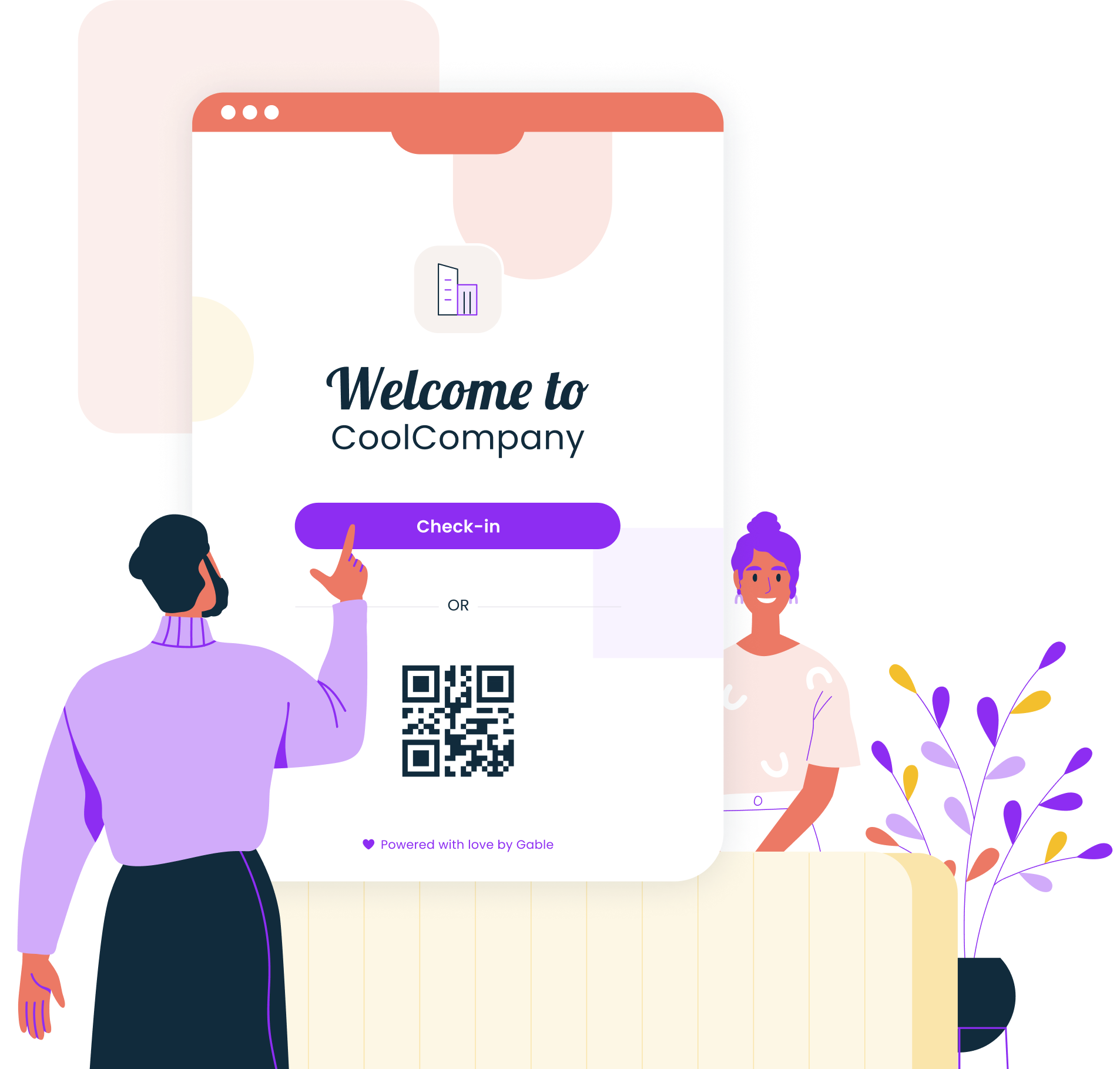
- Pre-registered arrivals. Guests who were invited in advance scan a QR code and skip the questions entirely.
- Document signing and badge printing. NDAs, safety briefings, and visitor badges run from the kiosk without anyone touching them.
- Calls and wayfinding. Inbound calls are routed by a phone menu or an answering service; a lobby screen shows directions and the day’s meeting rooms.
The savings come from coverage rather than from cutting a person. The BLS puts the median receptionist wage at $18.27 an hour in May 2025 and projects employment in the role to decline 2% from 2025 to 2035, even as about 105,100 openings a year come up from turnover. Those openings are the hard part: a lobby with no cover during lunch, sick days, and the gap between hires is the problem virtual reception solves. The companies in our best front desk software roundup sell different pieces of that coverage.
Where AI fits in virtual reception
An AI receptionist sits between the dumb kiosk and the live person. Where a kiosk only presents a form, an AI agent can hold a conversation: a visitor says who they’re looking for, the agent finds the host in the directory, checks the calendar, sends the notification, and answers “where’s the restroom?” on the way. On the phone, the same agent answers the main line, understands the request in plain language, and transfers or takes a message.
In practice, AI earns its place in four spots:
- Greeting and intent. Working out whether the person in the lobby is a candidate, a courier, or a contractor without a six-button menu.
- Routing. Matching a half-remembered host name to the right employee and the right channel to reach them.
- Answering questions. Wi-Fi password, parking validation, which floor, when the host is free.
- Handoff. Recognizing when the conversation needs a person and escalating to a live receptionist or security with the context attached.
The failure mode is an agent that keeps talking when it should hand off. Set the escalation rules before switching it on, and route anything involving a complaint, a visitor with no host, or a security flag to a human on the first try.
Limits of a virtual receptionist
Some front desk moments still need a person in the room:
- Identity checks. A video receptionist can look at an ID through a camera, but a site that verifies documents, holds ID during the visit, or escorts guests needs staff on the floor.
- Security incidents. The BLS recorded 57,610 workplace violence cases involving days away from work in 2021 and 2022. A screen can call security; it can’t stand between a visitor and the elevator.
- Hospitality. Executive visits, board meetings, and client days are judged on how the lobby feels. A remote face on a screen is fine for a courier and wrong for a CEO.
The practical answer for most offices is coverage by tier: a kiosk or AI agent handles routine arrivals and after-hours, a remote receptionist covers several smaller sites, and a person staffs the headquarters lobby during business hours. Gable’s visitor management handles the automated tier, with kiosk sign-in, pre-registration, document signing, and arrival notifications to the host in Slack or email, so an unstaffed lobby still gets every guest logged and every host told.
FAQ
Is a virtual receptionist cheaper than a full-time hire?
Usually, for the hours it covers. A full-time receptionist at the BLS median of $18.27 an hour costs roughly $38,000 a year before benefits, and covers one lobby for one shift. A kiosk and software subscription cost a fraction of that, and a remote receptionist shared across several sites splits one salary many ways.
Is a virtual receptionist available 24/7?
The software part is. A kiosk or AI receptionist signs guests in and notifies hosts at any hour, which matters for shift sites and late deliveries. Human answering services and video receptionists are sold by coverage window, so 24/7 live cover costs more than business hours. Decide which arrivals outside office hours need a person and which only need a log.
Does a virtual receptionist work for multi-tenant buildings?
Yes, and it’s one of the most common uses. One lobby screen or kiosk lists every tenant, the visitor picks the company they’re visiting, and the notification goes to that tenant’s host. Each tenant keeps its own visitor log and sign-in rules, while the building operator sees the combined picture for security and evacuation.
How long does virtual receptionist setup take?
A kiosk with visitor management software takes an afternoon: mount the tablet, connect the printer, load the employee directory, and set the sign-in form. An AI or video receptionist takes longer because the directory, calendars, phone system, and escalation rules have to be connected and tested, so plan on two to four weeks.
Is visitor data safe with a virtual receptionist?
As safe as the software behind it. Visitor names, photos, and signed documents are stored by the visitor management platform, so check its security certifications, where data is stored, who can see the log, and how long records are kept. A video service adds call recordings to that list; ask whether they’re retained and for how long.
Schedule Your Workplace Policy Session

Related articles