


.svg)


.svg)
Remote employees are more productive than ever, but they're also lonelier. According to Gallup's State of the Global Workplace report, one in five employees worldwide experiences daily loneliness, with fully remote workers reporting the highest isolation rate at 25%. For distributed teams, this creates a real challenge: how do you build genuine connection when your team spans cities, time zones, and home offices?
Virtual offsites are one answer. But let's be clear: these aren't the pandemic-era scrambles to recreate in-person retreats over Zoom. Modern virtual offsites for remote and hybrid teams are strategic gatherings designed around the unique strengths of digital connection. They're cost-effective, accessible to caregivers and employees with disabilities, and can happen quarterly rather than annually. Done well, they strengthen team bonds and boost team morale without the logistical headaches of getting everyone on a plane.
This guide covers everything you need to plan, execute, and measure a virtual offsite that drives real connection. For in-person planning, see our guide to planning a company offsite or corporate retreat.
When a virtual offsite makes sense (and when it doesn't)
Before diving into logistics, the first question is whether virtual is even the right format. Virtual team building works best for connection-focused gatherings, while in-person tends to work better for complex collaborations that require whiteboard sessions or major strategic planning.
Here's a practical decision framework:
Go virtual when:
- Your team spans five or more time zones, and travel would be prohibitive
- You need to include everyone, including caregivers, employees with visa restrictions, or those with disabilities that make travel difficult
- You're planning a quarterly touchpoint rather than an annual milestone
- Budget constraints limit travel options
- You want to reduce your carbon footprint
Go in-person when:
- Budget allows for travel and the ROI justifies the expense
- Deep strategic planning requires real-time whiteboarding and creative thinking
- It's the first time meeting as a newly formed team
- You're celebrating a major company milestone
Many productive remote teams now do both: quarterly virtual offsites for regular connection, plus one annual in-person gathering for the deeper collaboration that benefits from being in the same room. This hybrid approach keeps remote team members connected throughout the year without breaking the budget.
The virtual offsite planning timeline
A successful virtual company retreat requires more lead time than you might expect. Remote workers have home responsibilities to arrange around, international shipping takes weeks, and coordinating across time zones needs careful planning.
8-12 weeks out: Start by defining your objectives. Is this offsite primarily about team bonding, strategic alignment, or celebrating a milestone? Form a planning committee with representatives from each major region or time zone cluster. Establish your budget, keeping in mind that virtual offsites typically cost $50-150 per person compared to $1,500-3,000+ for in-person retreats with travel.
4-6 weeks out: Finalize your agenda structure and select your tech stack. If you're sending physical kits or swag, order now to account for international shipping delays. Send calendar holds to all team members, being explicit about which sessions are mandatory and which are optional social activities.
2 weeks out: Share the detailed schedule with all attendees. Test all technology with presenters and facilitators. Send prep materials for any sessions that require advance reading or thinking. Confirm any accommodations for team members in challenging time zones.
Day before: Run a full dry run with all facilitators and presenters. Complete final tech checks on all platforms. Send a "what to expect" reminder with links, schedules, and any required passwords or access codes.

Learn how leading companies structure hybrid work policies that balance flexibility with connection, plus metrics to track what's working.
Read more
Designing an agenda that respects attention spans
Here's the reality of virtual meetings: Microsoft research found that virtual meeting fatigue begins setting in after just 30 minutes, with stress levels rising significantly after two hours of continuous video conferencing. What works for a six-hour in-person day simply doesn't translate to video conference calls. Plan for a maximum of three to four hours of synchronous content per day over a 2-3 day spread.
Agenda principles that work:
Front-load high-stakes content. Strategy presentations, important announcements, and sessions requiring creative thinking should happen in morning slots (for your largest time zone cluster) when energy is highest. Save lighter content for later.
Cap content blocks at 60-90 minutes maximum. Then build in mandatory breaks, not optional five-minute pauses. People need time to stretch, grab food, check on family, or simply rest their eyes.
Mix formats aggressively. Alternate between large group sessions for all-hands updates, small group breakouts for real discussion, async content people can watch on their own time, and unstructured social time. This variety keeps virtual activities feeling fresh rather than like an endless Zoom call.
Build in generous buffer time. Virtual transitions take longer than you'd expect. Someone always has audio issues. Links get lost. Build 10-15 minutes of buffer between every session.
Sample two-day virtual offsite structure:
Day one might include: opening and icebreaker (30 min), strategic content block (60 min), 30-minute break, cross-team collaboration session (45 min), 90-minute async time or long break, then a social activity (60 min).
Day two could follow: quick energizer (15 min), breakout workshops (60 min), 30-minute break, team presentations (45 min), 60-minute break, then closing and recognition (45 min).
Start each session with an icebreaker game to reset energy and help people transition from whatever they were doing before.
Managing time zones without burning out half your team
The math problem with global teams is brutal. A 10am-4pm ET window translates to 3pm-9pm in London and 11pm-5am in Sydney. There's no magic solution, but there are strategies that distribute the burden fairly.
Rotate the pain. If some sessions must happen at awkward hours, don't make it the same region every time. Alternate which time zone gets the rough schedule across different offsites or even different days of the same offsite.
Create regional anchor sessions. Some content can happen live for each major time zone cluster, with recordings available for other team members. A leadership update doesn't need to be synchronous for everyone, just available for everyone.
Use async strategically. Pre-record leadership updates, strategy videos, and informational content that people can watch before live discussion sessions. This respects everyone's time and lets them engage with content at optimal hours rather than fighting sleep.
Shorten the live requirement. Two to three hours of truly synchronous time per day is often enough. Focus that time on interactive sessions that genuinely benefit from real-time participation: breakout discussions, team games, collaborative problem solving.
Consider a three-day spread. Spreading content over more days with shorter daily time commitments is often better than cramming into one or two long days. This is especially true for large teams spanning multiple continents.
Research from Harvard Business Review confirms that remote workers frequently feel excluded from communication and decision-making. Your time zone strategy directly affects whether team members feel included or like afterthoughts.
When you're ready to gather in person, Gable gives you access to 20,000+ meeting spaces and event venues worldwide, no long-term commitments required.
Learn more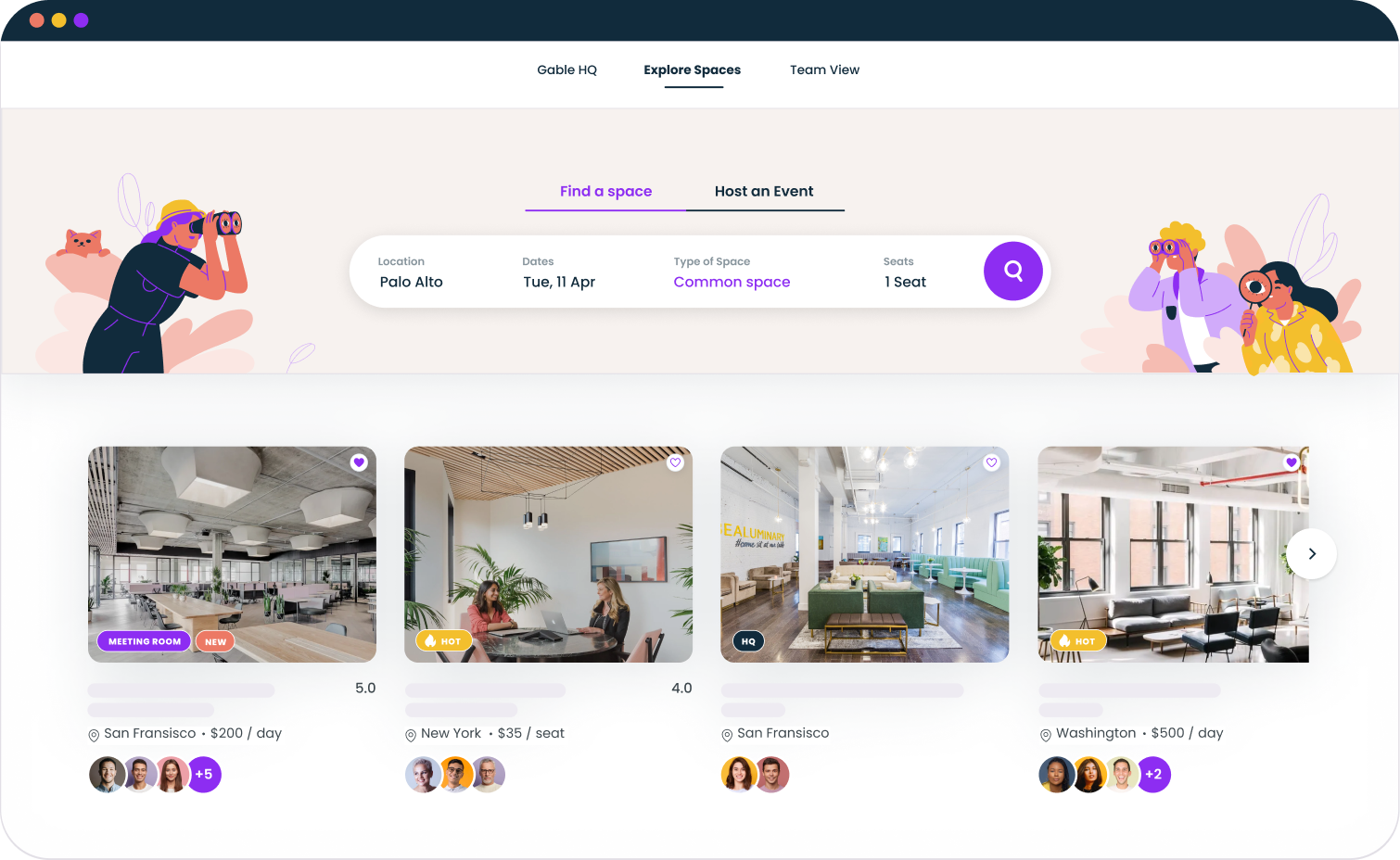
The tech stack that makes or breaks your offsite
Your technology choices can make virtual meetings fun and engaging or frustrating and disjointed. Plan for layers of tools that serve different purposes.
Video conferencing (Zoom, Google Meet, Microsoft Teams) handles large group sessions. Choose based on what your team already uses and what works reliably across everyone's setups.
Breakout facilitation requires more than basic video. Zoom breakout rooms work for simple splits. For more interactive sessions, platforms like Gather or Butter create environments that feel less like a formal meeting and more like actual mingling.
Async video through tools like Loom lets you pre-record content and create recap videos for people who couldn't attend live.
Collaboration tools like Miro, FigJam, or Notion enable real-time co-creation on a digital whiteboard tool. These are essential for workshops, brainstorming, and any session requiring visual thinking.
Communication hub means a dedicated Slack channel for the offsite. This serves as the schedule hub, announcement board, and social space throughout the event.
Pro tips: Test everything with a dry run. Never debut new technology on offsite day. Assign a dedicated tech support person for the entire event who can troubleshoot issues without disrupting sessions. Have backup plans: if Zoom fails, here's the Google Meet link.
Building connection without the cringe
Many virtual offsites fail because they're either all business with no connection time, or they're forced fun that makes everyone uncomfortable. Finding the middle ground takes intentional design.
What works:
Opt-in social time. Not everyone wants to do a virtual murder mystery or virtual happy hour. Offer multiple tracks for social activities so introverts and extroverts alike can engage in ways that feel natural. A virtual book club might appeal to different people than fun virtual games.
Small groups over large. Breakout discussions with 4-6 people create real conversation where everyone participates. A 50-person "happy hour" on video creates chaos where no one really connects. Use breakout rooms liberally.
Low-stakes sharing. Office tours where people show their home workspace, pet introductions, "what I'm watching" discussions: these feel natural rather than performant. The goal is helping remote team members see each other as whole people, not just faces in boxes.
Async social options. Photo challenges in Slack, shared playlists, interest-based threads: these let people engage on their own time and at their own comfort level.
What to skip: Anything that requires extroversion to participate. Improv games, talent shows as mandatory activities, anything that puts individuals on the spot in front of large groups. These create anxiety rather than connection for many team members.
For more specific activity ideas, check out our guide to remote team building activities that strengthen distributed teams.
Sending physical touchpoints to bridge the virtual gap
Physical items create shared experience and make the event feel real rather than just another day of remote work. Even small gestures help more team members feel connected to the team building event.
Budget options:
At $10-20 per person, consider a snack box, specialty coffee or tea, or a branded sticker pack. Simple but creates a moment of shared experience.
At $30-50 per person, you can do a full swag kit with items like a hoodie, quality notebook, and activity supplies for a planned session.
At $75+ per person, curated experience boxes work well: wine tasting kits, craft supplies for a DIY craft challenge, or meal kits for a virtual cooking session together.
Logistics tips: Order 6+ weeks early for international shipping. Include "do not open until [date]" instructions for items tied to specific sessions. Account for dietary restrictions and include alcohol-free options for any beverage kits.
Measuring whether your virtual offsite worked
Most companies skip measurement entirely, or send a generic "did you like it?" survey. This makes it impossible to improve for next time or justify the investment to leadership.
Measure immediately after (within 24 hours):
Survey participants on overall satisfaction (1-10 scale), agreement with "I feel more connected to my teammates" (strongly agree to strongly disagree), agreement with "the time commitment was appropriate," best and worst sessions, and open feedback.
Measure 2-4 weeks later:
Ask whether they've had follow-up conversations with someone they connected with at the offsite. Look at team collaboration metrics if you track them. Compare engagement survey scores if you're running one anyway.
Questions to ask yourself:
Did attendance hold throughout, or did people drop off after day one? Which sessions had the highest engagement based on chat activity and participation? What feedback themes emerged that you should address next time?
According to Gallup research, employees who feel connected to their organization's culture are 3.7x more likely to be engaged at work. Your offsite measurement should ultimately tie back to whether you're moving that needle.
Use findings to iterate. Your second virtual offsite should be meaningfully better than your first based on what you learned.
See how Gable helps workplace teams plan gatherings, book space, and track what's working, whether your team meets virtually, in-person, or both.
Get a demo


